The Easiest Way to Mass Unfollow Instagram in 2025
Last Updated on October 31, 2025 by Ethan Reynolds
You know that moment when you’re scrolling through your ig feed and realise amongst all the posts that half of them don’t even make sense anymore? Old classmates, weird meme pages, and people you were following during that pointless “follow for follow” phase a few years back. It’s all clutter, and to be honest, it just doesn’t feel like your feed anymore.
That’s when the idea of a mass unfollow pops into your head. You want to tidy things up, make your feed feel fresh and calm again, and only keep the people and pages that you’re actually invested in. But we all know manually unfollowing on Instagram is a nightmare – it’s incredibly time-consuming, like crawling through a Wikipedia article by clicking on links one by one.
Let’s talk about how to automatically unfollow in 2025, without risking having your account flagged or blocked.
Download Mass Unfollow App
iOS: Mass Unfollow Instagram
Android: Mass Unfollow Instagram
Can You Do a Mass Unfollow on Instagram?
Technically, you can. But there’s no getting around it – it’s not as simple as just hitting a big “unfollow all” button. Instagram has rules that stop you from unfollowing loads of accounts in one go – if your activity looks like it was automated, your account is gonna get flagged.
The trick is finding a happy medium – cleaning up your following list fast enough to make an impact, but not so fast that you get spotted. You can do a few at a time now and then, but even that is just plain boring – and who has the hours to just sit there unfollowing one person after another? That’s why most users end up using the best tool, third-party apps or tools that can safely do the mass unfollowing for you in a managed and sensible way.
Why People Mass Unfollow (and It’s Not What You Think)

A lot of people associate mass unfollowing with bots or shady growth tactics, but honestly, that’s not what most of us are doing.
You’re probably tired to death of scrolling through irrelevant posts. Or maybe your follower count has become a weird mix of audience you don’t even know, inactive profiles, and fake followers who never so much as like your stuff.
Clearing out the dead wood from your followers list can make a big difference. Your feed will start to feel fresh again – you’ll be seeing posts that genuinely inspire you, and not just a bunch of old digital noise cluttering up the place.
And if your goal is to grow your Instagram account the organic way, being intentional and honest is pretty crucial. A cleaner following list helps you gain followers and build a more genuine connection with the people who actually care about what you’re sharing.
Manual vs mass unfollow users tools – what really works for you
You’ve got two main options: do it yourself, the old-fashioned way, or bring in a tool to lend a hand
Manual unfollowing
Yeah, you can go back through your Instagram profiles one by one and tap that tiny unfollow button. It’s safe as houses, but it takes forever. They might even start to get a bit suspicious of you and slow you down, or hide the unfollow button if you do it too quickly.
Using third-party tools
Now that’s where the third-party tools or apps come in handy. Some of these best app options let you see your whole following list, sort out who doesn’t follow you back, and generally make it easier for companies to manage their accounts.
But be careful, a lot of these apps promise the world but often come from a developer, so note that they may end up asking for your password or behaving in a way that sets off Instagram’s spam filters.
Stick with apps that use secure connections and don’t get too clever with Instagram’s limits – that way you won’t end up with any nasty surprises.
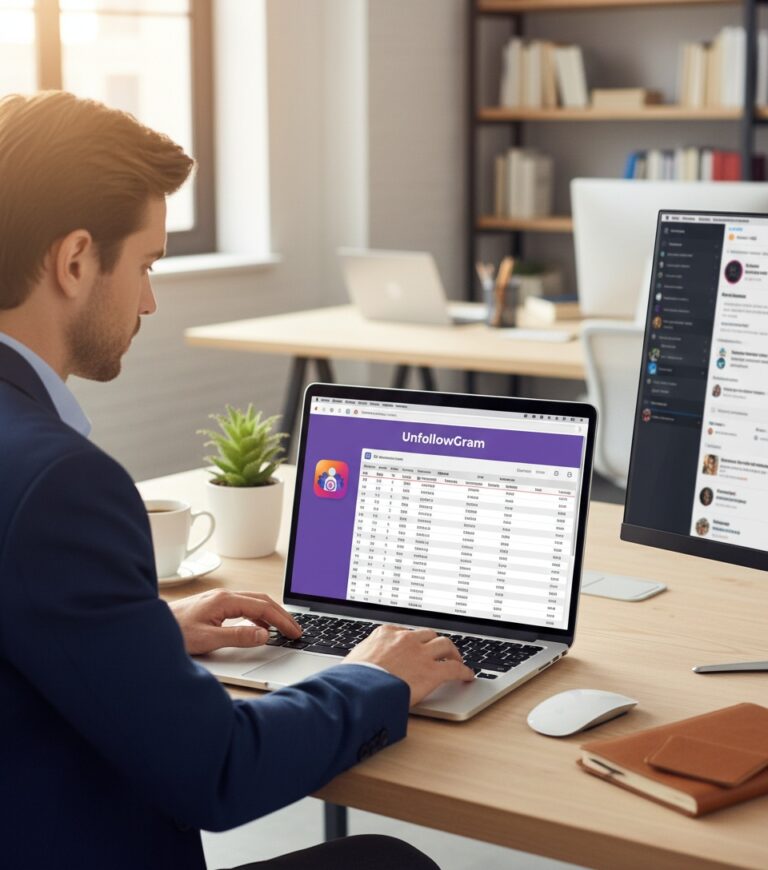
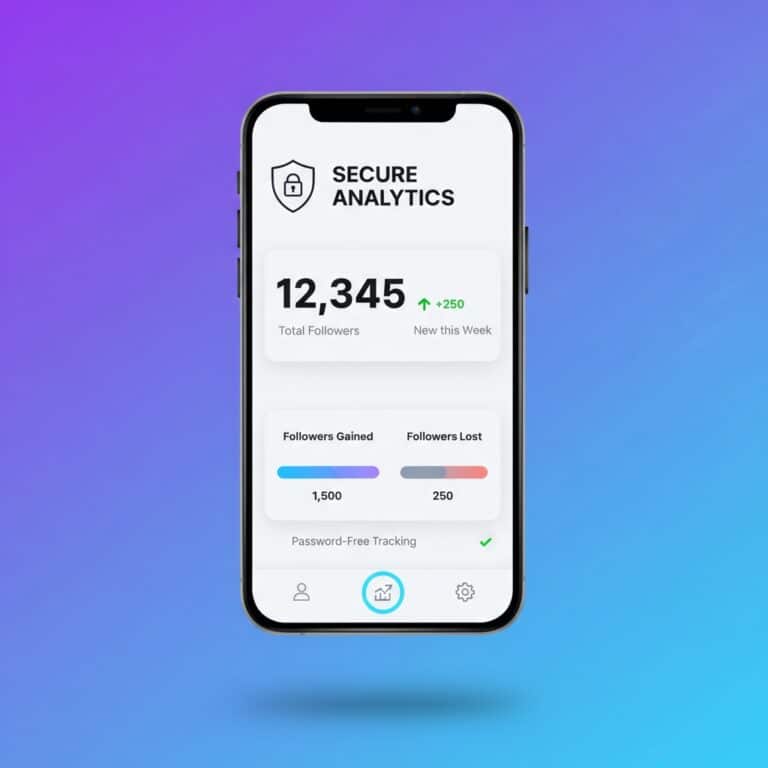
One example is UnfollowGram – it’s a free Instagram follower tracker that’s designed with your safety in mind. It’s a tool that lets you see who has unfollowed you, who doesn’t follow back, and where your engagement numbers are at. No logins or dodgy behavior in sight.
Step-by-Step: How to Mass Unfollow on Instagram Safely

Here’s a simple process that actually works in 2025:
- Audit your following list.
Check which accounts you genuinely engage with and which ones you scroll past every time. - Use a trusted tool.
Try UnfollowGram or its iOS app to identify people who don’t follow you back, ghost followers, or inactive users. - Unfollow in small batches.
Keep it natural—30 to 50 at a time, with a few hours of rest between each round. Instagram tracks patterns, so spacing it out helps you stay safe. - Respect the limits.
Don’t unfollow more than 100–150 users per day. Think of it like a time interval for digital decluttering. - Check your feed.
After every session, take a look at your feed. You’ll instantly feel the difference once the noise starts to fade.
This isn’t about trying to trick the system. It’s about using structure and intention so your Instagram account stays safe and authentic without resorting to auto-follow tactics.
How to Avoid Getting Blocked or Banned
Instagram wants to protect real people, not bots. So when you act like a bot, rapid auto follow, mass likes, or unfollowing people too fast, it starts to notice.
A few things to keep in mind:
- Breaks matter. Wait at least an hour or two between unfollow sessions.
- Avoid “auto” anything unless you trust the app completely.
- Keep it human. Don’t repeat the same patterns too fast or too often.
- Watch for action limits. If Instagram tells you to slow down, do it.
Following these small rules helps you keep your account from being banned or blocked, while still letting you tidy up your space.
Cleaning Your Feed – It’s About More Than Just Numbers
Mass unfollowing isn’t just about some numbers game, especially when you consider the videos and content that really resonate with you. It’s about the actual feeling when you open your Instagram app.
When your feed is full of real people and genuinely interesting content, the whole experience feels different. You’re no longer just mindlessly scrolling – you actually start to engage again.
You can even take things a step further. Check out UnfollowGram’s Instagram Story Viewer to gather insights and quietly see who’s been checking out your stories. Look for patterns and interact with people who are still actually interested in what you have to share.
It’s not about cutting ties with everyone – it’s about making your online space feel more intentional again.
That’s The Final Thought Here
Doing a mass unfollow on Instagram isn’t about being brutal or obsessed with the numbers game. It’s about getting back control of your time and attention, whether for pleasure or business.
Social media can easily start to feel like a big noise-filled mess, but when you tidy up, you start to remember why you even opened the app in the first place – to connect with others, get inspired, and share the things that really matter.
Start with a few – take out a handful of accounts that just aren’t worth your time. Then clean out a few more. Before long, your feed will start to feel a lot lighter, a lot calmer, and honestly, a lot more like who you are.
Sometimes the best way to grow as a person is to let go of the stuff that’s holding you back.

Ethan (co-founder) is a seasoned social media marketing strategist with over a decade of experience in digital branding, audience growth, and engagement strategies. He holds a Bachelor's degree in Marketing and has earned multiple certifications, including the Meta Certified Digital Marketing.
Ethan has worked with global brands to refine their social media presence, leveraging data-driven insights and cutting-edge strategies to optimize engagement and retention. As the founder of a boutique social media consultancy, he has helped influencers, businesses, and startups scale their online presence organically. He is also a frequent contributor to industry publications and a speaker at digital marketing conferences.