
Instagram App Data Theft Risks Explained
Last Updated on March 15, 2026 by Ethan
Instagram app data theft risks are real, but they usually don’t look like “someone hacked Instagram and got your password.” Most of the time it’s quieter: scraped profile data, leaked contact info, shady third-party apps, and phishing that’s so believable you almost click it.
The goal here is simple: help you understand what can actually be stolen through Instagram, what the January 2026 leak means in practical terms, and what you can do today to reduce your risk without going full paranoid mode.
I’ve tested follower trackers, analytics tools, and “growth” apps on plenty of accounts over the years (small creators, big creators, agency-managed pages, you name it). And yeah, I’ve made dumb security choices before too. It happens. And yeah, let’s try to keep it from happening again.
TL;DR: Instagram data theft often involves scraped profiles, leaked contact info, and sophisticated phishing rather than direct hacks. That January 2026 leak dumped about 17.5 million user records, which is a pretty good reminder that your info can get out there without anyone “breaking into” your account. If you want to keep things tighter, don’t casually connect random third-party apps, and remember public accounts usually get scraped a lot more.
What “data theft” looks like on Instagram, because it’s not always your password.
When most people hear “data theft,” they picture some stranger logging in and taking over. That can happen. But the more common Instagram app data theft risks are about information being exposed or harvested, then used to target you.
Here’s the way I think about it, and it tends to make more sense. Direct compromise is when someone actually gets into your account, like a stolen password, a hijacked session, or you getting talked into handing over a 2FA code.
- Indirect exposure: your email/phone/name gets leaked or scraped, which makes targeted attacks way easier.
- Third-party siphoning: you hand over access to an app that asks for way too much, then it stores, sells, or leaks your data.
And the annoying part? You can do everything “right” and still be impacted if your contact data is already floating around from an older exposure.
Counterintuitive (but true): public data is the easiest data to weaponize
You’d think private accounts are the main target. But actually, public accounts get swept up in scraping and “list building” way more because the data is cheap to collect at scale.
I’ve seen creators with totally clean security practices still get hammered with hyper-specific phishing, purely because their email or phone number got tied to their username somewhere along the line. Not fun.
The January 2026 incident: what happened and why it matters
In early January 2026, a dataset tied to roughly 17.5 million Instagram user records started circulating on dark web forums. The reporting pinned it to a threat actor called “Solonik,” and the data looked like it had been harvested through an API weakness back in 2024.
Several writeups covered it, including Cyber Press’ summary of the Instagram leak and CentralEyes’ reporting on the 17.5M-record exposure and Meta’s response. Meta’s public stance was basically: “No direct breach of our systems.” And honestly… they can be “technically right” while you’re still dealing with fallout.
No passwords were exposed in the reporting. That’s good. But leaked contact data is still a mess because it fuels the stuff that actually steals accounts: social engineering, phishing, SIM swaps, and convincing impersonation.
One detail that lined up with what I see in real life: people started reporting unsolicited password reset emails around January 8, 2026. That timing screams “attackers moved fast.” The second a dataset is verified, it gets used.
What data was reportedly exposed
- Usernames and full names
- Email addresses
- Phone numbers
- User IDs
- Partial location data (in some cases)
Even without passwords, this is enough to tailor attacks that don’t feel like spam. They feel “personal.” That’s the point.
How Instagram data gets stolen (the mechanisms, not the scary headlines)
Here’s the “How It Works” version, plain English:
- API and scraping: data that’s accessible gets collected at scale, then packaged into datasets. It might be from a bug, a misconfiguration, or just aggressive scraping.
- Phishing funnels: you get a fake login page, fake “copyright claim,” fake “verification warning,” or fake “password reset,” and you hand over credentials or a 2FA code.
- Session hijacking: malware or a shady browser extension grabs cookies/session tokens. No password needed.
- Third-party app abuse: an app asks for login credentials (huge red flag), or it gets permission through a sketchy flow, then stores data it shouldn’t.
And yes, a lot of this starts outside Instagram. Your email inbox and phone number are basically “attack surfaces” now. I hate that term, but it fits.
Failure mode #1: the “password reset” trap (where smart people still get caught)
Where this gets weird is how often the attacker doesn’t need your password at all. They just need you to approve something.
You get a reset email. You click. You land on a page that looks legit. You type your password. Then it asks for a 2FA code “to confirm.” You enter it. Done. They log in immediately while that code is fresh.
I’ve watched this happen to a brand account that “never clicks links.” Except they did, once, because the email included their real username and a recent post title. That detail is exactly why leaked datasets matter.
Failure mode #2: SMS 2FA when your phone number is already out there
SMS-based two-factor authentication feels safer because it’s “two-factor.” But if your phone number is part of an exposed dataset, SIM swap risk goes up. A lot.
I learned this the hard way, helping a creator who kept getting locked out every coupleof months. Turned out their carrier account was the weak link, not Instagram. Brutal.
What’s actually at risk for regular people (and creators) in 2026
Think of the risk in layers. Some are annoying. Some are expensive. Some are personal.
1) Targeted phishing that sounds like it’s from Instagram
If an attacker knows your username, email, and phone number, they can craft messages that don’t read like junk. They can also time them around real events, like when you change your bio, run an ad, or go viral.
One lived-detail thing I notice a lot: when an account has a sudden spike in followers, the phishing attempts spike too, usually within 24 to 72 hours. It’s like clockwork. Creepy, right?
2) SIM swapping and account takeovers
If your number is leaked, the attacker’s job is easier. They’ll try to convince your carrier to move your number to a new SIM, then intercept SMS codes. That’s how “I had 2FA on” still turns into “my account got taken.”
3) Doxxing and stalking risk (yes, even from partial location data)
Most people don’t think partial location data matters. But combined with posting patterns and tagged places, it can narrow you down fast.
And if you’re a creator, a local business, or you post your routine a lot… you already know where that can go.
4) Reputation and brand damage
Once someone’s in your account, they don’t always post obvious scam Stories. Sometimes they just DM your followers. Quietly. That’s the nightmare version because you don’t notice until people start replying “is this you?”
How to reduce Instagram app data theft risks (what I actually tell clients to do)
This isn’t a “buy 14 security products” thing. It’s a handful of moves that remove the easy wins for attackers.
- Switch to authenticator-app 2FA (not SMS)Use an authenticator app for codes. If someone pulls off a SIM swap, they don’t automatically get your login codes too.
- Stop clicking reset links you didn’t requestIf you didn’t initiate a reset, don’t touch it. Go directly to Instagram and change your password from inside the app if you’re worried. (I know, it feels “extra.” It works.)
- Audit third-party access and remove anything you don’t recognizeOld tools pile up. Social schedulers, “auto DMs,” giveaway pickers, analytics. If you don’t actively use it, cut it.
- Use a unique password and a password managerBoring advice. Still undefeated. If your IG password is reused anywhere, you’re basically playing roulette.
- Lock down your email and carrier account tooYour Instagram security is only as strong as your email inbox and your phone number. Put 2FA on your email. Set a carrier PIN if your provider supports it.
Quick diagnostic: are you being targeted right now?
- You get multiple password reset emails you didn’t trigger
- Friends receive “hey can you vote for me” DMs that aren’t you
- You see login alerts from unfamiliar locations/devices
- Your phone suddenly loses service (SIM swap warning)
If any of those are happening, act like it’s active, not theoretical.
Third-party apps: where most people accidentally hand over the keys
Look, I’m not anti-tool. I use tools. But the sketchiest Instagram app data theft risks are tied to apps that ask for your login or push you into weird “verification” flows.
Here’s the blunt rule I go by: if an app wants your Instagram password, close it. Not “maybe.” Close it.
What safer tools do differently
- They don’t request your IG password (ever)
- They don’t ask for suspicious permissions that don’t match the feature
- They work with public data when possible, instead of pretending they can magically see private insights
If you’re trying to evaluate follower trackers specifically, this breakdown of when unfollower apps are safe and when they’re a problem is the exact stuff I wish people would read before they install random apps at 2 a.m.
And if you want a simple screen before you connect anything to your account, use this tracker safety checklist for Instagram tools. It’s basically the “avoid regrets” list.
Lived-detail: bigger accounts get a different kind of risk
On larger accounts (especially 50k+), I’ve noticed attackers are less likely to spam obvious scam links and more likely to do slow, stealthy stuff: change the email, add a new login method, or quietly message top followers. It’s creepily strategic.
Also, some follower analytics tools start timing out or returning partial results on huge following lists. People assume “bug,” then they reconnect accounts and grant more permissions than they should. That’s how the tool becomes the risk.
What Instagram Insights can and can’t tell you (and why people reach for risky apps)
A lot of people install third-party trackers because they want one specific thing: “Who unfollowed me?” Instagram doesn’t hand that over cleanly, and that gap creates a market.
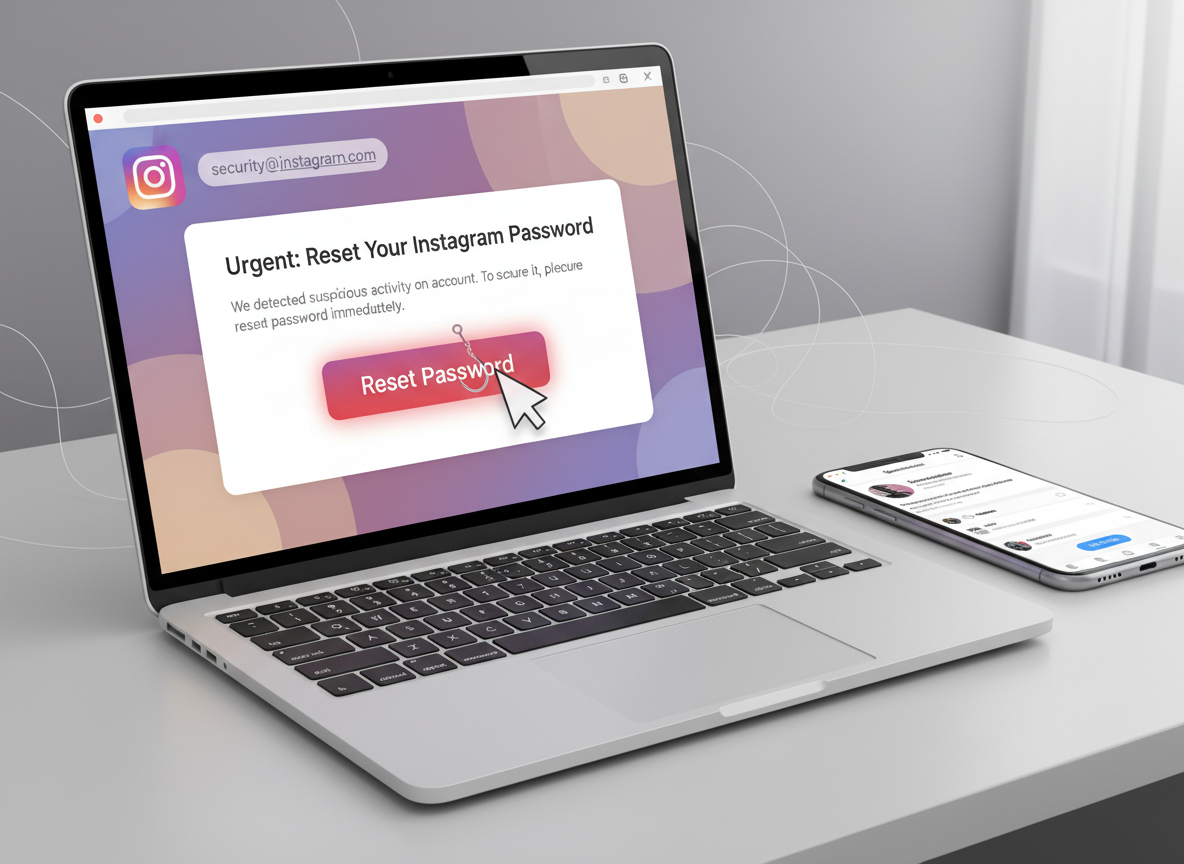
Illustration for instagram app data theft risks article. A realistic illustration of a laptop screen
This is why comparing native analytics to third-party tools matters. If you’re unsure where the line is, this explainer on Instagram Insights vs third-party analytics lays out what you’re giving up when you connect external apps.
One thing I’ll say from experience: most people don’t need more data. They need cleaner data. The more random tools you connect, the messier and riskier it gets.
Common mistakes I see constantly (and yeah, I’ve done a couple of these)
- Relying on SMS 2FA because it feels “good enough.” It’s not, especially if your number is already in circulation.
- Assuming “Meta denied a breach” means “no danger.” You can still be targeted off leaked contact data.
- Giving credentials to a follower tracker because you’re annoyed and want answers fast. I get it. Still a bad move.
- Overcorrecting and installing five security apps that create new attack surfaces. More apps is not always safer. Actually, it can be worse.
And yeah, I’ve clicked a “your account will be disabled” email years ago. I didn’t enter my password, but my heart rate still spiked. That feeling is what scammers are selling.
Limitations (what this won’t tell you)
This article won’t tell you whether your specific username is inside the January 2026 dataset, because those lists move around and get re-posted in different forms. Also, even if your info wasn’t in that specific leak, you can still be targeted through older breaches of email providers, phone carriers, or other apps you’ve connected over the years.
One more caveat: if your account is private, you reduce scraping risk, but you don’t eliminate phishing risk. Attackers don’t need your follower list to send you a convincing DM.
How UnfollowGram Follower Tracker helps reduce tool-related data risk
A big chunk of Instagram app data theft risks comes from people trying to track Instagram unfollowers and follower changes using apps that demand logins. That’s exactly why I like tools that don’t ask for your password in the first place.
UnfollowGram Follower Tracker was built around that idea: you can check follower changes for public accounts without handing over Instagram credentials. If you want the “who unfollowed me” type of visibility but you’re trying to avoid the sketchiest part of the ecosystem, a no-password approach is the direction I’d go. For context, here’s a no-password Instagram unfollower tracker for public accounts that shows what that model looks like in practice.
It’s not magic, though. It won’t unlock private data or bypass Instagram limits (and any tool claiming it can is waving a red flag). If you want to compare different options and the tradeoffs, these Instagram unfollow tracker app reviews are a decent reality check. And if your goal is safer, lightweight stats without risky permissions, this piece on getting Instagram analytics without adding security risk matches what I typically recommend to clients.
FAQ
Can someone steal your info through Instagram?
Yes. They can harvest public profile info, and if your email/phone is leaked elsewhere, they can use Instagram to target you with phishing or impersonation attempts.
Is Instagram stealing my data?
Instagram collects and uses data for ads and product features, but that’s different from “stealing.” The bigger risk for most people is scammers or third-party apps abusing data access or leaked datasets being used against you.
What are the security risks of Instagram?
The main risks are phishing, account takeover (often via stolen 2FA codes or SIM swaps), malicious third-party apps asking for credentials, and exposure of contact data that enables targeted scams.
Did Instagram have a data breach recently?
In January 2026, a large dataset tied to around 17.5 million records circulated publicly and was linked to older API harvesting; Meta denied a direct system breach, but the exposed data can still create real user risk (see reporting like Cybersecurity Insiders’ breakdown).
What’s the safest type of 2FA for Instagram?
An authenticator app is generally safer than SMS because it isn’t tied to your phone number, which can be vulnerable to SIM swaps.
How do I know if a follower tracker app is risky?
If it asks for your Instagram password or pushes you into weird login pages, treat it as high-risk and avoid it.
Conclusion
Instagram app data theft risks aren’t just about “hackers cracking passwords.” The bigger day-to-day danger is leaked contact info, phishing that feels real, SIM swaps, and third-party apps that ask for way too much access.
If you do only a few things, make them these: switch to authenticator-based 2FA, stop trusting unsolicited reset links, and be ruthless about which tools you connect to your account. And if you’re tracking followers, stick with options that don’t ask for your password, like UnfollowGram Follower Tracker at unfollowgram.com.





