
App to See Who Unfollowed You on Instagram
Last Updated on January 9, 2026 by Ethan
Your follower count dropped. You noticed. Now you’re sitting there wondering who it was.
Was it that coworker you had tension with last week? Is your ex finally hitting unfollow months later? That friend who’s been distant? Or just some random person you don’t even remember following you?
Instagram won’t tell you. They show you a number, not names. So you need an app to figure it out.
Find Out Who Unfollowed You
Download Who Unfollowed You AppSee exactly who left • Names and profiles • Safe to use
The “Who Was It” Question
This is different from just wanting analytics or reports. You want a name. Maybe you have someone specific in mind, and you want to confirm.
I’ve been there. Noticed my count drop by one. Had a gut feeling about who it might be. Spent way too long scrolling through my followers trying to spot who was missing. Didn’t find anything because how do you notice one person gone from 800?
That’s the frustrating part. Instagram gives you enough information to know SOMETHING happened, but not enough to know WHAT.
Why You Probably Want to Know
People search for unfollower apps for different reasons. Most aren’t about vanity metrics.
Someone specific is on your mind. You argued with a friend. Things got weird with a coworker. You’re wondering if your ex finally unfollowed after months. The uncertainty bugs you more than the actual unfollow would.
You noticed a pattern. Your count keeps dropping after you post certain things. You want to know if it’s the same type of person leaving each time. Are you losing followers because of your political posts? Your promotional content? Your new posting schedule?
You’re curious about someone’s behavior. Did they unfollow but still watch your stories? Still like your posts occasionally? That tells you something different than a clean break.
You want closure. Sometimes knowing is better than wondering. Even if the answer hurts a bit.
What the Right App Shows You
A good unfollower app tells you exactly who. Not just “you lost 3 followers”, but which three people?
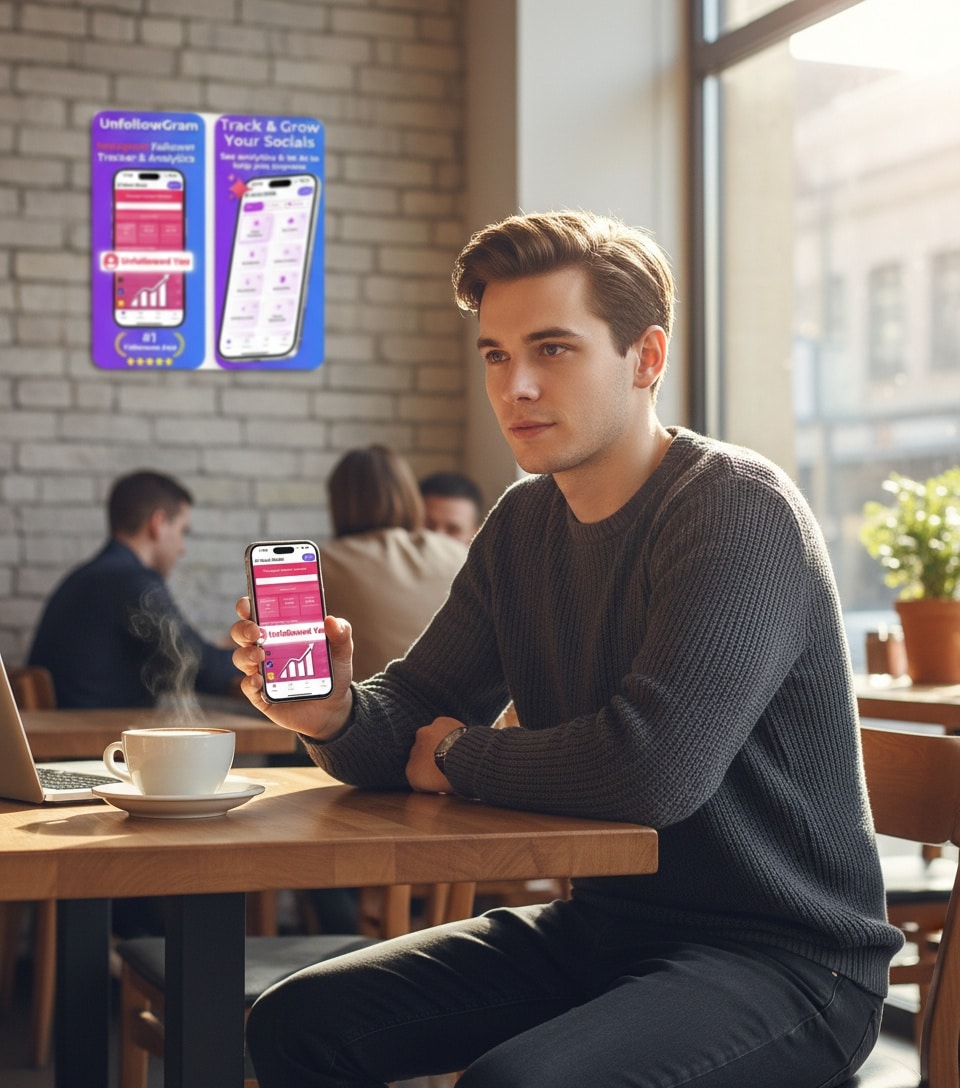
UnfollowGram shows:
- Profile pictures and usernames of unfollowers
- When the app detected them leaving
- A running history so you can look back
You tap in, you see the names, you know. No guessing, no scrolling through your follower list hoping to spot who’s missing.
For the full process of how to see who unfollowed you on Instagram, there’s a detailed guide. But the short version: add your username, wait for the scan, check your unfollowers list.
The Catch with Most Apps
Most unfollower apps want your Instagram password. They need to log into your account to grab data quickly.
The problem is, Instagram detects third-party logins. Their security system flags it as suspicious activity. Depending on how aggressive their algorithm feels that day, you might get action blocked, restricted, or, in rare cases, suspended.
I’m not being dramatic. The App Store is full of one-star reviews from people who got their accounts messed up using follower apps. Check the reviews yourself if you don’t believe me. Sort by recent. Read the complaints.
UnfollowGram skips that risk entirely. No password means no third-party login. No third-party login means nothing for Instagram to flag. Your account stays clean.
How Long Until You Know
Here’s the honest part.
Apps that require your password can tell you instantly because they’re actively logged into your account. Everything syncs immediately.
Safe apps like UnfollowGram work differently. They take snapshots of your follower list and compare them over time. First scan creates a baseline. The second scan shows what changed.
Means you won’t know who unfollowed you TODAY until the next check. Usually within 24 hours. Not instant, but not crazy slow either.
Worth the tradeoff? I think so. Knowing tomorrow beats losing your account today.
What If You Want to Know About Someone Specific
Sometimes you don’t care about your general unfollowers. You just want to check one person.
Easiest way: go to their profile, tap their followers, search for your username. If you’re there, they follow you. If not, they don’t.
Simple but tedious if you’re checking multiple people. And it doesn’t tell you WHEN they unfollowed, just that they did.
The app approach is better for ongoing tracking. Once someone unfollows, they show up in your list with a timestamp. You’ll know it happened this week versus this month versus six months ago.
After You Find Out
So now you know. What do you actually do with that information?
If it’s someone you don’t know: Probably nothing. Random people unfollow all the time. They cleaned up their following list, lost interest, or quit Instagram entirely. Not personal.
If it’s someone you do know: Up to you. Some people confront it. Some people let it go. Some people unfollow back (petty but understandable). Some just file it away as information.
If you see a pattern: Maybe worth examining. Losing followers every time you post sponsored content? That’s feedback. Losing followers after controversial opinions? Also feedback. Doesn’t mean you should change, just that you should know.
Personal take: I stopped reacting to individual unfollows years ago. Now I just note patterns. One person leaving tells me nothing. Ten people leaving after a specific post tells me something useful.
Related Stuff You Might Also Want
If you’re already looking into unfollowers, you might also care about:
Non-followers: People you follow who don’t follow back. Different from unfollowers but related. The who doesn’t follow me back app handles this.
Recent follows you made: Who have YOU recently followed? Sometimes useful to review. The new follow tracker shows this.
Cleaning up your following list: After seeing your non-followers, you might want to unfollow some of them. Just go slow. The mass unfollow guide explains how to do it without getting action blocked.
Profile viewing: Want to check someone’s profile without accidentally liking something from 2019? The profile viewer lets you browse safely.
Quick Setup
If you just want to find out who unfollowed and be done with it:
- Download UnfollowGram (free on iOS, web version for everyone else)
- Add your Instagram username
- Wait for the initial scan
- Check back after some time passes
- See who unfollowed in your list
First check establishes baseline. The second check shows changes. Pretty simple.
Common Questions
Can I see who unfollowed me before I got the app?
No. The app compares snapshots going forward. Can’t show you historical unfollows from before you started tracking. Only catches future ones.
Will they know I’m checking?
Nope. Nothing sends them a notification. You’re just viewing data on your end.
What if they block me instead of unfollowing?
Blocking and unfollowing look the same in your follower count. Both result in them not following you. The app shows them as gone either way.
Can I see who unfollowed someone else?
If their account is public, you can track it. Add their username and monitor changes. Useful for watching competitors or just being nosy.
Bottom Line
You want to know who unfollowed you. Makes sense. The wondering is annoying.
UnfollowGram shows you exactly who. Names, faces, timestamps. No password required, so no risk to your account.
Find out, satisfy your curiosity, move on. Or track it ongoing if you want to spot patterns. Either way, you’ll actually know instead of guessing.
More: Unfollowers Tracker • Story Viewer • All Features

Ethan is the founder of UnfollowGram with more than 12 years of experience in social media marketing. He focuses on understanding how Instagram really works, from follower behavior to engagement patterns, and shares those insights through UnfollowGram’s tools and articles.





