

Block vs Unfollow vs Restrict on Instagram
Last Updated on January 26, 2026 by Ethan
Block, unfollow, and restrict aren’t “three ways to get rid of someone” on Instagram. They’re three totally different tools that affect visibility, interaction, and messaging in very specific ways.
If you’re stuck on block vs unfollow vs restrict Instagram, here’s the real-world takeaway: unfollow is for curating your feed quietly, restrict is for controlling how someone can interact with you without setting them off, and block is the hard stop when you want zero access.
I’ve used all three on creator accounts, client accounts, and my own (sometimes after way too much overthinking). Here’s what really changes, what doesn’t, and which option will probably save you the most headaches, depending on what you’re dealing with.
TL;DR: Block, unfollow, and restrict serve different purposes on Instagram. Unfollow just cleans up your feed and they won’t get a notification, restrict quietly dials back how much they can bug you, and block is you saying, nope, no access at all. Use restrict for less dramatic situations where you want to minimize engagement without escalation.
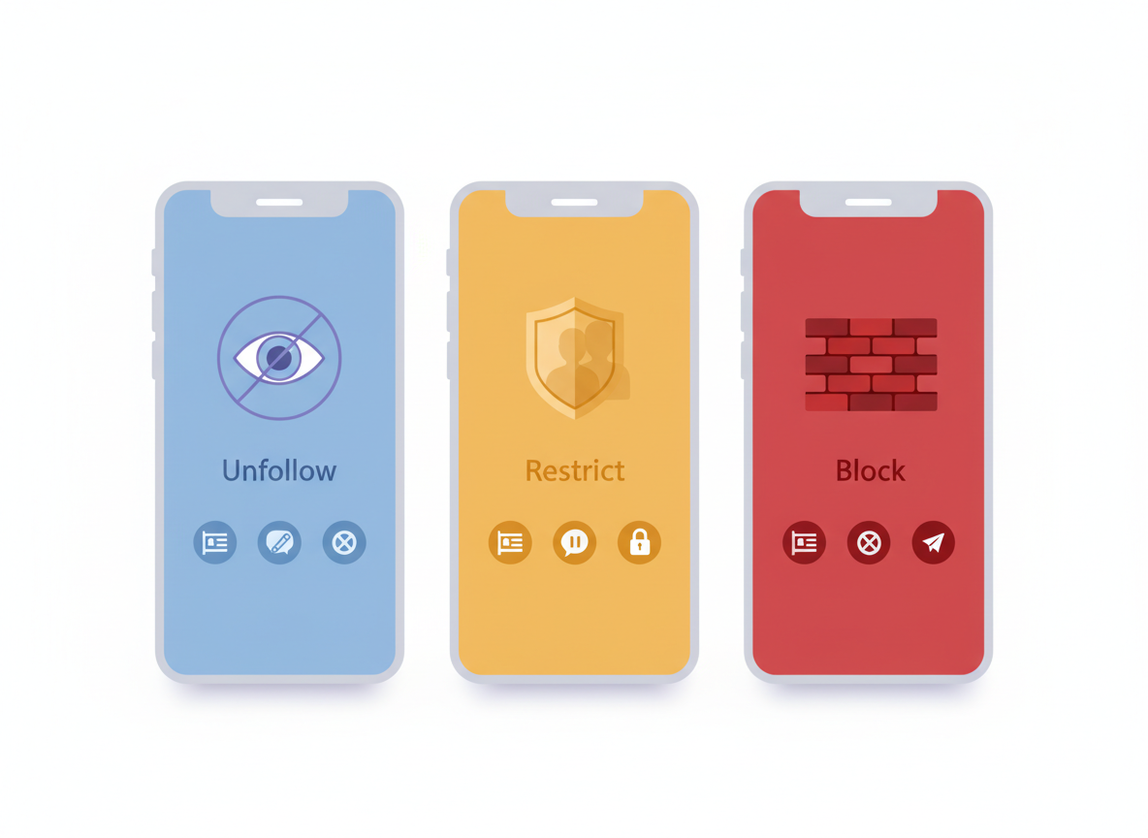
Quick comparison, block vs unfollow vs restrict on Instagram. And honestly, if you only read one part, make it this one.
- Unfollow: You stop seeing their posts/Reels in your feed. But they can still see your profile and interact like normal, at least in most cases. No notification.
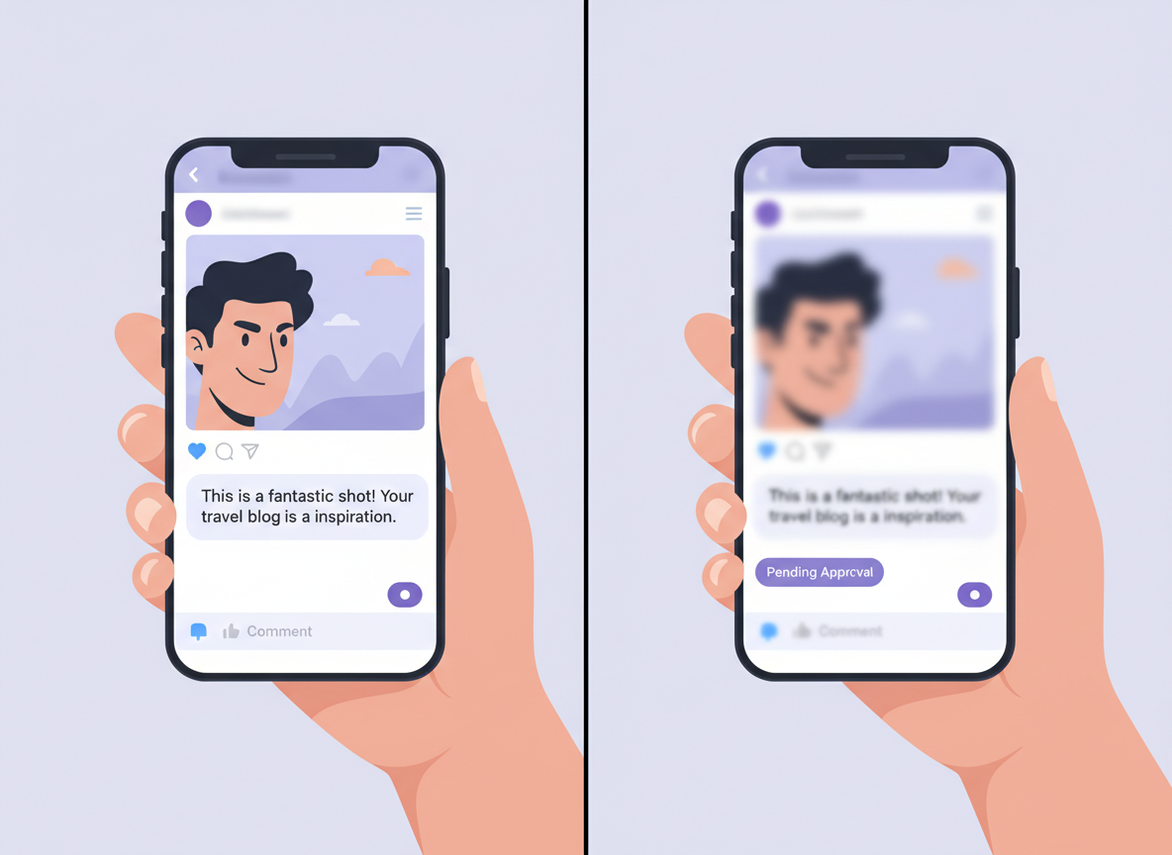
- Restrict: They can still see your content, but their comments become “shadowed” (only they see them unless you approve), and DMs go to Message Requests. They usually won’t know.
- Block: They can’t find or view your profile, posts, Stories, or message you. It’s the clean cut.
Here’s the counterintuitive part nobody tells you: restrict is often better than block when you’re dealing with a “persistent but not dangerous” person, because blocking can escalate things (new accounts, texting you, talking about it), while restricting quietly removes their ability to get a reaction.
How it works (what Instagram is actually changing)
Instagram has a few different “layers” it can change when you take an action on someone:
- Content visibility: who can see your profile, posts, Stories, Reels.
- Interaction permissions: who can comment, tag, mention, reply to Stories, collaborate, etc.
- Messaging routing: whether DMs go straight to your inbox or get filtered.
- Social graph: whether you still follow each other, which affects what you see and sometimes what gets suggested.
Blocking hits almost all layers at once. Restrict mainly hits interaction and messaging. Unfollow mostly hits the social graph (your feed), and barely touches anything else.
And yes, the algorithm plays a role too. If you unfollow someone, you’re reducing signals that you care about their content. If you restrict someone, you’re not “downvoting” their content so much as controlling how they can reach you. If you block, you’re removing the relationship entirely. If you like this kind of platform behavior breakdown, Buffer’s overview of how ranking signals work is one of the clearer reads out there: how Instagram’s algorithm prioritizes content.
Unfollow: the quiet, drama-free option (usually)
Unfollow is the simplest. You stop following them. That’s it.
What changes when you unfollow
- Their posts and Reels won’t show up in your feed (unless Instagram still surfaces something via Explore or a share).
- You won’t see their Stories at the front anymore.
- If your account is private, they might lose access if they were only seeing your content because you followed them (depends on whether they follow you and whether you accepted them).
What does NOT change
- They can still view your public content.
- They can still comment on your posts.
- They can still DM you (unless you’ve restricted them or changed message settings).
- Instagram does not send them a notification.
Look, I get asked a lot whether Instagram tells someone when you unfollow them. It doesn’t, but yeah, people usually catch on eventually, especially if it’s a smaller account and you’re in each other’s orbit. If you want the specifics spelled out, this breakdown is accurate: whether Instagram notifies someone when you unfollow.
Lived detail from the trenches: on accounts under about 2,000 followers, unfollows get “felt” more. People check their follower list manually (wild, but true). On bigger creator accounts, unfollowing is basically invisible unless the person is already watching you like a hawk.
If you want the full behavioral chain reaction, I like pointing people to this explainer: what happens when you unfollow someone on Instagram.
When I’d use unfollow
- You’ve outgrown the content (friends from high school, old clients, random meme pages you don’t enjoy anymore).
- Engagement bait accounts that clog your feed.
- You want distance, not a confrontation.
One vulnerable confession: I used to “revenge unfollow” when someone annoyed me. It felt satisfying for about eight seconds. Then I’d spend an hour thinking about whether they noticed. Not my finest era.
Restrict: the stealth setting for annoying or pushy people
Restrict is Instagram’s best feature that almost nobody uses properly.
What restricting someone actually does
- Comments: Their comments are only visible to them unless you approve them.
- DMs: Their messages go to your Message Requests (and you don’t get the same “ping” pressure).
- Status signals: They won’t see when you’re active or if you’ve read their message (in many cases, depending on your settings and how Instagram rolls it out).
So you’re not removing them from your audience. You’re removing their ability to be loud in your space.
I tested this on a client account last month because we had a repeat commenter who was technically “not breaking rules” but constantly trying to start fights. Restricting them stopped the public mess immediately. The funniest part? They kept commenting for days, totally unaware nobody else could see it. Brutal. Effective.
When restrict is the best move
- A follower who’s always “joking” but it’s not funny.
- Someone who DMs too much and gets weird when you don’t reply fast enough.
- Ex-friends you don’t want to block because you share a community.
- Mild spam that you don’t want to reward with attention.
And yeah, if you’re comparing block vs unfollow vs restrict Instagram specifically for “keep the peace,” restrict wins a lot more often than people expect.
Failure mode: where restricting gets weird
Restrict doesn’t stop them from seeing your content. If your real problem is “this person is watching everything I do,” restricting won’t fix that. It only reduces their ability to touch you (comments/DM friction), not their ability to lurk.
Also, restrict isn’t a force field. If they screenshot your Stories, share your posts, or talk about you elsewhere, restrict doesn’t prevent any of that.
If you’re stuck in that middle zone where you want distance but don’t want to nuke the connection, you might be thinking about a soft block. I wrote up the nuance here: when to soft block vs restrict.
Block: the hard cut (and when it’s actually worth it)
Blocking is the “you’re done here” option. No debate.
What happens when you block someone
- They can’t see your profile, posts, Stories, or Reels.
- They can’t message you, tag you, or mention you.
- Past DMs can get weird depending on the app version, but the connection is effectively severed.
In practice, block is what I use for harassment, stalking behavior, repeated boundary crossing, or someone who’s clearly running a burner account farm. Simple.
Lived detail: on larger accounts, blocking can feel like playing whack-a-mole. You block one account, a new one pops up with the same profile photo five minutes later. That’s not you imagining things. It’s common, especially if you post controversial content or have any kind of public-facing brand.
When block is the right move
- Threats, hate speech, doxxing vibes, or sexual harassment.
- Someone repeatedly evading boundaries (new accounts, constant DMs, obsessive commenting).
- You’re cleaning up fake engagement or scam accounts that keep coming back.
A smart extra step before you block
If the behavior breaks rules, report first, then block. Reporting creates a signal for Instagram’s moderation systems. Blocking alone only protects you. Reporting helps protect other people too.
Quick tangent: Instagram’s enforcement and spam detection changes constantly, and a lot of “old tricks” don’t work anymore. If you manage accounts at scale, keep an eye on platform-limit reporting and action blocks. These limit roundups are handy for reference: current Instagram action limits and Instagram restriction and engagement limit notes.
So which one should you use? Real scenarios (not theory)
Here’s how I decide, fast, without spiraling.
Scenario 1: You’re tired of their content
Unfollow. Or mute if you still want to “stay connected” socially. Blocking here is overkill, and restricting doesn’t solve the actual problem (your feed quality).
Scenario 2: They comment annoying stuff but you don’t want drama
Restrict. It’s basically a pressure-release valve. You keep your page calm without triggering the “why did you block me??” conversation.
Scenario 3: They’re DMing you nonstop and guilt-tripping you
Restrict first. If they escalate, then block. I’ve seen creators go straight to blocking, and it sometimes triggers more attempts through alt accounts.
Scenario 4: Harassment, stalking, or repeated boundary crossing
Block. Then clean up privacy settings, Story controls, and consider turning off DMs from people you don’t follow.
Scenario 5: A follower unfollowed you and you’re tempted to react
Don’t rage-block. I know, I know. But it’s usually not that deep.
If you’re trying to decide between unfollowing them back or removing them from your followers, that’s a different choice than restrict/block. This comparison is worth a quick read: unfollow vs remove on Instagram.
Common mistakes I see (and yes, I’ve made a couple)
- Using block as a first response to mild irritation: It clutters your mental “management” and can cause needless social fallout.
- Thinking restrict hides your content: It doesn’t. It just limits how they can interact and how much they can bug you.
- Mass unfollowing in a short burst: This is how people trigger action blocks and temporary restrictions, especially if they’re also mass liking/commenting.
- Doing “cleanup days” with everything at once: Unfollow spree + follow spree + 50 likes + story replies. That behavior pattern screams automation, even if you’re human.
Lived detail: I’ve watched accounts get temporary action blocks after doing what felt like “nothing,” like unfollowing 150 accounts in an hour while also replying to DMs. Instagram doesn’t judge each action in isolation. It judges the pattern.
And if you’re a newer account, be even more conservative. The first couple weeks are when Instagram seems to test trust. I’ve had brand-new pages get restricted from following after what looked like normal networking. Annoying, but it happens.
Limits and safety: where people accidentally get themselves restricted
This is slightly separate from “restrict the person,” but it matters because people mix it up all the time.
Instagram has action limits, and they’re not just for bot farms. Regular users hit them too when they do mass follow/unfollow sessions. The rough numbers I’ve seen line up with what limit trackers report: up to around 1,000 unfollows per 24 hours split between mutual and non-mutual actions, with spacing between actions (think 12 to 22 seconds) keeping things safer.
But honestly? I rarely advise pushing anywhere near that. If you’re doing cleanup, go slow. 20 to 50 unfollows per hour is the “no drama” pace I’ve used on real accounts without triggering problems.
Also, Instagram’s rules and enforcement shift year to year. If you manage pages professionally, it’s worth skimming summaries of what changed. This roundup covers some of the newer platform behavior and enforcement themes: new Instagram rules and changes in 2026.
Limitations (what these features won’t do)
A few honest caveats, because people expect magic.
- Restrict won’t stop someone from viewing your content if your account is public. It’s interaction control, not invisibility.
- Unfollow won’t stop them from engaging with you at all. They can still comment and DM unless you change settings or restrict/block.
- Block isn’t foolproof against determined people who make new accounts or view your profile logged out (public accounts). It reduces access, it doesn’t erase your existence.
Your mileage varies based on account type, privacy settings, and how “motivated” the other person is. I wish that wasn’t true, but… it is.
How UnfollowGram Follower Tracker helps with follower cleanup (without risky logins)
A lot of the time, people end up in the block vs unfollow vs restrict Instagram debate because they’re reacting to follower changes. Someone unfollows you, you notice, you spiral, you start clicking buttons. Been there.

This is why I like tools that keep the emotional side out of it and just show you the data. UnfollowGram was built for exactly that: tracking who unfollowed, who’s not following back, and who recently followed, without asking for your Instagram password. If you want that snapshot on a public account, this unfollower tracking tool that doesn’t require your Instagram login is the kind of workflow that keeps things simple.
One practical note from using it across different accounts: smaller accounts tend to show changes in a way that feels “instant” because follower movement is low. Bigger accounts are noisier. You’ll see churn daily, and the real value is checking consistently so you spot patterns instead of obsessing over one random drop.
Also, it’s not a “block/restrict manager.” It won’t push actions inside Instagram for you. It just helps you make better decisions before you start unfollowing people in a rage at 1 a.m. (I’m not judging. I’ve done it.)
FAQ
Is it better to block or restrict someone on Instagram?
Restrict is better for low-level annoyance because it limits comments and DMs without alerting the person, while block is better for harassment or repeated boundary-crossing because it removes their access entirely.
What happens when someone restricts you on Instagram?
Your comments may only be visible to you unless they approve them, and your DMs typically go to their Message Requests, so it feels like you’re being ignored even though you’re not technically blocked.
Can someone tell if you restricted them?
Instagram doesn’t notify them, but they might guess if their comments never get public replies and their DMs suddenly stop getting seen.
Does unfollowing remove someone from your followers?
No, unfollowing only stops you from following them; if you want them off your follower list, you need to remove them (private accounts) or block.
Should I restrict or mute someone?
Mute is for hiding their content from your feed, while restrict is for limiting how they can interact with you; if the problem is their comments/DMs, restrict is the stronger option.
Conclusion
If you want the clean rule: unfollow to curate your feed, restrict to reduce friction and keep things quiet, and block when you need a true cutoff. Pick the lightest tool that actually solves the problem, then escalate only if the behavior continues.
And if the whole situation started because you noticed follower changes and got in your head, take it out of “guessing mode.” Track the basics, decide calmly, then act. UnfollowGram Follower Tracker can help you monitor unfollows and non-followers so you’re not making block/restrict decisions based on vibes alone.

Ethan is the founder of UnfollowGram with more than 12 years of experience in social media marketing. He focuses on understanding how Instagram really works, from follower behavior to engagement patterns, and shares those insights through UnfollowGram’s tools and articles.





