
DolphinRadar vs UnfollowGram: Which One’s Should You pick?
Last Updated on January 27, 2026 by Ethan
Look, if you’ve Googled “who unfollowed me on Instagram” or “see someone’s story without them knowing,” you’ve probably seen both Dolphin Radar and UnfollowGram pop up. They solve similar problems but work completely differently. Both promise Instagram insights without compromising your account security. Both track publicly available data rather than requiring your password.
I’ve tested both extensively over the past few months. Here’s what I actually think.
Download UnfollowGram Follower Tracker
iOS: Instagram Follower Tracker
Click Here for Web Version – Instant Results
The Quick Difference
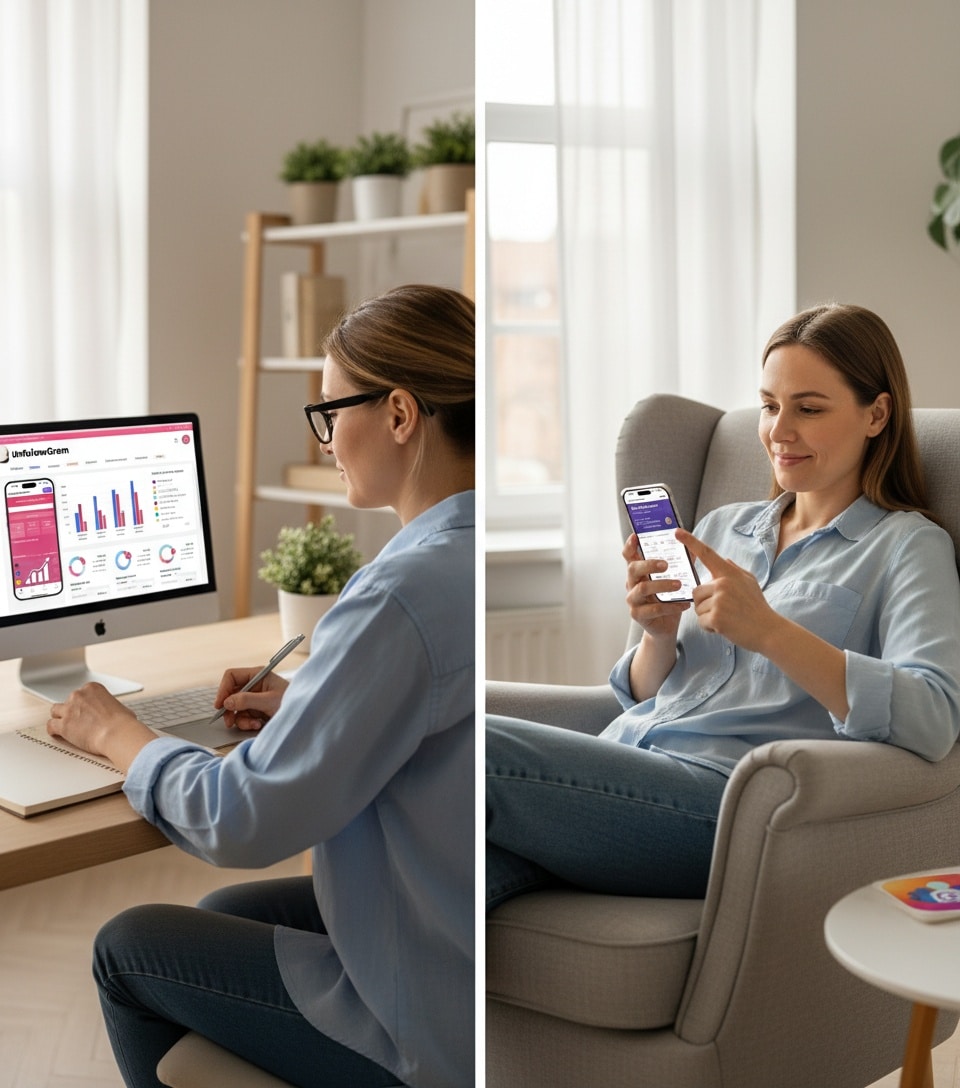
DolphinRadar is web-only. You open their site in a browser, punch in a username, and get your data. No app to download. UnfollowGram is a proper mobile app for iOS and Android. Tap the icon, see your unfollowers. Done. Moreover, if you are a desktop user, you can also use UnfollowGram’s web version, which works exactly as the app to see who unfollowed you on Instagram. That single difference matters more than you’d think.
What They Both Do Well
Both platforms track public Instagram data without needing your password. You’re not handing over login credentials to some random service, which is exactly how it should be in 2026. Anonymous story viewing? Both handle it. Enter a public username, view their stories, and they’ll never know you were there. Works the same on both platforms, honestly. Recent follow tracking is solid on both, too. Want to see who your ex just started following? Either tool will show you.
DolphinRadar vs UnfollowGram head-to-head
Where Dolphin Radar Has an Edge
If you work from a desktop all day and hate switching to your phone, Dolphin Radar makes more sense. Their web interface is clean enough. They also lean harder into the analytics side, AI-powered reports, engagement breakdowns, that kind of thing. For social media managers tracking competitor accounts or influencers obsessing over metrics, there’s more depth there.But honestly? Most people don’t need that depth. They want to know who unfollowed them and maybe creep on a few stories. UnfollowGram handles that better.
Core Features:
- View Instagram stories anonymously
- Track recent follow activity across multiple accounts
- Monitor engagement metrics and follower changes
- Analyze public content from any Instagram username
- Generate detailed reports on Instagram accounts
Access: Web browser only (desktop and mobile browsers)
Where UnfollowGram Pulls Ahead
Here’s the thing nobody mentions in these comparison articles: convenience compounds. Opening a browser, typing a URL, navigating to your dashboard, that’s fine once. But if you’re checking unfollowers daily (and let’s be honest, most of us are), that friction adds up fast. UnfollowGram lives on your home screen. One tap. You’re in. That sounds small, but it’s genuinely the difference between a tool you actually use and one you forget about. The follower tracking is also just… better. It’s what they built the app for. Dedicated sections for unfollowers, non-mutuals, and new followers, all right there. Dolphin Radar does this too, but it feels like a side feature rather than the main event. Push notifications are another thing. UnfollowGram can ping you when something changes. Web apps can’t really do that without janky workarounds.
Core Features:
- Track who unfollowed you on Instagram
- See who doesn’t follow you back
- Monitor new followers and lost followers
- View public Instagram profiles and posts
- Track Instagram story viewers
- Analyze engagement patterns
Access: Native mobile apps for iOS and Android
Feature-by-Feature Comparison
Instagram Story Viewing
DolphinRadar allows you to view Instagram stories anonymously without the account owner knowing. You enter an Instagram handle, and Dolphin Radar displays their story history for public accounts. This anonymous viewing capability is their signature feature.
UnfollowGram offers an Instagram Story Viewer that works similarly: view stories from public accounts without leaving a trace. Both platforms handle this through web-based viewing rather than direct Instagram interaction.
Follower Tracking
Dolphin Radar Tracks follower changes and provides analytics on who followed or unfollowed specific accounts. The detection period varies based on how frequently you check an account.
UnfollowGram specializes in follower tracking with dedicated sections for Instagram Unfollowers, new followers, and non-mutual followers. The mobile app makes checking these metrics super convenient.
Winner: UnfollowGram. Purpose-built follower tracking with better mobile accessibility.
Recent Follow Activity
Dolphin Radar: One of their standout features track who someone recently followed. Enter any public Instagram username and see their recent follow activity. Useful for competitive intelligence or personal curiosity.
UnfollowGram also offers Instagram Recent Follow tracking. You can monitor recent follow activity for multiple accounts from your mobile dashboard, making it easy to stay informed on the go.
Profile and Post Viewing
Dolphin Radar lets you browse Instagram profiles, view posts, and analyze public content through their web interface. You can explore accounts without logging into your own account.
UnfollowGram provides an Instagram Profile Viewer and Post Viewer for Instagram accessible directly from the mobile app. Browse profiles, view posts, and track engagement without Instagram knowing.
Winner: UnfollowGram. Native mobile apps provide smoother browsing than web interfaces.
Analytics and Insights
Dolphin Radar emphasizes AI-powered analytics with detailed reports on engagement patterns, follower demographics, and content performance. Their dashboard provides comprehensive analysis for marketers and influencers.
UnfollowGram focuses on actionable insights specifically around follower behavior—who’s engaging, who’s not, patterns in unfollows. More targeted than broad analytics.
Winner: Depends on needs. Dolphin Radar for comprehensive analytics, UnfollowGram for follower-specific insights.
Multiple Account Management
Dolphin Radar Track multiple Instagram accounts from one dashboard. Add as many accounts as you want to monitor and switch between them easily.
UnfollowGram also supports multiple accounts. The Instagram Follower Viewer lets you manage several profiles from one interface, perfect for businesses or users monitoring competitors.
Platform Comparison Chart
| Feature | Dolphin Radar | UnfollowGram |
|---|---|---|
| Platform Type | Web-based only | Native iOS & Android apps |
| Anonymous Story Viewing | ✅ Yes | ✅ Yes |
| Follower Tracking | ✅ Basic | ✅ Advanced |
| Unfollower Detection | ✅ Yes | ✅ Yes (specialized) |
| Recent Follows Tracking | ✅ Yes | ✅ Yes |
| Profile Viewer | ✅ Web interface | ✅ Mobile app |
| Post Viewer | ✅ Web interface | ✅ Mobile app |
| Multiple Accounts | ✅ Yes | ✅ Yes |
| Login Required | ❌ No password | ❌ No password |
| Mobile App | ❌ Web only | ✅ iOS & Android |
| AI Analytics | ✅ Advanced | ✅ Basic |
| Private Account Access | ❌ Public only | ❌ Public only |
| Cost | Check website | Free with premium options |
Security and Privacy: How They Compare
Neither asks for your Instagram password. Both pull public data only. Private accounts are off-limits for both. One difference: native apps go through app store review and run in sandboxed environments on your phone. Web platforms run in browsers, which are… browsers. More attack surface. If you’re paranoid about security (fair), apps have a slight edge.
User Experience: Web vs Mobile App
Using Dolphin Radar
Access Dolphin Radar through any web browser on desktop or mobile. The interface is clean and functional, but web-based tools have limitations:
- Need a stable internet connection
- Can’t receive push notifications
- Must bookmark the site or search each time
- Browser compatibility issues occasionally arise
- No offline data caching
Using UnfollowGram
Download UnfollowGram:
For Android: Instagram Follower Tracker
Native apps provide:
- Quick access from your phone’s home screen
- Push notifications (if desired)
- Smoother interface optimized for mobile
- Faster loading times
- Better data caching
If you check Instagram analytics regularly, having a dedicated app beats opening browsers and navigating to websites.
Best Use Cases for Each Platform
When Dolphin Radar Makes Sense
Desktop-First Users If you primarily work on a computer and prefer managing analytics from your desktop, Dolphin Radar’s web interface fits your workflow.
Comprehensive Analytics Needs Marketers and influencers wanting deep AI-powered analysis beyond basic follower tracking benefit from Dolphin Radar’s advanced analytics features.
Anonymous Story Viewing Priority: If viewing Instagram stories anonymously is your primary need, Dolphin Radar handles this well through its web platform.
When UnfollowGram Makes Sense
Mobile-First Users: If you’re constantly on your phone and want quick access to follower data, UnfollowGram’s native apps are perfect.
Follower Tracking Focus: Users specifically interested in how to see who unfollowed you on Instagram get more detailed, specialized tools with UnfollowGram.
Multi-Platform Flexibility: Need the tool on both iOS and Android devices? UnfollowGram supports both, while Dolphin Radar only works through web browsers.
Quick Daily Check-Ins: If you want to check unfollowers during your morning coffee or lunch break, tapping an app icon beats opening browsers and navigating websites.
Pricing and Value
Both have free tiers. Both have premium options.UnfollowGram’s free version covers basic unfollower tracking, enough for casual use. Premium unlocks faster updates and more accounts. Dolphin Radar’s similar. Free gets you started, paid unlocks the heavy analytics stuff. Neither is expensive. Try free, upgrade if you actually use it.
Data Accuracy and Reliability
Both platforms track publicly available Instagram data, so accuracy depends on Instagram’s own data freshness and API limitations.
Community and Support
Dolphin Radar Community
An active user base shares tips and strategies through their platform. Support is available through their website, though response times vary.
UnfollowGram Community
Growing community of iOS and Android users. In-app support and regular updates based on user feedback keep the apps improving.
App store reviews provide transparency about user experiences and developer responsiveness.
Winner: UnfollowGram. App store accountability and visible reviews create better transparency.
The Mobile App Advantage
Here’s the biggest differentiator: Dolphin Radar doesn’t offer native mobile apps. You’re limited to web browsers on any device.
UnfollowGram provides dedicated apps for both iOS and Android. This matters more than it might seem:
Convenience Factor: Opening an app is faster and easier than opening a browser, navigating to a website, and logging in (even without Instagram credentials).
User Experience: Native apps are optimized for mobile screens and touch interactions. Web interfaces adapt, but never perfectly.
Notifications: Apps can send push notifications about follower changes. Web platforms can’t (without complex workarounds).
Which Should You Choose?
Choose Dolphin Radar If:
- You prefer desktop-based workflows
- You need advanced AI-powered analytics
- You primarily work from computers
- You don’t mind web-based interfaces
- You want comprehensive marketing insights
Choose UnfollowGram If:
- You’re mobile-first (check Instagram from your phone)
- Follower tracking is your primary concern
- You want dedicated iOS or Android apps
- You need quick, convenient daily check-ins
- You value app-based user experience
My Honest Take
I’ve recommended UnfollowGram to probably 40+ people at this point. Not because it’s perfect, it’s not, but because people actually stick with it. The app sits on their phone, they tap it when they’re curious, and they get their answer. Dolphin Radar? I’ve set it up for clients who specifically wanted desktop-based competitor tracking. It works for that use case. But the average person checking “did she unfollow me back” isn’t opening a browser for that. If you’re on your phone right now reading this, just download UnfollowGram. That’s my real answer. If you genuinely prefer desktop workflows and want deeper analytics, give Dolphin Radar a shot.Both are legit. Both are safe. They’re just built for different people.
Try both if you want. But if you’re like 90% of people and you’ll be checking from your phone, UnfollowGram’s the obvious choice.

Ethan is the founder of UnfollowGram with more than 12 years of experience in social media marketing. He focuses on understanding how Instagram really works, from follower behavior to engagement patterns, and shares those insights through UnfollowGram’s tools and articles.





