
How to Handle Being Unfollowed Gracefully
Last Updated on March 15, 2026 by Ethan
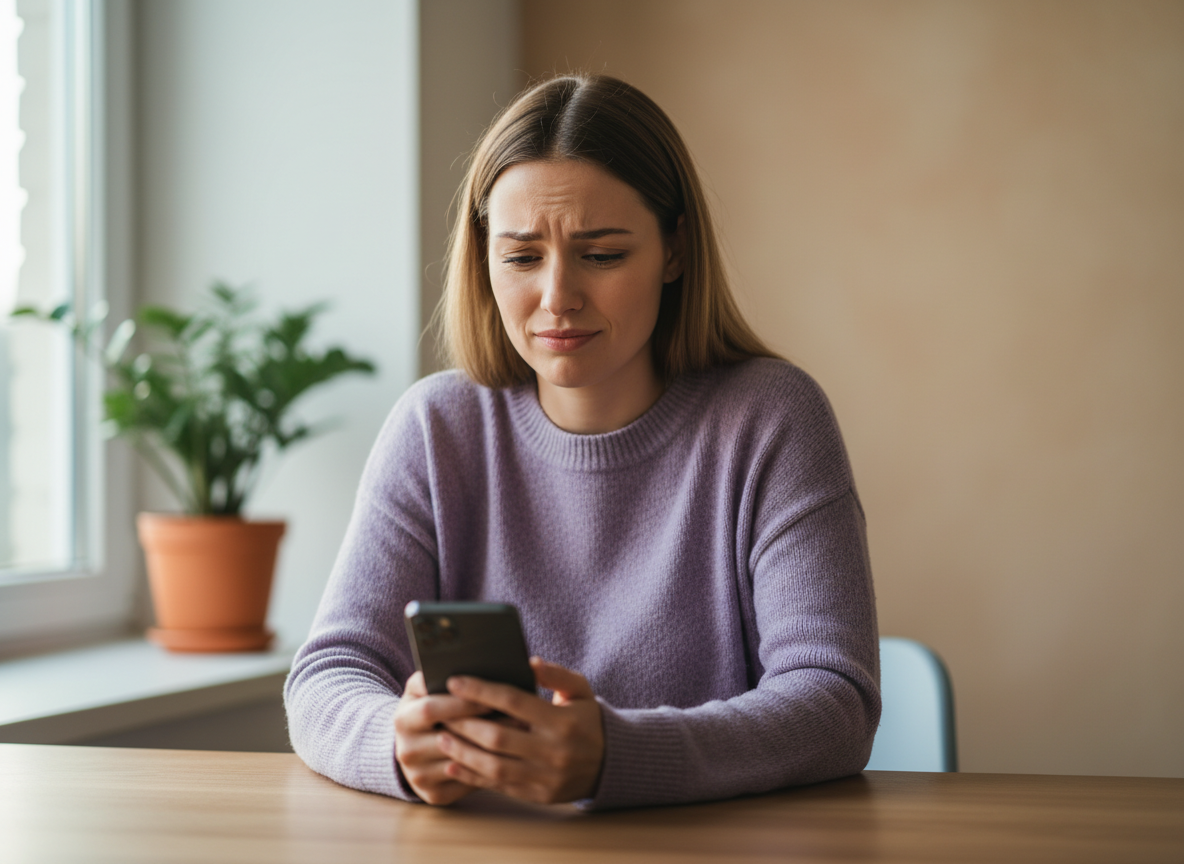
If you’re thinking “someone unfollowed me,” the best move is simple: don’t react publicly, don’t spiral, and don’t start revenge-unfollowing. Treat it like a tiny data point, not a personal rejection.
I’ve managed creator accounts where one unfollow felt like a gut punch, and I’ve managed accounts where 200 people dipped overnight and nobody even noticed. The difference wasn’t ego. It was having a calm system for tracking, learning, and moving on.
Here’s how to handle it gracefully, without pretending you “don’t care,” and without turning Instagram into a daily stress test.
First, pause. Don’t do the three things you’ll regret
When someone unfollowed me (or my client) the instinct is to do something. Anything. But the fastest way to look messy is to react while you’re still annoyed.
- Don’t call them out in Stories. It never lands the way you think it will. Ever.
- Don’t DM “did I do something?” unless it’s a real-life friend and the relationship matters offline too.
- Don’t rage-unfollow 50+ accounts in one sitting. I’ve seen action blocks hit from exactly that, and then you’re stuck, unable to follow, like, or comment for hours or days. Not fun.
One sentence I repeat to myself: “It can be about me, without being against me.” (Yeah, cheesy. Still true.)
What an unfollow usually means (and what it usually doesn’t)
Most unfollows aren’t personal. They’re friction. People curate their feed like a closet, and sometimes you’re the shirt that doesn’t fit the season.
The common reasons I see in 2026
- Inconsistent posting: people forget why they followed, then clean up later.
- Too promotional: a couple of sales posts are fine, but a week of “buy now” is a follower-killer.
- Content fatigue: Posting a lot can work, but if it’s repetitive, people bail.
- Visual identity whiplash: the grid looks random, tone changes, or the niche drifts.
- Hashtag issues: banned or spammy tags can mess with distribution, then you “feel” less relevant.
- Platform cleanups: Instagram still purges bots and inactive users, so sometimes the drop isn’t a human choice at all.
One counterintuitive thing nobody tells you: an unfollow spike can mean you finally got in front of the right people. When a Reel reaches outside your usual audience, you pick up casual followers. Then those people bounce fast. That isn’t failure, it’s reaching its job.
If you want a reality check on how common follower churn is on the platform overall, skim current Instagram follower stats like this roundup: Instagram followers statistics.
How tracking unfollows actually works (so you don’t gaslight yourself)
Instagram doesn’t send a notification when someone unfollows you. So the only way to know that “someone unfollowed me” is to compare follower lists over time.
That’s the whole mechanism: snapshot A vs snapshot B. Some tools do it automatically, and manually, you do it with your own eyeballs (painful) or notes (better).
On small accounts, manual checking can feel doable for about a week. On larger accounts, it falls apart fast. I’ve watched people try to scroll a 20,000-follower list, and they last maybe 90 seconds before giving up. Same.
If you want a safer, no-password approach for public accounts, I’ve had solid results using tools that don’t ask for login credentials, like an Instagram unfollowers tracker that works without your password. It’s just less drama, and you’re not handing over your account like it’s 2019.
And yes, Instagram’s API changes over the past couple of years broke a bunch of old-school follower apps. Half of what used to “work” now works inconsistently, or only after long delays. That’s why I’m picky.
A graceful 10-minute routine that keeps you sane
This is what I’d do if you’re tracking daily or weekly and you don’t wanna turn it into an obsession.
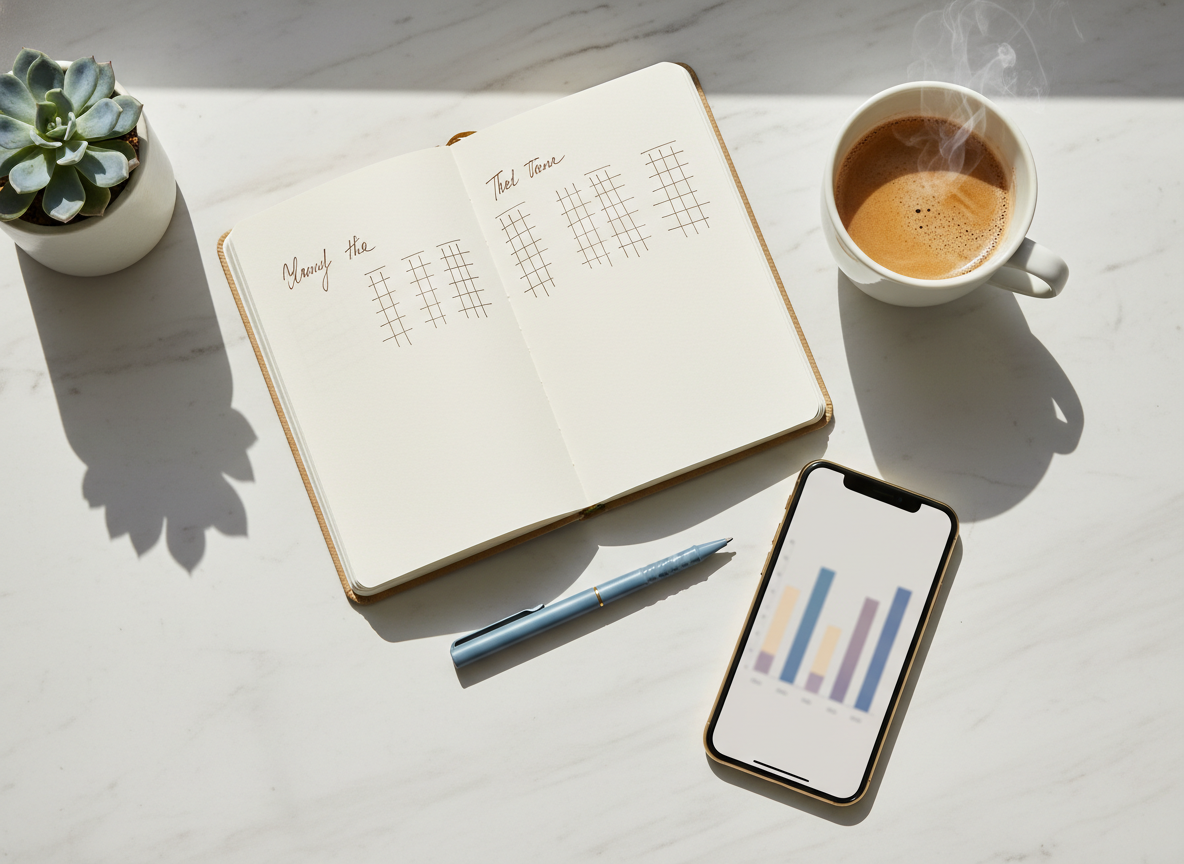
- Pick a check-in schedule: weekly is plenty for most people. Daily is only useful if you’re actively testing content.
- Log it fast: date, follower count, and any noticeable content changes (new series, promo week, collab).
- Look for patterns, not names: the goal is “what happened,” not “who betrayed me.”
- Match spikes to your content calendar: Did you go heavy on sales? Did you disappear for two weeks? Did you post 6 reels in 24 hours?
- Make one small adjustment for the next week: different hook style, fewer promos, clearer niche cues, better posting consistency.
- Move on: seriously. Close the tab. Go live your life.
Lived detail: I’ve noticed “Monday unfollow spikes” are weirdly common for creators who post mostly on weekends. People scroll on Sunday, follow impulsively, then do a cleanup during the workweek. It’s not a moral statement. It’s a habit.
Where people mess this up (I’ve done it too)
I used to take unfollows personally. Like, embarrassingly personally. I’d change my content the same day and end up with a feed that felt panicky, bad look.
- Chasing every unfollow: you’ll end up bland. People follow for a point of view, not “perfectly inoffensive.”
- Assuming it’s your content: sometimes it’s a breakup, a new job, a baby, or they’re purging everyone. You’re not the main character of their life.
- Confusing “non-followers” with “haters”: lots of people watch and never follow. That’s normal.
If you’re stuck in the “why don’t they follow me back” loop, you’ll like this explainer on what mutual followers actually mean on Instagram. It clears up a lot of emotional math.
And if your stress is really about etiquette, not numbers, read modern follow-back etiquette. It helped one of my clients stop overthinking every follow-up request like it was a job interview.
Limitations (what unfollow tracking won’t tell you)
This stuff has blind spots. Always has.
- You usually won’t know the reason someone unfollowed me or you. Tools can show “who changed,” not “why they changed.”
- Private accounts are a wall: if an account is private, anything “no-login” is limited. Your mileage varies.
- Timing can get fuzzy: if you only check weekly, you may not know which exact post triggered the unfollow. That’s not a failure, it’s just how the data works.
Failure mode I see a lot: people try to “fix” unfollows by mass-unfollowing everyone who doesn’t follow back, fast. Instagram reads that as spammy behavior, and you can get action-blocked. If one-sided following is part of your strategy, handle it slowly and thoughtfully, like this: managing one-sided Instagram follows without chaos.
A healthier mindset: treat it like relationship management
Graceful handling is basically emotional boundaries plus light analytics. That’s it. You’re not “above it,” you’re just not letting it drive the car.
Also, if you want a deeper breakdown on safe tracking approaches and why password-based apps are such a gamble, this overview is worth a skim: how to safely track Instagram unfollowers in 2026. (It matches what I’ve seen in the wild.)
FAQ
What does it mean if someone unfollows you?
Usually, it means your content didn’t fit what they want right now, or they’re cleaning up their feed. Sometimes it’s just Instagram removing inactive or bot accounts.
Should I care if people unfollow me?
Care enough to spot patterns, not enough to chase individuals. One unfollow is noise; repeated spikes after the same type of post is a signal.
Why does it hurt when someone unfollows you?
Because it feels like social rejection, even if it’s not. Your brain treats “loss” (even a tiny one) as a threat, then it tries to find a story to explain it.
Conclusion
If “someone unfollowed me” is messing with your head, the graceful play is: pause, track calmly, connect changes to content, and adjust one thing at a time. No public drama. No panic pivots. Just a better signal, less noise.
And if you want a low-friction way to keep tabs on follower changes (without handing over your password), I’d recommend trying UnfollowGram here: https://unfollowgram.com.





