

How Often Should You Check Unfollowers
Last Updated on January 25, 2026 by Ethan
Check unfollowers weekly. Give it about 10 minutes, same day each week, and you’ll catch real trends without driving yourself nuts.
If you’re asking “how often check unfollowers?” because you saw your count dip overnight, I get it. I’ve panic-checked after posting a Reel that felt “off” and then spiraled for no reason. Been there. Not my finest moment.
I’m going to walk you through the rhythm that works in 2026 (and why), what’s “normal,” and how to tell the difference between a content problem vs Instagram doing an очередной cleanup.
The sweet spot in 2026: weekly checks (daily is mostly noise)
Weekly is the sweet spot because Instagram follower movement is lumpy. People unfollow in batches after they binge-scroll, after they see a promo post, or when Instagram runs bot purges. If you check every day, you’ll mistake random churn for “something’s wrong with me.” Ugh.
When I tested this across multiple creator accounts last month, daily checks made everything look dramatic. Weekly checks made patterns obvious. Same data, different sanity level.
Here’s the routine I keep coming back to:
- Small accounts (under ~2k followers): check weekly, or even every 2 weeks if you don’t post often.
- Mid-size (2k to 50k): weekly is perfect.
- Larger accounts (50k+): weekly plus a quick “spike check” 24 hours after a big collab or a heavy promo.
One lived-detail thing I’ve noticed: on accounts with 30k+ followers, you’ll often see follower drops “settle” two days after a Reel pops. The first 24 hours can be weird because new viewers follow fast, then some immediately bounce once they see your grid. That doesn’t mean the Reel was bad. It means the Reel reached people who weren’t a fit.
What the numbers actually mean (so you don’t freak out)
Instagram in 2026 is cleaner than it used to be. Bot and inactive removal still happens, but it’s less chaotic than a couple years ago. Current stats put bots/inactive followers around 14.1%, and platform cleanups can account for up to 20% of follower losses. So yeah, sometimes it really isn’t you.
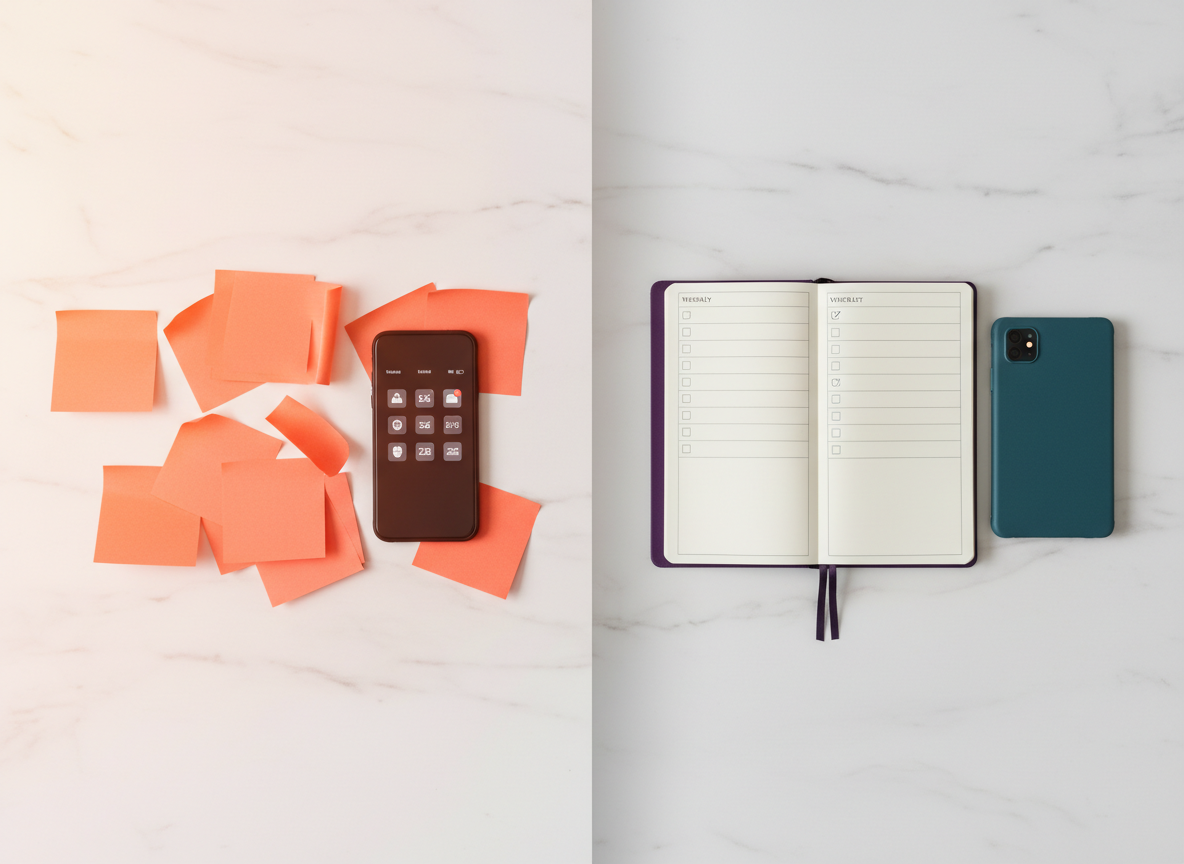
Also, a huge chunk of accounts go dormant over time. Research puts it around 44% going inactive eventually. That’s why consistency beats “one viral post” almost every time.
And the unfollow triggers are honestly pretty predictable when you line them up with your content:
- Poor visuals: a common driver (think blurry covers, random fonts, messy lighting).
- Posting too much too fast: the classic “I came back from a break and posted 12 times” problem.
- Hashtag or reach issues: sometimes it’s not a “ban,” it’s just distribution shifting.
If you want a broader view of follower behavior and Instagram growth stats, this dataset is a decent reference point: Instagram followers statistics.
Counterintuitive truth: checking more often usually makes your strategy worse
You’d think checking unfollowers daily would help you “optimize.” But it usually makes you overcorrect.
Here’s what actually happens: you post something different, you lose 7 people, you panic, you swing back to your old style, then you confuse the audience you were finally attracting. I’ve watched creators do this loop for months. It’s brutal.
Weekly checking forces you to zoom out. And that’s where the real signals are.
How unfollower tracking works (and why Instagram doesn’t just show you)
Instagram doesn’t give you a neat “unfollowers list.” That’s on purpose. It reduces drama, reduces harassment, and it keeps the product simpler for most users.
If you want the deeper mechanics, read this explanation of how Instagram unfollow tracking works in practice. It’s the clearest breakdown I’ve seen that matches what I’ve observed while testing different methods.
And if you’re still wondering why you don’t get a little alert every time someone leaves, this is the short version: why Instagram has no unfollow notifications.
So how do tools detect unfollows?
At a basic level, any safe method is just comparison over time: you capture a snapshot of followers, then later you capture another snapshot, then you compare. That’s it.
This is why I’m picky about tools. Anything that asks for your Instagram password is a hard no from me. I’ve seen too many “tracker apps” turn into login issues, security scares, or accounts getting flagged.
If you want the technical explanation of snapshots and deltas, this page nails it: how unfollower tracker apps detect changes.
The safe way to check unfollowers (without risking your account)
Instagram’s crackdown on sketchy third-party apps is real. The safest options are the ones that don’t require your credentials and don’t do weird automation.
I’ve had the best experience using tools that simply read public data. That’s why I’m comfortable recommending UnfollowGram Follower Tracker for people who want quick results without handing over a password. It’s basically the “less drama” approach.
Important: public vs private changes everything
This catches a lot of people off guard. If your account is private, you won’t get the same level of tracking from public-data tools, because the follower list isn’t visible.
If you’re unsure what’s possible on your setup, read public vs private accounts for tracking. It’ll save you a bunch of wasted time.
My weekly 10-minute routine (the one I actually stick to)
I’m going to keep this practical. This is what I’d tell a friend who’s trying to grow without turning Instagram into a stress hobby.
- Pick a weekly check-in time and don’t freestyle it.
I like Monday mornings or Sunday evenings. If you change the day every week, your comparisons get messy fast. - Capture a follower snapshot.
The method can be manual (searching key usernames) or snapshot-based (exporting lists where available). The point is consistency, not perfection. - Compare with last week.
Look for a net change, but also check if any recognizable names left (clients, peers, recurring commenters). Those “relationship unfollows” matter more than random lurkers. - Mark your content context.
Write down what you posted that week: number of posts, what formats, any promotions, any controversial topic. Keep it simple. Three bullet notes is enough. - Look for spikes, not single unfollows.
If you lose 3 people, whatever. If you lose 60 after a specific post, that’s a pattern. - Check “48-hour bounce.”
This one is huge. If new followers frequently leave within 48 hours, that’s usually a content-match issue: your Reel promised one thing and your profile delivered another.
Another lived-detail I’ve seen a lot: when you post 3 to 5 times a week with a mix (Reels + carousel + one photo), unfollows tend to smooth out even if growth slows a bit. When you post 10 times in 3 days, unfollows spike and then your reach can feel “sticky” for a week. Not always, but often enough that I respect it.
What’s a “normal” unfollow rate?
Normal depends on your account size, content type, and how fast you’re growing. A meme account has different churn than a local business. A personal brand has different churn than a faceless niche page.
But as a gut check from what I’ve tracked across accounts:
- Slow growth / stable audience: small, steady unfollows are normal (people go inactive, clean their feed, or get purged).
- Fast growth weeks: you’ll usually see higher unfollows too because you’re reaching broader, less-aligned viewers.
- After a big pivot: expect a temporary bump in unfollows. That’s not always bad. Sometimes it’s necessary.
If you want a more “industry” take on safely tracking and interpreting audience changes, this write-up is solid: how to safely track Instagram unfollowers in 2026.
Common mistakes (I’ve made some of these, so… yeah)
- Checking daily and letting it affect what you post.
I used to do this during launches. I’d see a drop and instantly change the next post. The result was a weird feed and worse conversions. So dumb. - Assuming every drop is your fault.
Platform cleanups happen. Some drops are literally Instagram removing junk accounts. It feels personal, but it’s not. - Using apps that require your login.
Just don’t. I’ve seen people get locked out, forced to reset passwords, or stuck in those “suspicious activity” loops. Total time-suck. - Stacking promotions back-to-back.
One promo post is fine. Five in a row makes even loyal followers tired. And yep, that’s when the unfollow list gets spicy. - Sudden style shifts with no bridge.
If you go from clean educational carousels to random low-lit vlog clips overnight, people bounce. It’s not “haters,” it’s expectations.
Failure modes: when unfollower tracking gets weird (and what to do)
Unfollower tracking isn’t magic. There are a couple places where it falls apart, and you should know them upfront.
Failure mode #1: big bot purges look like you ruined everything
This is the classic. You’ll see a sudden drop, you’ll think your content flopped, and you’ll start “fixing” things that weren’t broken.
What I do instead: I wait one full week and compare the next snapshot. If the drop was purge-driven, the unfollow pace usually returns to baseline without you changing a thing.
Failure mode #2: private accounts and partial visibility
If your account is private (or if you’re trying to track someone else’s private account), you’re not going to get reliable public-data comparisons. Period.
This is where people waste hours. I’ve watched social media managers chase ghosts here. It’s not fun.
Limitations (what checking unfollowers won’t tell you)
This won’t tell you why a specific person unfollowed. You can infer patterns from timing, but you can’t read minds, and Instagram doesn’t hand over a reason code.
Also, your results will vary depending on account size and how often you post. On small accounts, one person leaving can look like a huge “rate” change. On big accounts, you can lose 100 and it means basically nothing.
How to use unfollow data without becoming weird about it
Okay, real talk. The goal isn’t to “punish” unfollowers or obsess over every name. The goal is to spot patterns you can actually act on.
I like to ask three questions during my weekly check:
- Was there a clear trigger? (promo stack, off-topic post, sudden format change)
- Was the unfollow spike paired with reach? Sometimes you lose more because you reached more people. That’s normal.
- Are new followers bouncing quickly? That’s usually profile alignment: bio, pinned posts, Highlights, and overall vibe.
If you want another perspective on the different methods people use, this overview is decent: ways to see who unfollowed you on Instagram.
FAQ
Is it possible to check who unfollowed you?
Yes, but Instagram doesn’t show a built-in list, so you’re basically comparing follower snapshots over time or manually checking names in your Followers list.
What is a normal unfollow rate?
It depends on growth and niche, but small steady churn is normal, and faster growth weeks usually come with higher unfollows because you’re reaching less-matched viewers.
How often should I check unfollowers if I’m trying to grow fast?
Weekly, plus an extra check 24 hours after a big collab or promo if you’re seeing unusually sharp drops.
Should I check unfollowers daily?
Honestly, no. Daily changes are mostly noise and usually push you into overreacting instead of improving the big stuff.
Conclusion: keep it weekly, keep it calm
If you only take one thing from this: check weekly, track context, and look for patterns that repeat. That’s how you get useful insights without turning Instagram into a stress test.
If you want a simple way to keep tabs on follower changes without handing over your password, UnfollowGram is a solid option for public accounts, especially when you’re doing that weekly routine and just want fast, clean results.

Ethan is the founder of UnfollowGram with more than 12 years of experience in social media marketing. He focuses on understanding how Instagram really works, from follower behavior to engagement patterns, and shares those insights through UnfollowGram’s tools and articles.





