
How Unfollower Tracker Apps Detect Changes
Last Updated on February 18, 2026 by Ethan
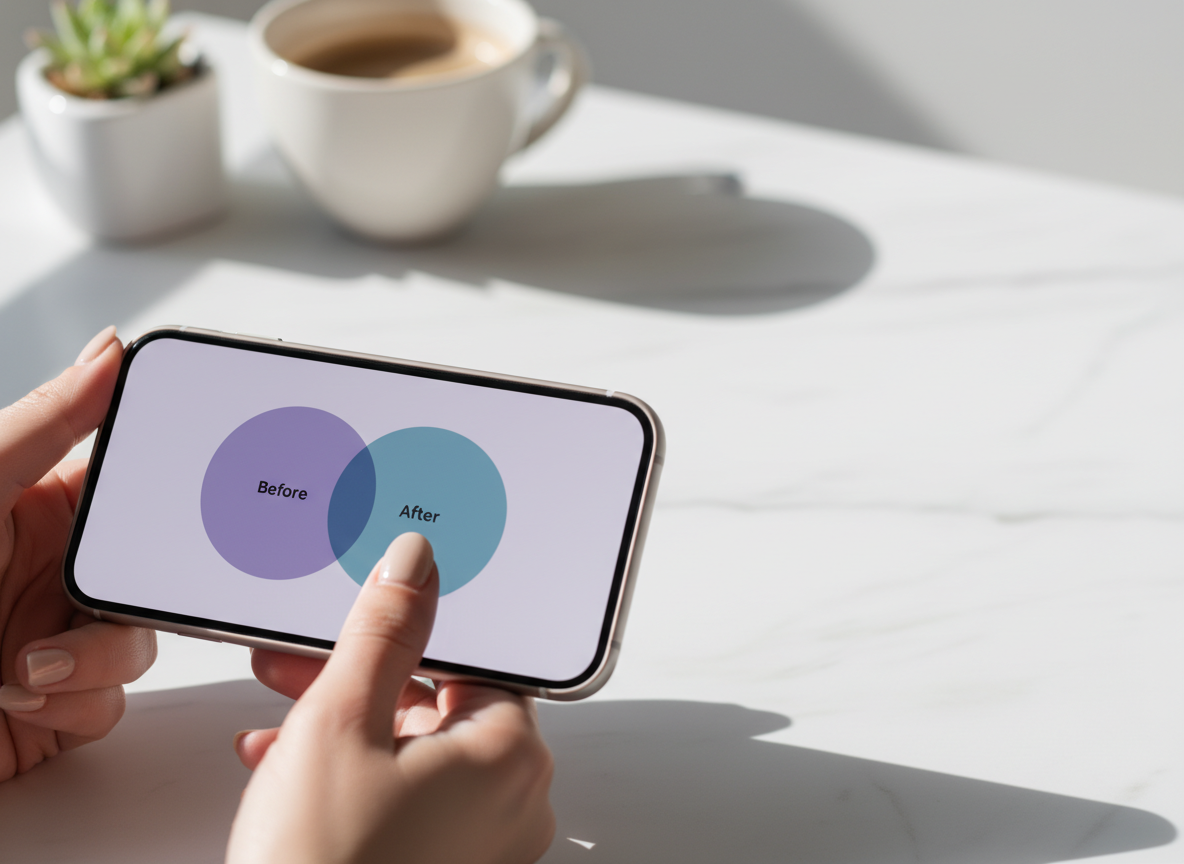
Unfollower tracker apps detect changes by taking “before and after” snapshots of your follower (and sometimes following) lists, then comparing those snapshots to see which usernames disappeared. Instagram doesn’t hand anyone a neat “these people unfollowed you” list, so tracking tools basically do the math for you.
If you’ve ever wondered how unfollower tracker works, it’s mostly list comparison plus timing. The tool saves a copy of what it can see today, saves another copy tomorrow, and highlights the differences. Simple idea. The messy part is that Instagram’s data can lag, rate-limit, or show different results depending on account type and size.
I’ve played around with UnfollowGram and a bunch of similar trackers on small creator accounts and bigger brand pages, and honestly, it usually shakes out the same way; the good ones aren’t “magic,” they just keep grabbing snapshots regularly and don’t ask for sketchy login access. Here’s the thing: I’ll walk you through what it’s doing behind the scenes, where it tends to fall apart, and how to look at the numbers without making yourself nuts.
The big idea: unfollower tracking is just snapshot comparison
At the core, an unfollower tracker is a difference engine.
It’s pretty much two lists and a comparison. It grabs your followers at Time A, grabs them again at Time B, then flags what changed, who was in A but not B (unfollowers), who shows up in B but wasn’t in A (new followers), and who you follow that doesn’t follow you back. No secret Instagram dashboard. No hidden “unfollow feed.”
If you’re curious why Instagram doesn’t just show unfollow notifications in-app, I broke that down separately here: why Instagram has no unfollow notifications.
How unfollower tracker works in practice (the “How It Works” section)
Here’s the practical flow most decent trackers follow, including what I’ve seen with UnfollowGram Follower Tracker when you’re tracking a public profile without handing over your password.

Step 1: Collect a snapshot of public follower data
The tracker pulls what’s visible about a profile’s followers and following. If the profile is public, a tool can usually read the follower list (within platform limits) and store that list as a snapshot.
One lived-detail thing I’ve noticed after running this on accounts from a few hundred followers up into the tens of thousands: big follower lists take longer and sometimes come back “chunky.” You’ll see partial loads or delayed updates depending on the day. That’s not you doing it wrong. That’s the platform being the platform.
Step 2: Save the snapshot with a timestamp
Saving is the whole game. If there’s no saved “yesterday,” there’s nothing to compare against “today.” That’s why people try a tracker once and go, “It didn’t show who unfollowed me.” Yeah. Because you didn’t have a baseline yet.
And timing matters more than people think. I’ve seen the cleanest comparisons when you check at roughly the same time each day, especially for accounts that get steady follow/unfollow churn.
Step 3: Take a new snapshot later
This can be daily, weekly, whatever you choose. Daily is best if you want accurate “recent unfollowers,” because the longer you wait, the more changes pile up and the fuzzier the story gets.
Quick tangent: I used to check these tools obsessively (like, multiple times a day). Don’t. And this is where people spiral a little. Normal Instagram weirdness can start to feel personal, so you end up chasing “unfollows” that probably aren’t real, it’s just the app lagging or updating late.
Step 4 is just comparing the two snapshots.
Once it has A and B saved, it checks what’s missing and what’s new, then shows you a list you can actually read. But yeah, that’s the “who unfollowed me” page everybody’s looking for.
The reason this works is basic: follower lists are basically sets of unique user IDs. The app doesn’t need to “know” anything beyond “was this ID present before and missing now?”
Step 5: Display results (and sometimes extra buckets)
Most trackers will show at least:
- Unfollowers (present before, missing now)
- New followers (missing before, present now)
- Not following back (you follow them, they don’t follow you)
Some tools also try to label “ghost followers” or “inactive users.” That can be useful, but it’s usually an estimate, not a fact.
Public vs private accounts: where tracking immediately changes
Account privacy is the first hard boundary. If the tracker can’t see the follower list, it can’t snapshot it. Period.
That’s why some tools say “public accounts only.” It’s not them being lazy; it’s the visibility rule.
If you’re trying to understand the difference (and why some trackers “work” on one profile but not another), this breakdown helps: public vs private accounts for tracking.
Why follower counts change but the lists don’t match (and why you’re not crazy)
Here’s a failure mode I see constantly with clients: their follower count drops by 5, but the unfollower list only shows 2 people. Or the count goes up, but “new followers” is blank.
You’d think the count and the list would always match. They don’t.
What’s happening is usually one of these:
- List lag: Instagram updates totals faster than it updates the “who” list that tools read.
- Deactivated or banned accounts: Sometimes an account disappears in a way that affects counts but doesn’t cleanly show as “unfollowed.”
- Rate limits: The tool might not retrieve every single follower in one pass, especially on bigger accounts.
If you want the deeper explanation of that mismatch, this is the cleanest summary I’ve found: why follower counts change but lists lag.
The “manual method” (what trackers are automating for you)
If you want to do this without any third-party tool, you can. It’s just annoying.
- Go to Instagram Settings and request a download of your information.
- Grab the followers and following files (often JSON).
- Convert them into a comparable format (spreadsheet works).
- Compare last week’s file to this week’s file and find what changed.
This method is solid for audits. It’s not fun for daily tracking. I’ve done it for brand accounts where we needed receipts, and yeah, it works, but it’s basically a part-time job if you’re doing it often.
If you want a broader overview of safe tracking approaches floating around right now, these summaries are decent starting points: safe ways to track Instagram unfollowers in 2026 and how to see who unfollowed you on Instagram.
Okay, but do Instagram unfollower trackers actually work?
Yes, in the sense that list comparison works.
But “work” depends on what you expect. An unfollower tracker is good at telling you who was present and is now missing, assuming it can read the list reliably and you’re giving it enough time between snapshots.
Here’s what I’ve personally seen across lots of tests:
- Small accounts (under ~2k followers): usually very accurate, changes show up fast.
- Mid-size accounts: mostly accurate, but you’ll occasionally see a 1 to 2 day delay on a few names.
- Larger accounts: this is where it gets weird. Some days the tool grabs everything, some days it feels like it’s paging through a giant phonebook with a flashlight.
Also, if you unfollow a bunch of people at once (we’ve all rage-cleaned our following list at some point, right?), the “not following back” screen will look totally different the next time you check. That’s not a glitch. That’s just you changing one of the two lists being compared.
Counterintuitive insight: checking more often can make the data worse
Here’s what nobody tells you: checking too frequently can increase confusion, not clarity.
You’d think more refreshes equals more accuracy. But if Instagram’s list endpoints are lagging or only returning partial data in the moment, you end up comparing two messy snapshots and blaming the tool.
The sweet spot I’ve found for most creators is once per day, roughly the same time. For brands doing campaigns, I like daily during the campaign, then 2 to 3 times per week afterwards.
Failure modes: where unfollower tracking falls apart
This stuff isn’t perfect, and pretending it is just makes users angry.
1) Partial snapshots (especially on big lists)
If a tool can’t retrieve the full follower list in one go, your “unfollowers” might include people who didn’t actually unfollow you. They were just missing from the partial pull.
I’ve seen this happen most on accounts with lots of international followers and high daily churn. The snapshot completes eventually, but that first look can be noisy.
2) Platform changes and rate limits
Instagram changes what’s accessible and how fast you can request it. That’s the quiet reason a tool can feel amazing one month and “off” the next.
Not dramatic. Just reality.
What makes a tracker “safe” (and what I personally avoid)
If you only remember one rule: don’t give your Instagram password to random tools. The riskiest apps are the ones that ask you to log in “to get better results.” That’s usually code for scraping in a way Instagram hates, or storing credentials in ways you can’t verify.
I’m biased toward tools that can work off public data and don’t touch your login. That’s why I’m comfortable recommending password-free options for public accounts, especially for creators who’ve already had one scary “suspicious login attempt” week and never want to repeat it.
Making unfollower data useful (instead of just depressing)
I’ve been there. You see a name on the unfollow list and your brain immediately goes, “Was it that Reel?”
Sometimes it is. Often it’s not.
What works better is tracking unfollows alongside what you posted and how it performed. Keep it lightweight. A simple log is enough:
- Date of snapshot
- Unfollowers count (and 2 to 3 notable names if relevant)
- What you posted that day or week (topic + format)
- Reach change and profile visits
One very real pattern I’ve seen with ecommerce accounts: a weekly promo-heavy posting streak can trigger unfollow spikes 24 to 48 hours later, not immediately. So you think “the promo post was fine,” but the audience reaction is delayed. Once you notice it, you can shift the balance toward lifestyle, behind-the-scenes, and customer stories without dropping promos entirely.
Ghost followers: the part people misunderstand
“Ghost followers” usually means inactive accounts or people who never engage. Removing them doesn’t magically boost reach. But it can improve your engagement rate percentage, which changes how your account looks to brands and partners.
And honestly, chasing raw follower count is a trap. I’ve watched creators lose 300 followers in a cleanup and then land better deals because their engagement rate stopped looking diluted. It feels backward. It’s true.
Limitations (what this won’t tell you)
Unfollower tracking is helpful, but it has hard limits.
- This won’t tell you why someone unfollowed. You can guess based on timing, but you can’t read their mind.
- This won’t always capture every change instantly. List lag and partial snapshots can delay or muddy results, especially on larger accounts.
Your mileage varies depending on account size, how often you track, and whether Instagram is having one of those weeks where numbers update faster than lists.
Common mistakes I see (and yes, I’ve made them too)
- Starting with no baseline, then expecting “unfollowers.” You need at least two snapshots.
- Refreshing 10 times in a row. It doesn’t force Instagram to update faster, it just creates inconsistent snapshots.
- Using automation or bot behavior. That’s how people end up restricted, shadow-limited, or stuck doing verification loops.
- Treating unfollows like a report card. Sometimes people unfollow because they’re cleaning their feed, not because you “messed up.”
FAQ
Can you use unfollower trackers on Instagram?
Yes, especially for public accounts, as long as the tool can snapshot follower lists without requiring your password or automation that breaks platform rules.
Do Instagram follower trackers work?
They work by comparing follower list snapshots over time, but results can lag or look incomplete on larger accounts when Instagram’s list data updates slowly.
Is FollowBuddy safe to use?
I don’t treat any tracker as “safe” if it asks for your Instagram login credentials or pushes aggressive automation. If a tool needs your password to function, I’d skip it.
Why does my follower count drop but the tracker shows no unfollowers?
Counts often update faster than the visible follower list, and deactivated or removed accounts can change totals without showing up cleanly as a normal unfollow.
Wrapping it up (and what I’d do next)
If you take away one thing about how unfollower tracker works, it’s this: the tool is only as good as its snapshots. Give it consistent check-ins, don’t obsess-refresh, and focus on trends instead of one-off names.
If you want a deeper explanation of the overall tracking logic and what’s happening behind the scenes, read this breakdown of how Instagram unfollow tracking works.
And if you’re tracking a public Instagram profile and want a password-free way to monitor unfollowers, non-followers, and new followers, UnfollowGram is worth using as your daily snapshot tool. You can keep it simple, stay consistent, and avoid the sketchy login-based apps that cause the most drama.
This overview of follower tracking tools in 2026 also lines up with what I’ve seen lately: safest tends to mean “less invasive,” not “more aggressive.”

Ethan is the founder of UnfollowGram with more than 12 years of experience in social media marketing. He focuses on understanding how Instagram really works, from follower behavior to engagement patterns, and shares those insights through UnfollowGram’s tools and articles.





