
How Instagram Handles Data Access
Last Updated on February 8, 2026 by Ethan
Instagram data access works like a layered system: some data is public and crawlable, some is visible only when you’re logged in, and the most sensitive stuff sits behind permission gates (or doesn’t leave Instagram at all). That’s why two people can look at the “same account” and see totally different information depending on privacy settings, account type, and whether the data is meant for discovery or for the account owner.
If you’ve ever thought “Why can Google find this Reel, but a tracker can’t see my full follower list?” you’ve already run into those layers. I’ve tested a lot of follower tools, analytics dashboards, and “download your data” exports over the years, and the truth is: Instagram is pretty strict about what can be accessed, by whom, and how often.
Below is the clearest way I know to explain how Instagram data access works in 2026: what’s public, what’s private, what’s permission-based, and where things break (because they do).
TL;DR: Instagram’s data access operates in three layers: public discovery data which is easily visible, logged-in experience data that’s accessible only within the app, and private data requiring permissions. And that’s why two people can look at the same account and still see different stuff, it usually comes down to privacy settings and what kind of account it is. Honestly, a lot of what you can see on Instagram just won’t show up in an export, and third party tools usually can’t touch it either.
The 3 “layers” of Instagram data access (how it actually works)
Most explanations treat Instagram like one big database you can “pull from.” But in real life, it usually doesn’t work like that. Look, it helps to think of it in a few layers.
Layer 1 is the public, discovery type stuff
the things Instagram expects strangers to bump into, like public profiles, public posts, captions, hashtags, and sometimes even Reel previews. In 2025 and 2026, Instagram really started acting more like a discovery engine, not just the app you mindlessly scroll through.
One change I’ve noticed is that public posts tend to pop up on Google more than they used to, and it happens a lot with professional accounts. If you want the “why,” it’s simple: Instagram wants your content to travel. That’s free distribution for them.
In practice, this means things like:
- Your bio, username, display name, and category (if you’re pro)
- Public posts and Reels content (not always everything, but a lot)
- Captions and accessibility text like ALT (when available)
- Public follower/following counts (counts, not always the full lists)
I’ve seen small creator accounts get random spikes from Google because they used super literal keywords in captions and ALT text. It feels weird the first time it happens, honestly. Like, “Wait, people found my Reel from outside Instagram?” Yep.
Layer 2: Logged-in experience data (visible, but not “exportable”)
This is what you can see when you’re signed into Instagram, but it’s not necessarily data Instagram wants third parties scraping or re-serving. Examples:
- Your personalized Explore/Reels feed signals
- Suggested accounts and “because you watched…” recommendations
- Full comment threads in context (including ranking and “most relevant” sorting)
- Some engagement breakdowns you can view in-app
Here’s the counterintuitive part that trips people up: you can “see” something in the app and still not be able to access it via any tool, export, or API. You’d think “if it’s on my screen, it’s mine,” but actually Instagram treats a lot of that as interface-only data.
Layer 3: Private and permission-gated data (hard walls)
This is where Instagram draws the thick lines: DMs, account history, contacts, precise device signals, and sensitive metadata. Some of it you can export through Instagram’s own tools. Some of it is view-only. And some of it is restricted because it would be too easy to abuse.
Also, the platform’s official access rules change. A lot. The thing most people don’t realize is that the platform’s API shifts and enforcement waves broke half the “it worked last year” tools people still recommend in old Reddit threads.
How it works under the hood: Instagram’s “data access” is really permissions + purpose
When you ask “how instagram data access works,” you’re really asking how Instagram decides who gets what data and why. Instagram’s logic is usually based on:
- Identity: are you the account owner, a follower, or a random viewer?
- Privacy: is the account public, private, pro, or restricted?
- Consent: did the user authorize a third-party app through Meta’s permission flow?
- Abuse prevention: does this look like scraping, automation, or mass collection?
- Purpose: is this for login/security, creator analytics, ads measurement, or discovery?
That “purpose” part matters more than people think. Instagram is fine with you seeing your own analytics in-app. Instagram is not fine with random apps collecting everyone’s follower lists at scale, even if it sounds harmless on paper.
Public data vs private data: what Instagram treats as “fair game”
Quick mental model: public data is meant for reach; private data is meant for trust. Instagram optimizes both, but it protects the trust side way harder.
Public account data (usually accessible)
- Profile info: username, bio, profile photo, category (often)
- Public posts/Reels: media, captions, timestamps (not always full fidelity)
- Counts: number of followers, following, posts
Lived detail from testing: on larger public accounts (say 50k+), data fetching from “public view” sources often takes longer or comes back partially when a tool is trying to grab too much at once. It’s not your imagination. Rate-limits and anti-bot checks kick in faster on big lists.
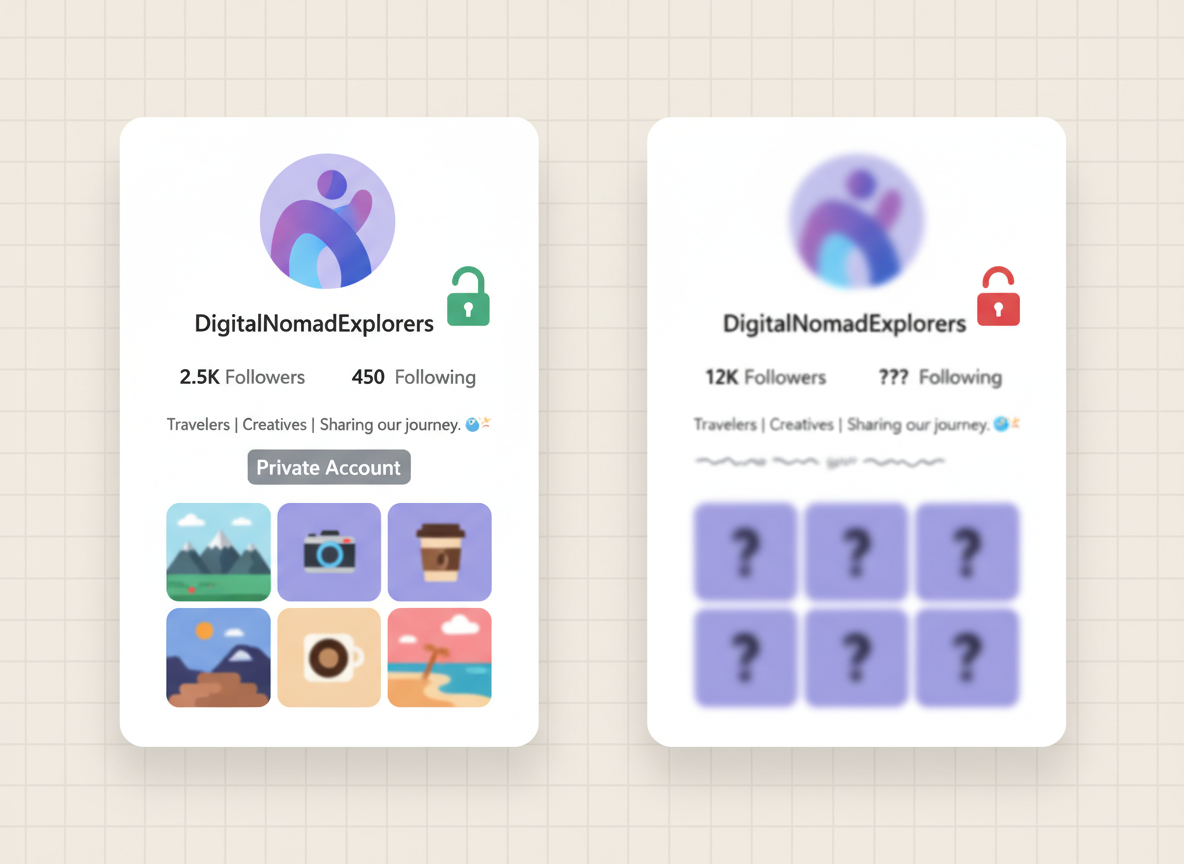
Private account data (not accessible unless you’re approved)
- Posts and Stories for non-followers: basically blocked
- Follower/following lists: often hidden entirely from non-approved viewers
- Engagement details: hidden behind the follower relationship
If your account is private, that’s a hard stop for most “no login” tools. That’s not a bug. That’s the whole point of private mode.
Instagram’s official data download: what you get, what you don’t
Instagram’s “Download Your Information” is the most direct, legit way to access your data in bulk. It’s your data, but it’s also curated data. Instagram chooses the format and scope.
What the download usually includes
- Account information (email, phone, profile changes)
- Posts you’ve shared (media files and metadata)
- Comments, likes, saved items (varies)
- Messages (DM history, depending on retention and status)
- Search history and some settings history
When I help creators do audits, I tell them to request the download in JSON if they want to parse it, and HTML if they just want to read it. Most people pick HTML, then regret it when they’re trying to find one specific event. Been there. Not fun.
What it doesn’t include (and why people get mad)
- Other people’s private data (obviously): you won’t get someone else’s hidden profile details
- Everything the algorithm “knows” about you: ranking signals and recommendation features are not fully exposed
- Some deleted/expired content: if it’s gone and not retained, it won’t magically appear
One caveat: your download is not a forensic archive. It’s a user-facing export. If you’re expecting it to be a perfect mirror of Instagram’s internal systems, you’re gonna be disappointed.
What third-party apps can access (and what they can’t)
This is where things get messy, because the internet is full of “follower tracker” promises that ignore how strict Instagram is now.
There are basically two types of third-party access:
- Authorized access via Meta permissions (where you explicitly grant access through an official flow)
- Public-data access, where a tool only reads what’s already visible on public accounts
If you want the detailed breakdown of what Instagram permits and where tools cross the line, this is the clearest explanation I’ve seen on our site: what Instagram allows third-party tools to do (and what it blocks).
Failure mode: when tools “randomly stop working”
This falls apart when a tool relies on unstable scraping patterns or tries to pull too much too fast. You’ll see weird symptoms like:
- Follower lists loading halfway, then timing out
- Results change depending on the time of day
- Accounts briefly showing “0 followers” inside the tool (panic moment), then correcting
I’ve watched social managers spiral over that “0 followers” glitch more than once. It’s usually not your account. It’s the tool getting throttled.
Data access that impacts reach: what Instagram prioritizes in 2026
Data access isn’t just “can I download my stuff.” It’s also how Instagram uses signals to decide who sees you. In 2026, first-party engagement signals are the whole game.
The platform heavily weights things like watch time, saves, shares, and DMs over likes. Reels drive a massive portion of time spent, and completion rate is one of the strongest signals you can influence.
Some recent industry breakdowns line up with what I’m seeing inside client accounts, especially around settings and distribution behavior. If you want the broader trend view, these are solid references: 2026 Instagram trends reporting and Hootsuite’s social trends research.
What Instagram “reads” from your content
- Watch behavior: average watch time, replays, drop-off points
- Quality signals: resolution, compression, audio clarity, frame rate
- Topic mapping: captions, on-screen text, categories, and ALT
- Conversation triggers: DMs and shares often correlate with broader reach
- Cross-platform engagement: overlap from Facebook and Threads can help
And yes, AI-generated content labeling is now part of this world. It’s not just a “policy checkbox.” I’ve seen labeled AI content perform fine if it holds attention, and tank if it’s lazy or repetitive. The label doesn’t kill you. Boring content does.
Settings that change what’s discoverable (and what data gets exposed)
If you’re trying to influence how your content gets found, or what people can access from the outside, settings matter more than most creators want to admit.

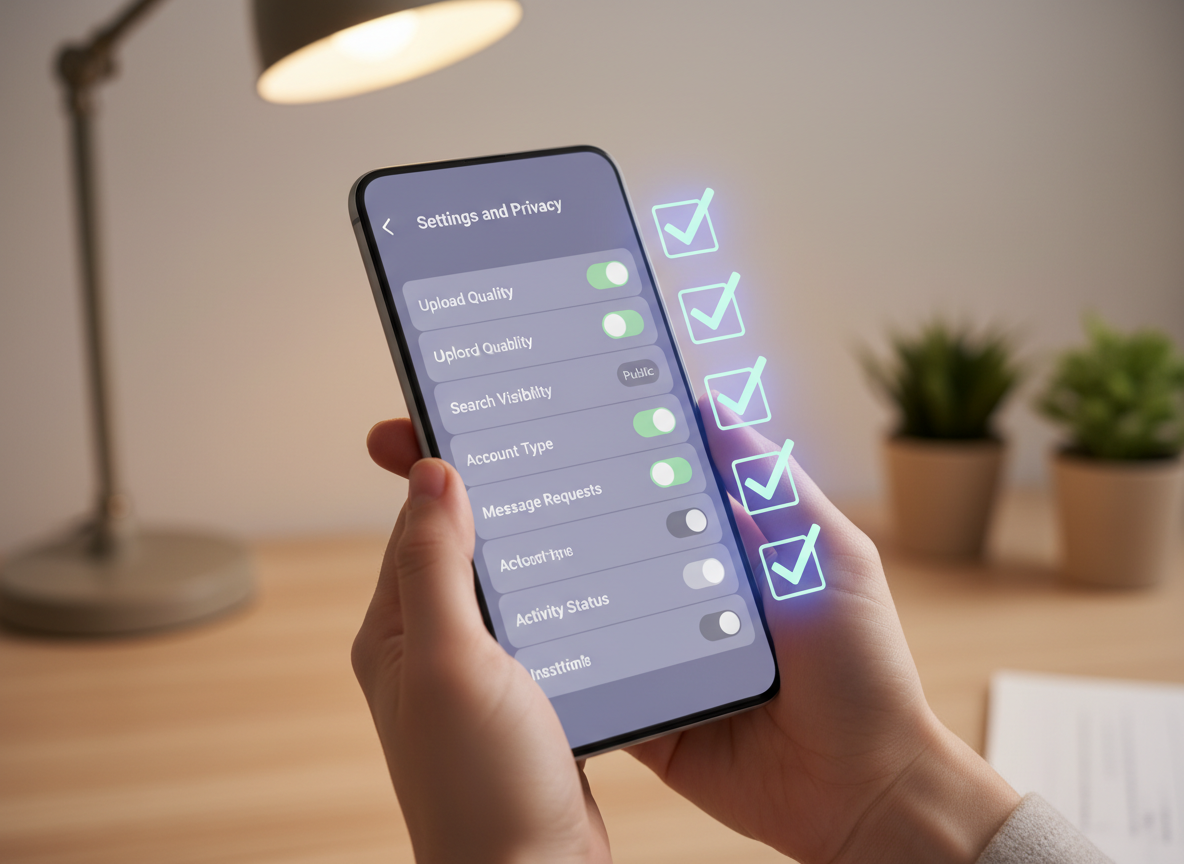
Settings I check first (because they keep biting people)
- Upload quality: if you’re uploading compressed video, you’re feeding the algorithm a weaker asset
- Search engine visibility: whether your public posts can show outside Instagram
- Account type: professional accounts unlock more analytics and sometimes clearer categorization
- Account suggestions: you want Instagram to recommend you to similar audiences
I’ve had creators swear their content “randomly started doing worse,” and it turned out they toggled data saver or started posting on spotty cellular and Instagram got a rougher upload. Same editing, same hooks, worse file. Results changed. Annoying, but real.
If you want a quick settings checklist focused on reach, this roundup is surprisingly practical: Instagram settings that influence reach in 2026.
Where people misunderstand Instagram data access (common myths)
These myths cause the most confusion, especially for creators who are trying to be privacy-conscious and growth-focused at the same time.
Myth 1: “If it’s public, anyone can access it in bulk”
Nope. Public means “viewable,” not “mass-exportable.” Instagram still throttles and blocks patterns that look like scraping, even for public accounts.
Myth 2: “My data download is everything Instagram has on me”
It’s a lot, but it’s not everything. Instagram holds internal ranking signals, safety systems, and some device-side signals that you won’t see in your export.
Myth 3: “Third-party analytics are the same as Instagram analytics”
Not even close. Instagram’s own analytics can see platform-native events (like Reel completion and retention curves) that most third-party tools can’t access at the same fidelity.
Practical ways to check what data is exposed on your account
If you’re trying to understand what people can learn about you (or your brand) from the outside, do these checks. They’re quick, and they usually answer 80% of “how instagram data access works” questions.
- Open your profile in a logged-out browser (incognito) and see what’s visible.
- Check your privacy settings: public vs private, and any restricted visibility options.
- Search your username on Google and see what’s indexed.
- Request your data download and scan the export for messages, media, and profile history.
- Compare in-app analytics vs anything external so you understand what’s “native” vs “estimated.”
Small lived detail: if you do the logged-out check right after changing privacy settings, you’ll sometimes see “old visibility” for a bit because of caching. I usually wait a few hours before I assume a setting didn’t work. Actually, sometimes I wait a full day if Google indexing is involved.
Limitations: what Instagram data access won’t tell you
There are a few hard limits you should accept upfront, because chasing them wastes time.
- You won’t get a perfect “who viewed my profile” list. Instagram doesn’t provide that in a complete way, and tools claiming they can are usually guessing or straight-up lying.
- You can’t reliably reconstruct everything that’s been deleted. If a chat, media item, or story is removed and not retained in your export, it may be gone for good.
And one more: your mileage may vary depending on region, account age, and whether the account has tripped security checks before. I’ve seen two similar accounts get slightly different export contents. Same user behavior, different history.
How UnfollowGram Follower Tracker fits into Instagram data access (and why we built it this way)
A lot of “follower tracker” apps try to solve the problem by asking for your Instagram password. I’ve tested those for years. Some work for a week, then your account gets flagged for suspicious login attempts, or you get that “confirm it’s you” loop at 2 a.m. Brutal.
UnfollowGram Follower Tracker was built around a simpler, safer reality: Instagram will always expose some information publicly on public accounts, but it does not want you handing credentials to random tools. That’s why a password-free Instagram unfollower tracker based on public account data access is the approach I recommend when someone wants the basics (who unfollowed, non-followers, new followers) without the “zero sleep, account locked” drama.
Honest limitation: UnfollowGram won’t help you access private-account follower data, because nobody should be accessing that without authorization. It’s designed for public accounts and fast visibility, not for bypassing privacy walls. And frankly, that’s a good thing.
FAQ
Does Instagram data download include deleted chats?
Sometimes, but not reliably: if the messages were deleted and not retained in your export at request time, they may not appear in the download.
Does Instagram have access to my data?
Yes. Instagram (Meta) stores and processes your content, messages, device signals, and engagement behavior to run the platform, personalize feeds, and enforce safety and policy systems.
Can Instagram track me if my account is private?
Private only controls what other users can see; Instagram still processes your activity and account data to operate the app and recommend content inside your allowed audience.
Why do some tools show different follower changes than Instagram?
Because many tools rely on public snapshots, caching, and rate-limited fetching, so timing differences and partial fetches can make follower change logs look inconsistent.
Is public Instagram content visible on Google?
Often, yes. Public posts and profiles can be indexed, and professional accounts tend to benefit more from search-style discovery when captions and metadata are clear.
Conclusion
Instagram handles data access by separating what’s public, what’s visible only when logged in, and what’s locked behind permissions and privacy walls. The big takeaway is that “I can see it in the app” doesn’t mean “a tool can access it,” and “public” doesn’t mean “free to collect at scale.”
If you’re trying to keep tabs on follower changes without handing over your login info, tools built around safe, public-data access patterns (like UnfollowGram Follower Tracker) are the sane option. You’ll still want to pair that with Instagram’s own data download when you need a deeper personal archive.





