
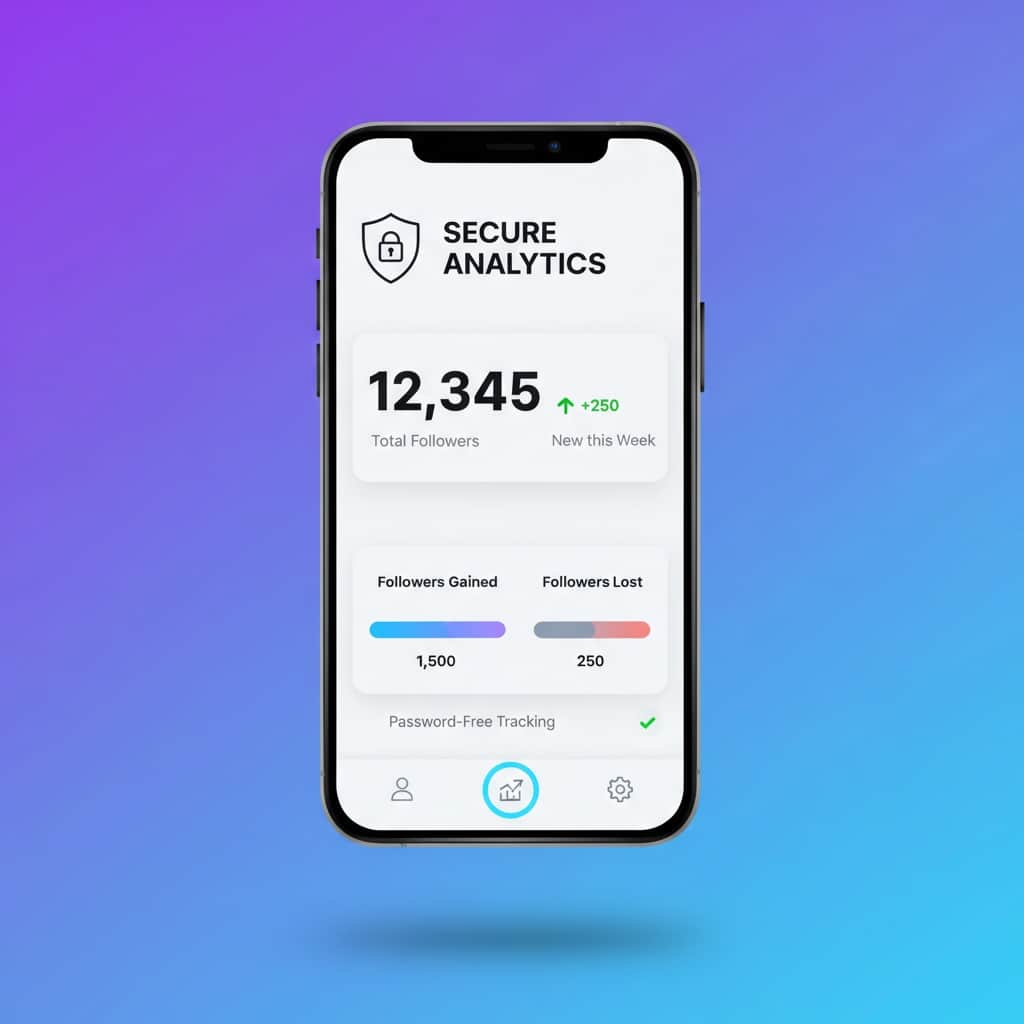
Instagram Unfollow App: Safe Way to Track Who Unfollowed You
Last Updated on January 12, 2026 by Ethan
Instagram doesn’t tell you when someone unfollows you. No notification. No alert. Nothing. Your follower count just quietly drops, and you’re left wondering who it was.
That’s where unfollow apps come in. But here’s the problem: most of them will put your account at serious risk. I’ve seen people lose accounts they spent years building because they downloaded the wrong follower tracker.
UnfollowGram: Safe Unfollower Tracking
Download Free on iOS⭐ 4.6 Stars • No Password Required • 500K+ Users
This guide covers everything you need to know about Instagram unfollow apps. Which ones are safe, which ones to avoid, and how to track who unfollowed me on Instagram without getting banned.
Why Instagram Doesn’t Show You Unfollowers
Instagram made a deliberate choice here. They don’t want users obsessing over who unfollowed them. Less drama, fewer complaints, happier platform. At least that’s the theory.
Back in the day, Instagram had an activity tab showing when people you follow liked photos or followed new accounts. They removed that in 2019. The following list used to be chronological, too. They scrambled that. Everything’s designed to make tracking harder.
So if you want to know who unfollowed you, you need a third-party solution. The challenge is finding one that works without destroying your account in the process.
The Problem with Most Unfollow Apps
Search “Instagram unfollowers” in the App Store, and you’ll find dozens of options. Followers+, InstaTracker, FollowMeter, Reports+. They all promise instant results. They all have thousands of downloads.
Most of them are dangerous.
How risky apps work: They ask for your Instagram username and password. Then they log into your account, scrape your follower list, and compare it to previous data. Instagram detects this unauthorized login and flags your account.
The consequences are real:
- Action blocks: Instagram temporarily prevents you from following, liking, or commenting. Can last days or weeks.
- Shadow bans: Your content stops appearing in hashtag searches and explore pages. Your reach tanks.
- Account restrictions: Certain features get disabled. Sometimes permanently.
- Full suspension: In serious cases, Instagram disables your account entirely. Appeals rarely work.
I’ve talked to people who lost 10K+ follower accounts this way. Years of content, gone. All because they wanted to see who unfollowed them.
What Makes an Unfollow App Safe?
The single most important factor: Does the app require your Instagram password?
If yes, don’t use it. Period. Doesn’t matter how good the reviews look or how many features it has. Password-based apps violate Instagram’s terms and will eventually cause problems.
Safe apps work differently. They either:
- Track publicly available data without logging into your account
- Use Instagram’s official data export feature (which you control)
- Compare snapshots of follower lists over time without credential access
The tradeoff is speed. Safe apps can’t instantly sync with your account because they’re not logging in as you. They take a bit longer to set up. But your account stays intact.
Quick safety check: Before using any follower app, ask yourself: “Does this require my Instagram password?” If the answer is yes, find something else.
How UnfollowGram Works
UnfollowGram takes the safe approach. Here’s exactly how it functions:
Step 1: Add Accounts to Track
You enter an Instagram username. Not your password. Just the username of the account you want to monitor. This can be your own account or anyone else’s public profile.
Step 2: Initial Snapshot
The app captures the current follower list as a baseline. This is your starting point. Everything gets compared against this snapshot going forward.
Step 3: Regular Monitoring
UnfollowGram checks the account periodically. Daily by default, but you can adjust the frequency. Each check creates a new snapshot.
Step 4: Comparison and Alerts
The app compares current data against previous snapshots. Anyone missing from the new list who was in the old list? That’s an unfollower. You see exactly who left and when.
No password is involved at any point. No logging into your account. No risk.
What You Can Track
The Instagram unfollowers tracker shows you more than just who stopped following:
Unfollowers: The main feature. See exactly who unfollowed you with timestamps. Lost 12 followers this week? You’ll know all 12.
Non-followers: People you follow who don’t follow you back. Useful for cleaning up your following list and improving your ratio. The follower viewer makes this easy to manage.
New followers: Those who just started following you. Helpful for engagement. Follow back quickly, respond to their comments, and build the relationship while it’s fresh. Check the new follow tracker for this.
Ghost followers: Accounts following you that never engage. They hurt your engagement rate because Instagram sees followers ignoring your content as a bad sign.
Mutual followers: People who follow you and you follow back. Your core engaged audience.
Comparing Safe vs Unsafe Apps
| Feature | Unsafe Apps | UnfollowGram |
|---|---|---|
| Requires password | Yes | No |
| Risk of account ban | High | None |
| Data accuracy | Varies | High |
| Setup speed | Instant | 2-3 minutes |
| Instagram compliant | No | Yes |
| Push notifications | Sometimes | Yes |
The instant setup of unsafe apps is tempting. But “instant” means nothing if your account gets restricted a week later.
Manual Alternatives (If You Don’t Want Any App)
Some people prefer avoiding third-party tools entirely. Understandable. Here are your options:
Screenshot Method
Take screenshots of your follower list regularly. Compare them manually to spot who’s missing. Free, completely safe, but incredibly tedious if you have more than a few hundred followers.
Instagram Data Export
Go to Settings > Account Center > Your Information & Permissions > Download Your Information. Instagram emails you a file with your complete follower list. Download it again later and compare the two files.
This method is 100% official and safe. The downsides: the file can take 48 hours to arrive, comparing JSON files requires some technical comfort, and you only see changes between downloads.
Mental Notes
If you notice your count dropped from 847 to 842, you can manually check specific profiles you suspect might have unfollowed. Works for tracking a few people. Useless for finding random unfollowers among hundreds of accounts.
Reality check: Manual methods work, but they’re time-consuming. If you check regularly, an app saves hours. Just make sure it’s a safe one.
Signs an App Is Sketchy
Red flags to watch for when evaluating any follower tracking app:
- Asks for your password immediately during setup
- Promises “instant sync” with your Instagram data (impossible without logging in)
- Has reviews mentioning account bans (check the 1-star reviews, that’s where truth lives)
- Not available in official app stores (web-only tools asking for credentials are especially risky)
- Aggressive ads and pop-ups cover basic functionality
- Unclear privacy policy or no policy at all
Trust your gut. If something feels off about an app, it probably is.
What to Do After Finding Unfollowers
So you know who unfollowed you. Now what?
Don’t immediately unfollow everyone back. Petty move, and mass unfollowing triggers Instagram’s spam detection. Spread it out over days if you’re cleaning up.
Look for patterns. Are people unfollowing after specific types of posts? After you changed your content style? After posting too frequently? The follower tracker helps you spot these trends over time.
Don’t obsess. Everyone loses followers. Even massive accounts with millions of followers lose thousands per week. Some churn is normal and healthy.
Focus on the bigger picture. Net growth matters more than individual unfollows. If you’re gaining 50 and losing 10, you’re doing fine.
Frequently Asked Questions
Can I see who unfollowed me before installing the app?
No. Any tracking app can only show changes from when you start using it. It compares current data to previous snapshots, so historical unfollows before installation aren’t visible.
Why do safe apps take longer to show results?
Because they’re not logging into your account. They’re monitoring public data and comparing snapshots over time. The first check establishes a baseline. Subsequent checks reveal changes. It’s slower but keeps you safe.
What if my account is private?
You can still track your own followers. Tracking other private accounts is limited to what’s publicly visible, which isn’t much if you don’t follow them.
Will Instagram ever add native unfollower tracking?
Unlikely. They’ve consistently moved in the opposite direction, hiding more information rather than revealing it. They don’t want users obsessing over these metrics.
Is it worth paying for premium features?
Depends on how often you check. Free versions usually cover basic unfollower tracking. Premium adds faster updates, more detailed analytics, and additional features. Try it free first, upgrade if you actually use the app daily.
Final Thoughts
Instagram unfollow apps fill a gap that Instagram refuses to address. People want to know who unfollowed them. That’s a reasonable thing to want.
The key is choosing wisely. Password-based apps aren’t worth the risk. I’ve seen too many accounts get burned. Safe alternatives like UnfollowGram exist specifically because the risky options kept hurting people.
Take the extra two minutes to set up something secure. Your account will thank you.
More tools: Profile Viewer • Story Viewer • All Features

Ethan is the founder of UnfollowGram with more than 12 years of experience in social media marketing. He focuses on understanding how Instagram really works, from follower behavior to engagement patterns, and shares those insights through UnfollowGram’s tools and articles.





