

Do You Need a Reports App for Instagram
Last Updated on February 21, 2026 by Ethan
You don’t need a reports app for Instagram. But if you post seriously (creator, brand, agency, even just a “I care about my growth” personal account), a good one will save you hours and stop you from guessing.
The real win isn’t staring at graphs. It’s catching patterns early: which posts pull the right followers, who’s quietly unfollowing after certain content, and whether your “growth” is actually just one Reel spike that vanishes a week later.
Below is how I decide if someone should use a reports app, what the best follower analytics apps actually do in 2026, where they break, and which tools I’ve seen work best depending on your goal.
TL;DR: You don’t need a reports app for Instagram unless you’re serious about growth. If you’re actively managing multiple accounts or want to understand follower dynamics, these tools can help identify patterns and improve engagement. Casual users can stick with Instagram Insights, but frequent posters may find value in tracking unfollows and content performance.
What people mean by a “reports app” (and what you actually get)
Most people say “reports app” when they mean one of these three things:
- Follower change tracking: who unfollowed, who followed, and who doesn’t follow back.
- Performance analytics: reach, engagement, saves, shares, story taps, profile actions, best times, content comparisons.
- Competitor and market tracking: benchmarking other accounts, hashtag performance, projections, trend spotting.
And here’s the catch that trips people up. Instagram has tightened third-party access a lot, so the “deep stuff” is mostly for Professional accounts through official integrations. Meanwhile, a bunch of apps now lean on public data, estimates, and notification-style tracking.
I’ve tested these tools on tiny accounts (under 1k) and bigger ones (50k to 300k). On smaller profiles, the reports can look “too quiet” because there just isn’t enough signal day-to-day. On bigger accounts, you’ll see more movement, but you’ll also hit delays and sampling quirks, especially around big spikes or after viral Reels.
Do you need one? A quick, honest decision check
Look, if you post once a month and don’t care who comes and goes, skip it. Seriously. But a reports app starts to pay off fast if any of this is true.
You probably don’t need a reports app if…
- You’re a casual user and your only goal is “post and forget.”
- You’re okay using only Instagram Insights and never comparing content over time.
- You don’t care about unfollowers or non-followers (some people truly don’t, and that’s healthy).
You probably do need one if…
- You’re actively trying to grow and you want to know what content causes churn.
- You manage multiple accounts and can’t manually check changes every day.
- You do brand deals and need proof beyond “trust me, my audience is engaged.”
- You’re running campaigns and need to separate organic bumps from paid or shoutout spikes.
One counterintuitive thing I’ve seen over and over: the more you post, the more valuable “unfollow context” becomes. You’d think frequent posting automatically equals growth. Actually, posting more can increase unfollows if your topics drift, your format changes, or you start doing aggressive promo weeks.
That’s not theory. I’ve watched accounts lose 200 to 500 followers after a “launch week” that was basically seven sales posts in a row. Painful. And preventable.
How follower analytics apps work in 2026 (the simple mechanics)
Here’s what’s happening under the hood, in plain English:
- Official data pull (Professional accounts): some tools connect through Meta-approved pathways and can read metrics similar to Insights (reach, engagement, audience activity). This is the cleanest, but it’s limited to what Instagram allows.
- Public profile analysis: tools read what’s visible on public accounts (post frequency, visible engagement, follower counts) and build trend charts or comparisons.
- Change detection: some trackers keep snapshots of follower/following lists (where possible) and compare them later to infer who unfollowed or who didn’t follow back.
The reason results sometimes “change later” is timing. Instagram data can lag, and apps that rely on snapshots only know what changed between your checks. If you don’t run a scan for a week, you’re basically asking the app to reconstruct a whole week of movement from two points. Sometimes it can. Sometimes it can’t.
And yeah, I’ve personally messed this up. I used to check randomly, then wonder why my unfollower list looked incomplete. Once I moved to consistent check times (same time each day), the data got way more useful.
What you should get from the best follower analytics apps
If you’re shopping in the “best follower analytics apps” category, don’t get distracted by flashy dashboards. Ask for these outcomes.
1) Clear growth math (not just vibes)
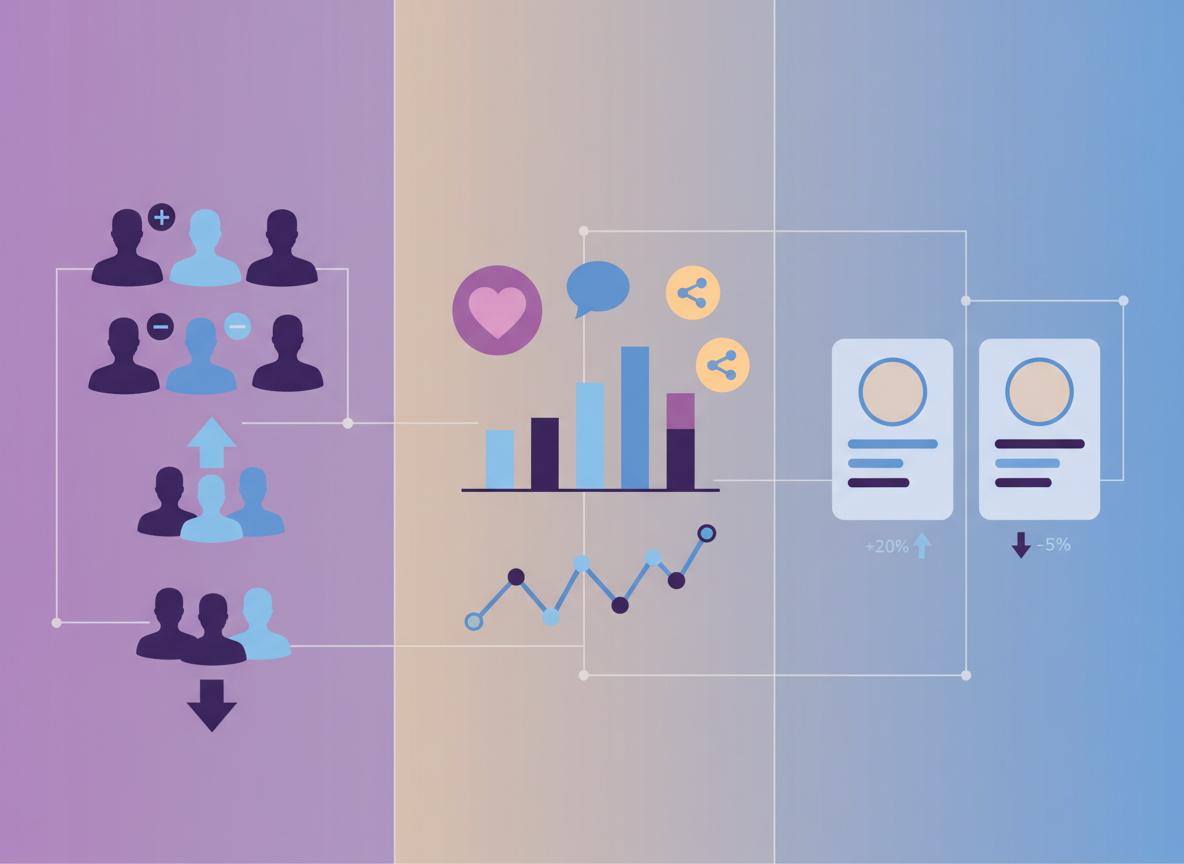
You want net growth, but also the breakdown: new followers vs unfollows, and what content happened in that window. Otherwise you’ll celebrate “+300 this month” while ignoring “also -260 churn.” That’s a very real scenario.
2) Content comparisons you can actually act on
Not “your engagement is 3.2%.” Cool number. What now?
Good analytics makes it obvious which posts drove:
- profile visits
- follows
- saves and shares (usually better than likes)
- story exits vs taps forward (story quality tells)
3) Best time to post (with reality checks)
Best posting time features can be helpful, but only if they’re based on your audience activity and updated regularly. On accounts I manage, those “best times” shift when a Reel hits Explore in a new region or when we change content language for a few weeks.
Also, and this is where people get mad at apps: the best time to post is not a magic button. If the content is mid, posting at the “perfect hour” just means more people see it… and scroll past it faster. Ouch.
4) Competitor benchmarks (if you’re doing this professionally)
If you’re a creator or brand, competitor tracking is no longer optional. Tools like Not Just Analytics (formerly Ninjalitics) are popular for quick public profile breakdowns, and Social Blade is still the classic for long-range trend projections.
I like using competitor tracking as a sanity check. If your entire niche is flat this month, your “slow growth” might be normal. If everyone else is up and you’re down, you’ve got a content problem, not a “shadowban.”
Best-in-class tools I’ve actually seen perform well (and what each is best for)
There’s no single winner for everyone. Anyone telling you there is… hasn’t managed real accounts with real constraints.
Influize (best for multi-platform reporting and separating growth types)
Influize is strong when you want Instagram plus other networks in one place, and when you care about clean reporting. I’ve used it most for teams and clients who need “what happened this month” summaries without drowning in screenshots. Their breakdowns are solid, and their blog list is a decent starting point too: Influize’s roundup of Instagram follower trackers.
Social Blade (best for long-range trend context)
Social Blade is the tool I pull up when someone says, “Is this drop normal?” It’s not about micro-details like “who unfollowed yesterday.” It’s about trajectories, projections, and historical trends across years.
On larger accounts, Social Blade’s curve is weirdly calming. You’ll see that even great creators have choppy weeks. That perspective matters.
FollowMeter (best mobile-first follower changes and quick cleanup)
FollowMeter is one of the few mobile tools that stays simple enough to be useful. Non-followers, mutuals, basic changes. Done.
Lived detail: on accounts above roughly 20k, I’ve noticed these mobile trackers can feel slower or show partial lists at first, then “fill in” after a refresh. People assume it’s broken and uninstall. Half the time, it just needs another pass or the app needs to finish processing. Annoying, but true.
Not Just Analytics (best for fast public competitor checks)
This is what I use when I want to eyeball a public account quickly, especially for creators scouting collabs. You won’t get private audience demographics, but for public-facing stats and benchmarking, it’s handy.
Later Analytics (best for content-first creators, scheduling + insights)
Later is strong when your workflow is “plan content, post consistently, review performance.” It’s less about stalky follower lists, more about content optimization and timing.
Snoopreport (best for activity-style monitoring, not follower list micromanagement)
Snoopreport is known for activity tracking style features, and it’s one of the few names I still hear mentioned when people want “what are they doing on Instagram” type insights. If you’re curious, their overview of this category is here: Snoopreport’s activity tracker breakdown.
Quick warning: people go into these tools expecting mind-reading. That’s not how it works. You get patterns and visible behaviors, not someone’s private metrics.
Dolphin Radar (best for modern visualization and AI-flavored insights)
Dolphin Radar is part of the newer wave: more “insight summaries,” more charts that look like finance dashboards, and more AI labeling. It’s helpful if you like exploring patterns, but you still need a human brain to decide what to post next.
Sked Social (best for teams, approvals, and consistent reporting)
Sked Social is one of those tools that becomes a “system,” especially for teams. I’ve seen it reduce the chaos for social managers who are juggling approvals and need reliable analytics in the same place. Their write-up is a solid reference point: Sked Social’s overview of Instagram analytics tools.
Okay, but what about “Reports+” style unfollower apps?
These are the apps people usually mean when they say “Instagram reports app.” They want the tea: who unfollowed, who’s not following back, who’s a ghost follower.
And yeah, I get it. I’ve had creators literally message me, “I swear someone unfollowed me, I can feel it.” (Same.)
The problem is safety and reliability vary wildly. A lot of follower-report apps are either:
- Overreaching for access they shouldn’t need
- Using brittle methods that break when Instagram changes something
- Stuffed with aggressive ads and “upgrade” traps
If you want a deeper breakdown of what metrics matter and how to interpret them (beyond “number go up”), this is a useful reference: a practical Instagram follower analytics walkthrough.
Failure modes: where reports apps fall apart (I’ve watched this happen)
This is the part most blogs skip because it’s less fun than “Top 10 tools.” But it matters.
Failure mode #1: expecting perfect “who unfollowed” lists without consistent scans
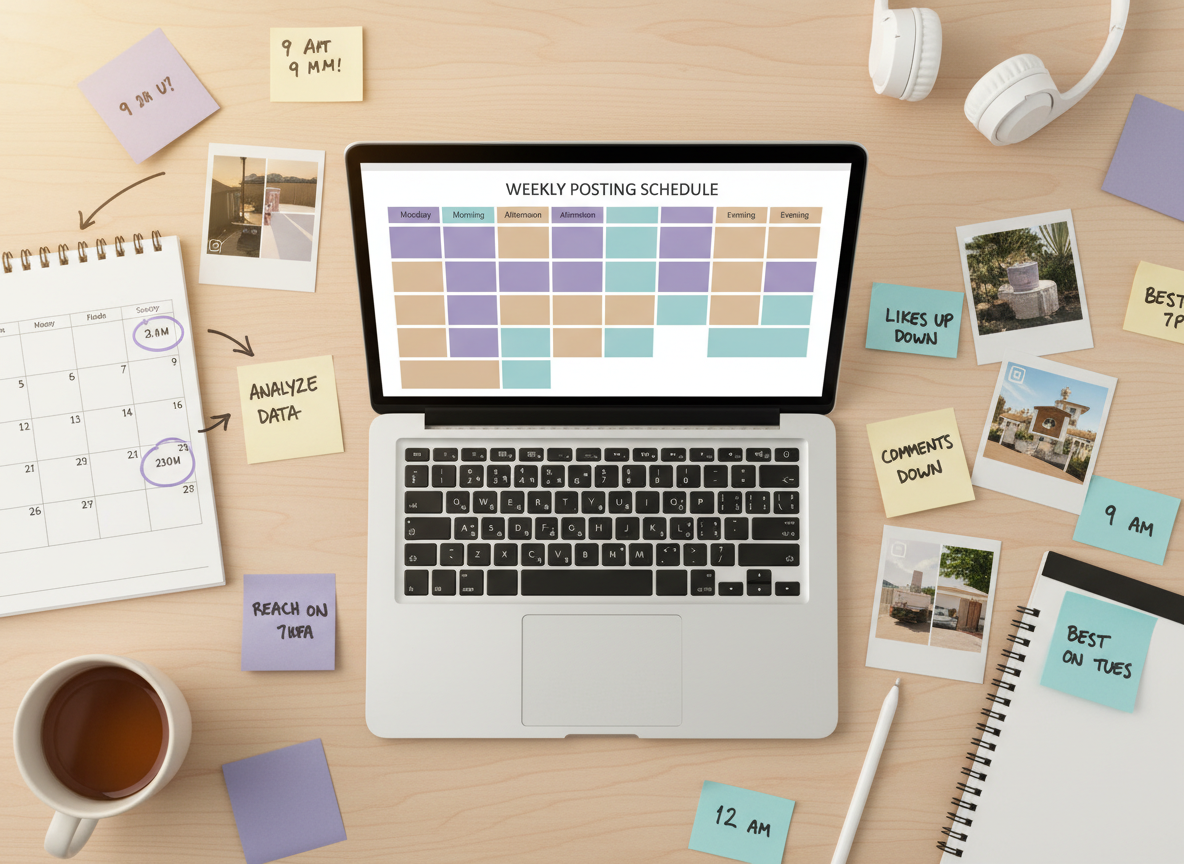
If you only check once in a while, you’ll miss churn that happens between snapshots. Some tools can infer changes, but it’s not magic. If “daily unfollowers” is your use case, you’ve gotta check daily. That’s it.
Failure mode #2: private accounts and locked-down data
Public-data tools can’t see into private accounts. And even with professional accounts, Instagram limits what third parties can access. If an app claims it can show everything for every account type, I’m skeptical.
Also, I’ve seen users panic when their follower count changes but the app doesn’t show names. Sometimes Instagram’s follower list itself is slow to reflect changes. Refresh later. Seriously.
Choosing the right app type (based on what you’re trying to do)
Here’s how I match tools to people in the real world.
If you want to grow strategically (not obsessively)
Use Instagram Insights plus a proper analytics tool like Later or Sked Social. Then sprinkle in competitor context from Social Blade or Not Just Analytics.
If you’re unsure whether you should trust third-party tools or stick to native metrics, this comparison clears up the tradeoffs: Instagram Insights vs third-party analytics explained.
If you want to track unfollowers and non-followers
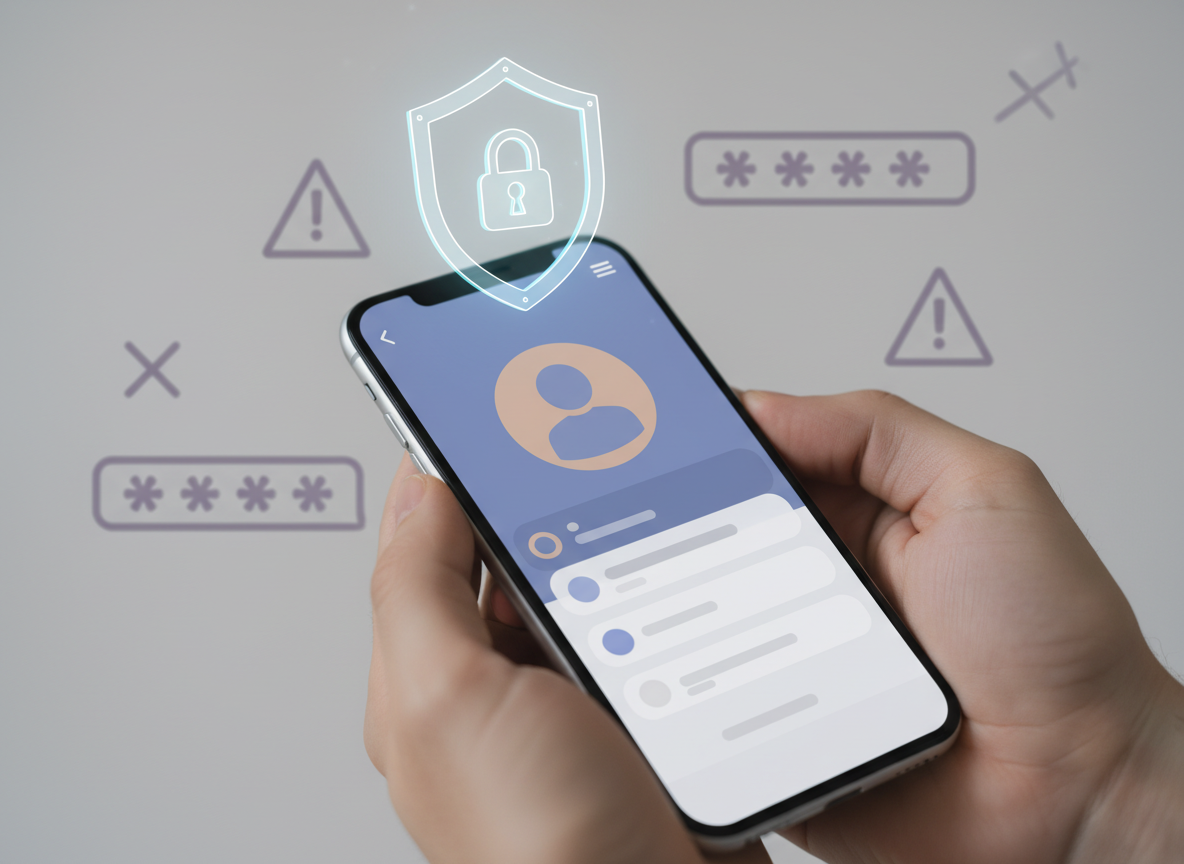
Pick something that doesn’t ask for your password. Full stop. I’ve been around long enough to see people lose accounts, get locked out, or trigger security checks because they handed credentials to sketchy tools.
If you want options in this specific category, here’s a solid overview to compare approaches: a breakdown of the best Instagram followers apps.
If you’re a social media manager handling multiple accounts
Go for workflow tools first (Influize, Sked Social, and similar). Follower changes matter, but client reporting and consistency matter more. Otherwise you’ll spend your life screenshotting charts at 11:58 pm before a meeting. I’ve done it. It’s not cute.
Safety: what I personally check before I trust a reports app
Most people think the risk is “getting banned.” The more common reality is getting forced into annoying verification loops, temporary locks, or having to reset passwords because Instagram flags suspicious access.
Here’s what I check now (after learning it the hard way):
- No password requirement for basic follower-change reports, if possible.
- Clear explanation of where data comes from (public data vs Professional account connection).
- Reasonable permissions. If it asks for everything, I back out.
- Consistent scan behavior (daily tracking that doesn’t randomly “forget”).
- Support and transparency when Instagram changes something.
If you want a tighter, no-fluff checklist you can actually run through before installing anything, use this: a tracker safety checklist for Instagram follower tools.
Limitations (read this before you pay for anything)
A reports app won’t tell you why someone unfollowed. It can correlate timing with posts, but it can’t read minds, and it definitely can’t label someone “mad about your Story” with certainty.
And some features just don’t work well in edge cases. If your account gets a sudden surge (viral Reel, giveaway, paid shoutout), many tools struggle to categorize everything cleanly for a day or two, and you’ll see mismatches until the data settles. Your mileage varies a lot here depending on account size and how often you run scans.
How UnfollowGram Follower Tracker helps with Instagram reports (without the sketchy stuff)
UnfollowGram exists for the most common “reports app” problem: people want to see follower changes without handing over their Instagram password. That’s the whole point. I’ve watched too many folks use random apps, get spooked by login requests, and then either quit tracking entirely or take risks they didn’t need to take.
What I like about this approach is the simplicity. You use a no-password Instagram unfollowers tracker that checks public accounts fast when you want answers like “who unfollowed” and “who doesn’t follow back,” without turning your account into a science experiment.
Small honest caveat: because it’s built around public-account tracking and a “no login required” model, it’s not trying to replace full Professional analytics suites (think deep reach demographics or ad reporting). It’s for keeping tabs on who’s in and who’s out, and doing it with way less drama.
If you want a security-focused take on this exact category, this cluster article explains the logic really clearly: get Instagram analytics from a followers report app without unnecessary security risks.
FAQ
What are the best apps to track followers?
The best apps to track followers depend on your goal: FollowMeter and UnfollowGram-style tools for follower changes, and Influize, Later, or Sked Social for broader analytics and reporting.
Which is the best app to increase followers?
No app reliably “increases followers” by itself; the best analytics apps help you grow by showing what content drives follows and what causes unfollows so you can repeat what works.
What app can I see who unfollowed me?
Use an unfollower tracker that doesn’t ask for your Instagram password, and check it consistently (daily if you want daily results), because unfollower lists are based on changes between scans.
How to find out when followers are most active?
Switch to a Professional account and use Instagram Insights for “Most active times,” or use an analytics tool that reads audience activity from approved data connections for more detailed scheduling suggestions.
Are follower analytics apps safe to use?
They can be, but avoid tools that ask for your password or excessive permissions; prioritize apps that explain their data sources and minimize access.
Why do unfollower apps sometimes show different results than Instagram?
Because many trackers rely on periodic snapshots and Instagram data can lag, so results can differ until the next scan or until Instagram updates follower lists across servers.
Conclusion (the practical answer)
If you’re posting with any real consistency, a reports app is worth it because it turns “I think my account is doing okay?” into measurable patterns you can act on. If you’re just casually posting, you can stick with Insights and call it a day.
Pick your tool based on the job: workflow analytics for creators and teams, competitor benchmarking for strategy, and a dedicated unfollower tracker when you care about follower changes and non-followers. And if your main goal is clean, low-risk unfollower tracking for public accounts, UnfollowGram is a solid place to start: you can check it out at https://unfollowgram.com.

Ethan is the founder of UnfollowGram with more than 12 years of experience in social media marketing. He focuses on understanding how Instagram really works, from follower behavior to engagement patterns, and shares those insights through UnfollowGram’s tools and articles.





