
Public vs Private Accounts for Tracking
Last Updated on January 25, 2026 by Ethan
No, you can’t directly see who unfollows you on a private Instagram account using “username-only” trackers. Private accounts block the follower/following lists from being publicly read, so there’s nothing for those tools to compare.
But you’re not totally stuck. The workaround that actually works in 2026 is using your official Instagram data export (the JSON files) and comparing snapshots over time, ideally with an offline analyzer.
This is the part most people miss: “private vs public” isn’t about what you want, it’s about what data Instagram exposes. Once you understand what’s visible (and what’s locked), tracking gets a lot less mysterious.
Public vs private: what tracking tools can and can’t see
Here’s the clean divide:
- Public account: Your followers and following lists are publicly visible. Tools can scrape and compare lists (sometimes). This is why “type your username” trackers can work at all.
- Private account: Those lists are hidden unless someone is approved to follow you. Most tracking sites can’t access anything useful, so they can’t reliably tell you who unfollowed.
So when someone asks, “can you see unfollowers on private accounts?” they’re usually hoping there’s a magic dashboard somewhere. There isn’t. Not in real time, not without using Instagram’s own exported data, and definitely not with the classic “enter your username” tools.
And yeah, I’ve tested this over and over because clients keep asking. Public scraping tools will happily show you a loading spinner on a private profile, then spit out partial junk or nothing at all. Annoying. Predictable.
How it works (and why private accounts are basically a brick wall)
Instagram unfollower tracking is always some version of “compare two lists.” That’s it. One list is your followers at Time A, the other is your followers at Time B, and the difference is your unfollowers.
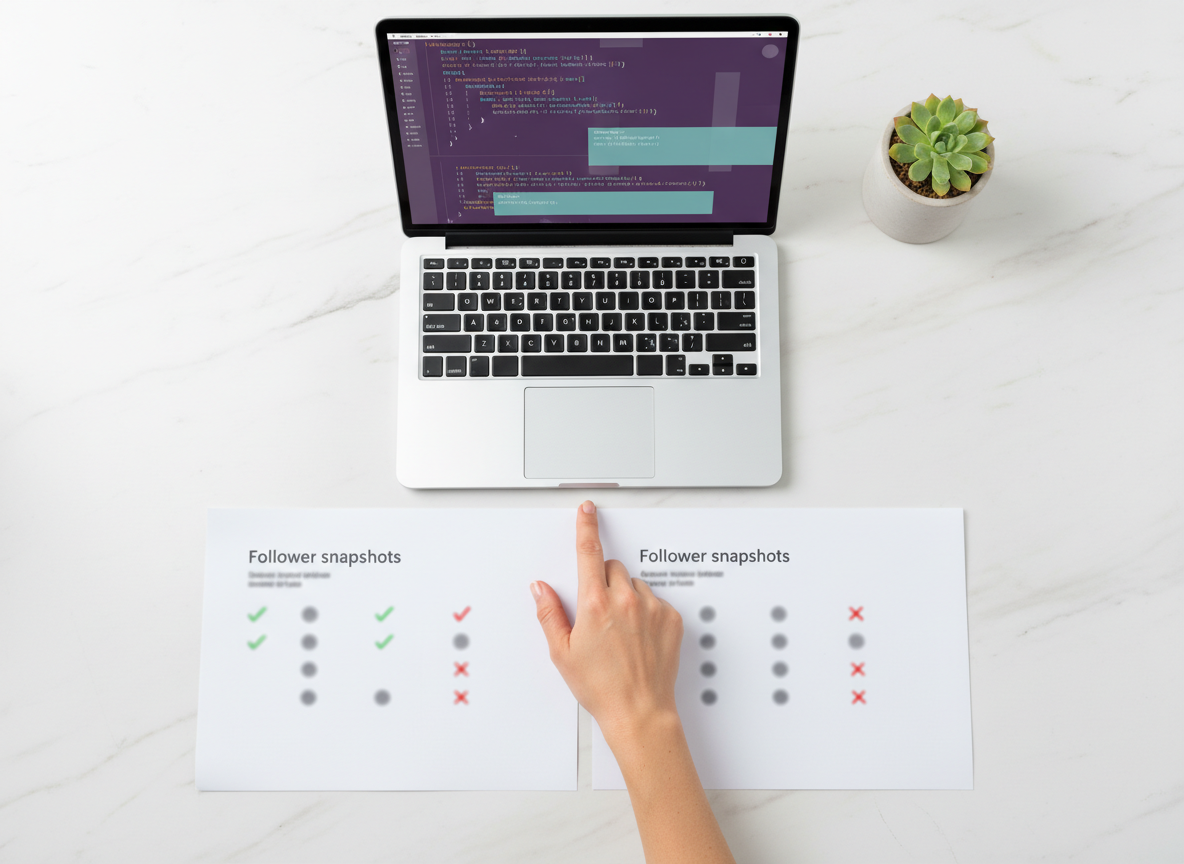
The reason private accounts break most trackers is simple: Instagram doesn’t publish your follower list to the public web for private profiles. No list means no comparison. No comparison means no unfollowers report.
If you want the deeper mechanics, this explainer on how Instagram unfollow tracking works in practice connects all the dots.
The two approaches you’ll see in the wild (and what I’ve learned from using both)
1) “Username-only” public scraping (fast, but limited)
This is the style you see on sites that say “no login, just enter your username.” For public accounts, it can work surprisingly well when Instagram isn’t rate-limiting or changing the rules (which happens… a lot).
It’s also why tools like UnfollowGram Follower Tracker are so convenient for public profiles. You type the username, you get results quickly, and you don’t hand over credentials. Simple.
But on private accounts, this approach hits a hard stop. It’s not a “the app needs an update” problem. It’s a “the data is not accessible” problem.
Lived detail: I’ve noticed scraping-style trackers behave totally differently depending on account size. Under ~2,000 followers, results tend to pop fast. Over 20,000, you start seeing timeouts, missing chunks, or weird ordering issues, even on public accounts. And on private accounts, it’s basically dead on arrival.
2) Instagram data export comparison (slower, but it actually works for private accounts)
This is the workaround that keeps surviving every Instagram crackdown: you request your own data from Instagram, download it, then compare exports.
The reason this works is kind of boring, but important: Instagram will always let you access your own follower/following data through its export tools, even if your profile is private. You’re not scraping anything. You’re not bypassing privacy. You’re just reading your own file.
There are tools built around this idea like UnfollowPeek (offline analysis) and UnfollowTool (upload-based workflows). I’ve used both styles. Offline is my preference when possible, because you’re not sending your follower history to a random server. That matters.
So… can you see unfollowers on private accounts?
You can’t “see unfollowers” on private accounts the way people mean it (real-time, automatic, list updates every minute). But you can figure it out by comparing your own exported snapshots.
Here’s the counterintuitive part nobody tells you: private accounts aren’t harder because they’re private. They’re harder because people expect the internet to have access to their list. It doesn’t. Your export is the only clean source that consistently includes the full list.
Step-by-step: how to track unfollowers on a private account using Instagram’s export
This is the exact workflow I’ve had creators use when they refuse to go public (which I get, honestly).
- Request your export: Instagram app → Settings → Accounts Center → Your information and permissions → Export your information.
- Select the right data: Choose “Connections” and include Followers and Following. Pick JSON. Set it to “All time.”
- Download the file: Instagram emails you a link. Sometimes it’s quick. Sometimes it takes hours.
- Save it as “Snapshot A”: Name it by date. Seriously. Don’t trust yourself to remember (I’ve messed this up before and had to re-export).
- Wait and repeat: Do another export later (Snapshot B). Daily is great for busy accounts; weekly is fine for normal humans.
- Compare the two snapshots: Use an offline analyzer or do it manually if you enjoy pain.
Lived detail: export timing can get weird around big follower spikes. I’ve seen accounts gain 500 followers overnight from a Reel, and the export generated the next morning didn’t fully “settle” until later that day. If you’re auditing unfollowers after a viral hit, give it a little breathing room.
Why there are no real-time unfollower alerts (even on public accounts)
If you’re hoping for “push notifications when someone unfollows,” you’re gonna be disappointed. Instagram doesn’t offer a native unfollower list or an event feed for unfollows, and it doesn’t look like that’s changing.
If you want the why behind that, this breakdown on why Instagram has no unfollow notifications explains it in plain English.
Failure modes: where tracking falls apart (yes, even with exports)
Export-based tracking is the most reliable option for private accounts, but it’s not magical. This is where it gets weird:
- “I exported twice and it shows no change”: If your two exports are too close together, you might just be comparing the same snapshot state. I’ve done this at 10am and 11am, felt smug, then realized it was basically identical data.
- Mass removals and blocks muddy the story: An export will show who’s not there anymore, but it won’t always tell you why they’re missing. Unfollow vs block vs deactivation can look identical from a pure list-diff perspective.
And if you’re using a public scraping tracker (public account) you’ll hit another failure mode: list lag. Counts update faster than lists sometimes, which leads to “my follower number dropped but the tool shows nobody unfollowed.” That’s not you going crazy. It’s a timing mismatch, and this explanation of why follower counts change but lists lag matches what I’ve seen in day-to-day tracking.
Common mistakes I see constantly (and yeah, I’ve made some of them too)
- Using login-required unfollower apps: Don’t. I’ve watched people get temporary locks and security challenges after handing credentials to sketchy “tracker” apps. It’s not worth it.
- Trying public trackers on private accounts and thinking it’s “bugged”: It’s not bugged. It’s blocked.
- Expecting real-time unfollower alerts: The ecosystem doesn’t work like that anymore. Most “instant alerts” claims are marketing, not reality.
- Uploading exports to random sites without thinking: Your export contains a lot of relationship data. If the tool doesn’t clearly explain where processing happens, assume the worst.
- Not keeping a clean schedule: Tracking only works if you have two clean points in time. One snapshot tells you nothing.
Quick vulnerable admission: I used to obsessively check unfollowers daily on a creator account I managed, and it made me paranoid. Like “did that Story annoy people?” paranoid. Tracking is useful, but only if you’re using it to spot patterns, not punish yourself.
Picking a tool based on your account type
If your account is public
You’ve got options. Public scraping tools can be fast and low-effort, and for a lot of people that’s enough. If you want “enter username, get results,” you’ll like that style.
You’ll also see “real-time” public trackers like DolphinRadar. For some public accounts, it feels instant and clean. For others, it’s spotty depending on follower count and how often you run it. Your mileage varies.
If you’re curious how these tools technically detect changes (and why some are flaky), the breakdown on how unfollower tracker apps detect changes is a good reality check.
If your account is private
Stick to export-based comparison. That’s the safe lane.
- Offline analysis tools: Great if you care about privacy and want local processing. Example: UnfollowPeek.
- Upload-and-compare tools: Convenient, but think hard before uploading. Example: UnfollowTool.
One more lived detail: on accounts that hover around the private/public switch (people who go public during launches, then private again), I’ve found export-based tracking stays consistent, while scraping trackers can “forget” history once the account flips back to private. That inconsistency drives people nuts.
Limitations (what this won’t tell you)
- This won’t give you real-time unfollower alerts. Exports are snapshots. You’re always looking backward.
- This won’t always explain the reason someone disappeared. Unfollow, block, temporary deactivation, and some privacy changes can all look like “not in the list anymore.”
- This won’t work well if you don’t collect snapshots consistently. If you export once every three months, you’ll still get a diff, but it’ll be messy and hard to interpret.
FAQ
Can you see unfollowers on private accounts?
Not directly through public trackers, because private accounts hide follower lists. The reliable workaround is comparing your Instagram data exports over time.
Does Instagram show you who unfollowed you?
No. Instagram doesn’t provide a native unfollowers list or notifications for unfollows.
Do unfollower apps work on private Instagram accounts?
Most “username-only” apps won’t. Export-based tools can work because they use your own downloaded data instead of trying to access private lists.
Will tracking unfollowers get my account banned?
Export-based tracking is low risk because it uses your official data. Login-required third-party apps are the ones that can trigger security checks or worse.
Wrapping it up (public vs private, in plain terms)
If your account is public, tracking unfollowers is usually straightforward because the follower list is visible enough for tools to compare. If your account is private, the answer to “can you see unfollowers on private accounts” is basically “not the normal way,” and the best workaround is exporting your Instagram data and comparing snapshots.
And if you’re running a public profile and want a quick, no-password way to check changes without the sketchy login stuff, UnfollowGram is a solid option to keep in your toolbox. Just track consistently, don’t obsess, and delete old data files when you’re done (future-you will thank you).

Ethan is the founder of UnfollowGram with more than 12 years of experience in social media marketing. He focuses on understanding how Instagram really works, from follower behavior to engagement patterns, and shares those insights through UnfollowGram’s tools and articles.





