

Are Recent Follow Alerts on Instagram Real
Last Updated on February 10, 2026 by Ethan
Look, as of 2026, Instagram still doesn’t really have a legit “recent follow alerts” feature. If you’re seeing pop-ups, DMs, emails, or some random app promising “instant recent follow alerts,” it’s usually just people misreading Instagram’s activity stuff, or a third-party tool taking a shaky guess off scraped public info.
I’ve tested this stuff across creator accounts, brand accounts, and a couple “just for fun” personals, and the pattern is always the same: Instagram will show you trends and some activity, but it will not reliably push a native alert that says “John Doe just followed @whoever” in real time. But yeah, the version of this people think exists, it pretty much doesn’t.
So what’s actually real here, what’s just noise, and what can you use without risking your account getting flagged? Alright, here’s how it really works, in my experience.
TL;DR: Instagram does not have a reliable “recent follow alerts” feature; any notifications you see are likely misunderstandings or scams. You’ll get the normal “someone followed you” notification and a few activity summaries, but you won’t get real-time alerts showing who followed who, and that goes for you and other people. Essentially, Instagram keeps follow events private to protect user data.
What People Mean by “Recent Follow Alerts” (And Why It’s Confusing)
When someone searches “recent follow alerts instagram,” they’re usually talking about one of these:
- Getting notified when someone follows you (like a push notification).
- Seeing your newest followers in order so you can greet them fast.
- Seeing who someone else recently followed (the spicy one).
- Getting “unfollow” alerts (different problem, same ecosystem of sketchy apps).
Instagram only kind of supports the first two, and even then it’s not a clean “recent follow alert” system. The third one (tracking someone else’s recent follows) is where most of the scams live, because Instagram doesn’t expose that cleanly anymore.
And yeah, I get why people want it. If you’re a creator, the window to turn a new follower into a real fan is short. If you’re a manager, you want quick attribution. If you’re… well, if you’re quietly checking an ex’s new follows, you’re not alone. I’ve been there. Not proud. Moving on.
The Short Truth: Are Recent Follow Alerts on Instagram Real?
No, not as a native Instagram feature. Instagram just doesn’t have a built-in tool that reliably pings you in real time for follow activity, and it definitely won’t tell you who someone else just followed. In most cases, that’s not happening.
What Instagram does provide is a mix of:
- Basic follow notifications (sometimes, depending on your notification settings and how your phone handles them)
- Activity and engagement signals (likes, comments, DMs, story reactions)
- Professional analytics like follower growth counts and trends
That’s it. No magical feed of “recent follows across the platform,” and no official alert stream you can subscribe to.
How It Works (What Instagram Actually Tracks vs What It Shows You)
Instagram obviously knows who followed who. The problem is: it doesn’t expose that data publicly in a stable, developer-friendly way anymore, and it definitely doesn’t give random third-party apps permission to broadcast it as “alerts.”
Here’s what’s happening under the hood, in plain English:
- Follow events are private account actions. Instagram treats them like sensitive activity, especially after years of scraping and data abuse.
- Public profile pages don’t guarantee chronological order. The “Followers” and “Following” lists you see in-app can be sorted by relevance, mutuals, and weird ranking signals, not “most recent.”
- Professional insights aggregate data. You get totals and trendlines, not a perfect event log of every follow with a timestamp.
Here’s a counterintuitive one that trips people up: you’d think a smaller account would be easier to track and more “accurate,” but actually large accounts are often clearer for trend tracking because the growth curve in Insights smooths out noise. On tiny accounts, one bot follow and one bot unfollow can make your “growth story” look like a soap opera.
Why the “following list” isn’t a reliable “recent follows” list
Instagram’s following list isn’t a clean timeline. I’ve watched it reshuffle after I refreshed the app, and I’ve seen the same account show a different top set of “following” depending on whether I had mutual connections. That’s not you going crazy. That’s ranking.
So if an app says “we can show who they recently followed,” the app usually does one of two things:
- Guess based on snapshots over time (compare lists today vs yesterday)
- Lie and show you a random list to make you pay
And yep, both exist.
What’s Real (And Useful) If You Want “Recent Follow” Info
If your goal is “I wanna know who followed me recently,” you can do that with a few approaches. None of them are perfect. Some are pretty solid.
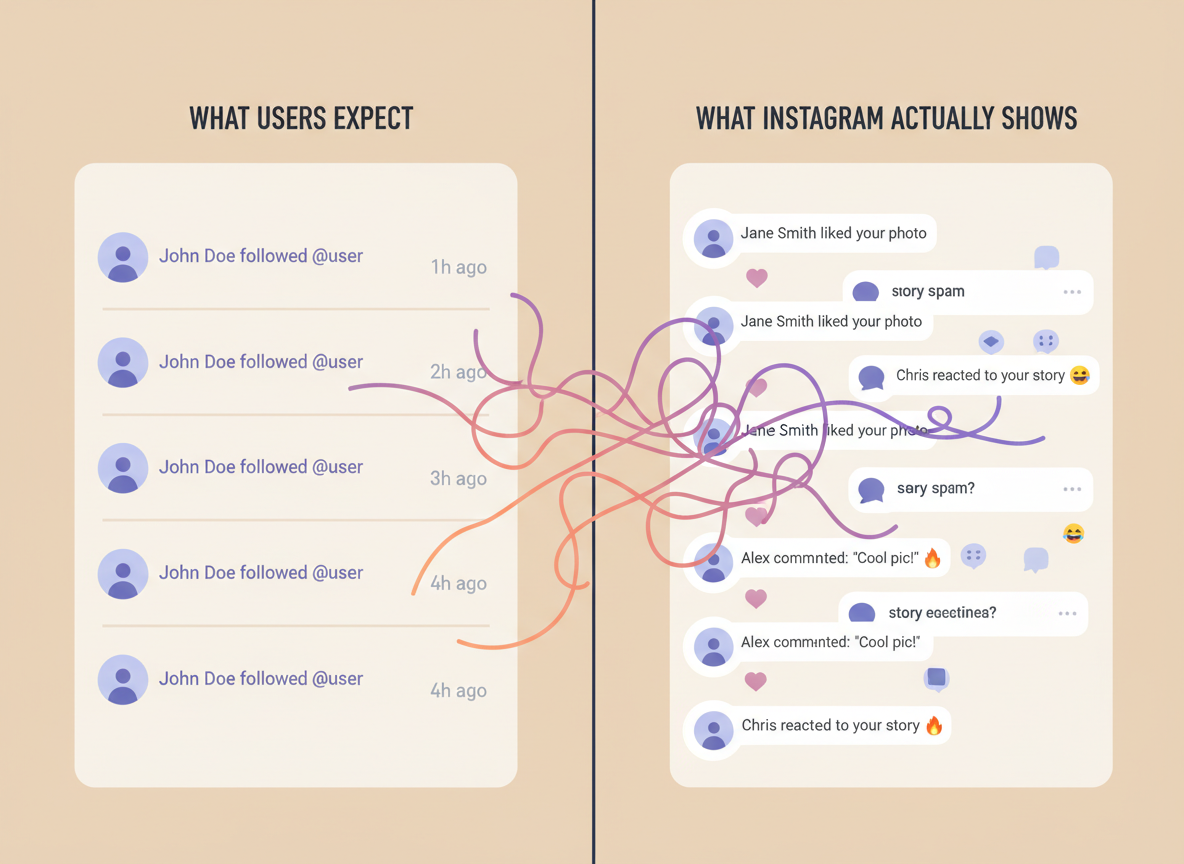
1) Use Instagram’s own notifications (the boring answer)
If your push notifications are enabled for “Followers,” you may see alerts when people follow you. But it’s inconsistent. iOS Focus modes, Android battery optimization, and Instagram’s own throttling can cause delays.
On one creator account I manage, follow notifications come in bursts. Like 5 at once. Then nothing for an hour. It’s not “fake,” it’s just not built as a reliable alerting system.
2) Use Professional Account Insights to track growth (not names)
Professional accounts (Creator or Business) give you follower growth trends. You’ll see net change over time and basic audience info. If you’re trying to answer “did that Reel cause follows,” this is your cleanest native option.
Instagram’s ranking system has also shifted hard toward watch time, saves, and shares. Likes still matter, but they’re not driving distribution like they used to. If you want a solid overview of what signals matter now, I’ve found these breakdowns align pretty closely with what I see in real accounts: Hootsuite’s Instagram algorithm overview and Buffer’s explanation of how Instagram ranks content.
3) Track new followers by comparing snapshots (works, but has quirks)
This is the method most “recent follow alerts” tools try to automate: take a snapshot of your follower list now, then compare it later.
It works best when:
- You check consistently (daily is fine, hourly is overkill)
- Your account is public (private accounts are a different beast)
- You accept that bots and deactivated accounts create messy edges
One lived-detail thing I’ve noticed: on accounts over roughly 50k followers, list comparisons can take longer and you’ll sometimes see “missing” users for a bit because Instagram rate-limits how fast public data can be fetched. If a tool claims “instant” on huge accounts, I get suspicious fast.
The Big Scam Zone: “See Who Someone Recently Followed”
This is where the internet gets loud. And scammy. And occasionally dangerous for your account.
Instagram does not provide a clean, public “recent follows” feed for other users. So sites that claim “type any username and we’ll show their newest follows in order” are almost always doing some combination of:
- Comparing public lists over time (only works if the tool has historical snapshots)
- Sorting by mutuals or relevance and calling it “recent” (not the same thing)
- Charging you for noise (honestly, most of them)
If that’s specifically what you’re trying to do, read this first because it explains the reality without the hype: apps that claim to track who someone recently followed on Instagram.
Failure mode: “It worked yesterday, now it shows random people”
I’ve seen this exact failure across multiple trackers: the tool looks accurate for a day or two, then suddenly the “recent follows” list becomes obviously wrong. Usually it’s because Instagram changed how the public list renders (or how fast it can be accessed), and the tool’s sorting logic falls apart.
So if you’re basing relationship drama on it… maybe don’t. (Yeah, I said it.)
How to Tell If a “Recent Follow Alerts Instagram” App Is Legit or Trash
You don’t need to be technical. You just need a few red-flag checks.
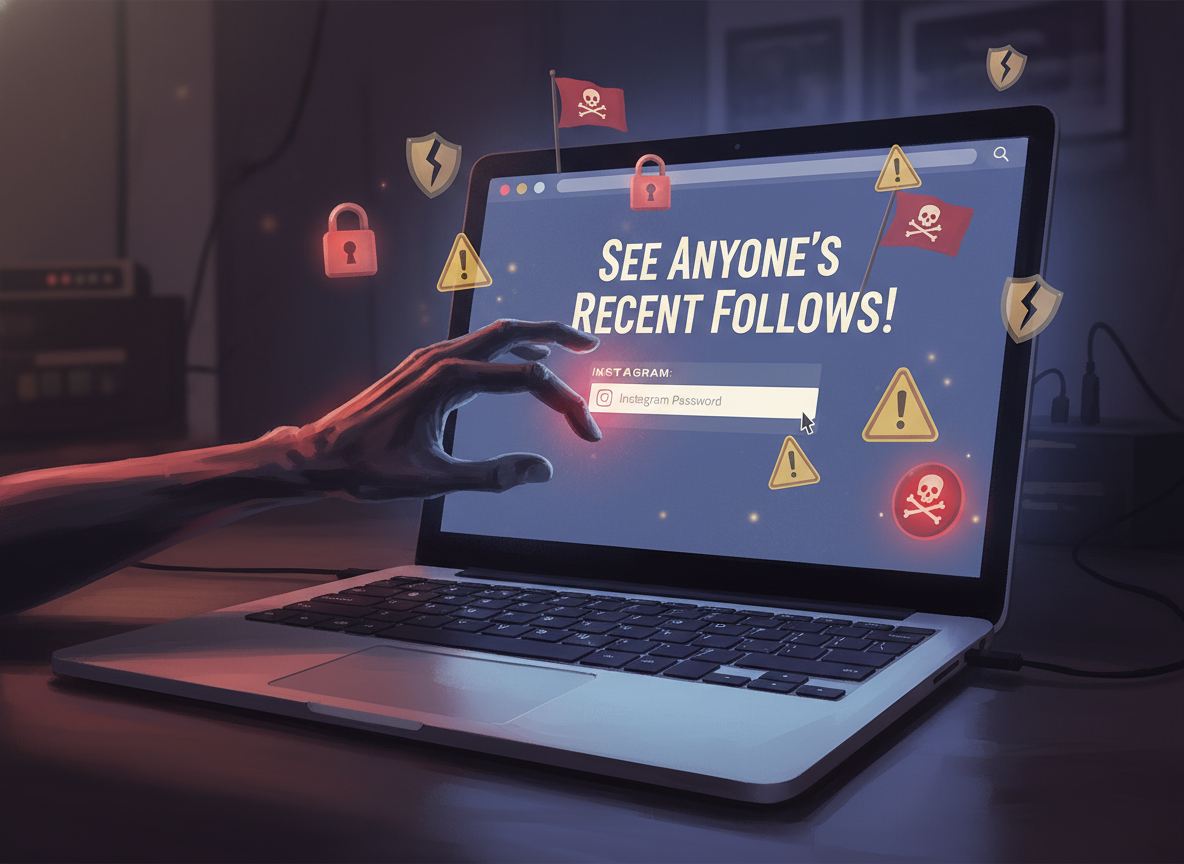
- If it asks for your Instagram password: I’m out. Full stop.
- If it promises “real-time follow alerts for any account”: that’s not how Instagram exposes data publicly.
- If it says “no limits”: Instagram has limits. Everyone has limits. That claim is fantasy.
- If it can’t explain where the data comes from: you’re probably paying for vibes.
I’ll be real, I used to mess with those old-school unfollower apps years ago. Then I watched two users get locked out temporarily after a login-heavy tracker tripped security checks. It wasn’t worth it. Not even close.
If you want the deeper explanation of why so many of these tools are flaky (even the popular ones), this is a solid reality check: why unfollower apps are unreliable.
What You Can Do Instead (Practical Options That Don’t Feel Like a Scam)
If your goal is growth, retention, or just keeping tabs without stress, these are the moves that actually hold up.
Option A: Use Insights + a simple “follow spike” routine
- Switch to Creator or Business if you aren’t already.
- Post something (Reel is usually best for reach).
- Check follower change in Insights at 24 hours and 7 days.
- Reply to DMs and comments in the first 30 minutes next time. Timing matters more than people admit.
And yeah, there’s a lot of chatter about watch time thresholds. In practice, I’ve seen Reels that hold viewers past the loop (watch time over 100%) get way more second-wave distribution than “pretty” Reels that people swipe past. If you want a very settings-focused angle on improving reach (quality uploads, suggestions, etc.), this 2026 settings checklist matches what I toggle on most accounts.
Option B: Track followers by snapshots (but be consistent)
If you want names, you need comparison. It’s not glamorous, but it works.
My personal rhythm when I’m auditing an account:
- Daily checks during a campaign week
- Twice a week during normal posting
- Extra check 24 hours after a Reel that pops off
One more lived detail: if you check too often, you’ll convince yourself people are “unfollowing like crazy.” Actually, a lot of that is Instagram purging spam/bots, or users deactivating/reactivating. The data looks dramatic in short time windows.
Option C: If you care about unfollows, separate that from “recent follows”
People mash these together, but they’re different questions. “Who followed me recently?” is a growth question. “Who unfollowed me?” is a churn question.
If what you really want is a reliable way to detect unfollows without risky login behavior, this is worth a read: real-time Instagram unfollow notification apps without getting banned.
Common Mistakes I See (That Make People Think Alerts Are “Fake”)
This part is sneaky because it feels like Instagram is lying, when it’s usually settings, timing, or misunderstanding.
- They rely on the follower list order. That list is not a “most recent first” feed.
- They post, then immediately refresh follower count every 2 minutes. Instagram caches counts. You’ll see delayed updates.
- They ignore quality settings. Low-quality uploads can tank early engagement, and then you blame “alerts” instead of the content. (Turn on “Upload at Highest Quality.” Seriously.)
- They confuse “account reached” with “account followed.” Reach is not follows. You can reach 50k and gain 20 followers.
- They chase follower count instead of retention signals. Saves, shares, and watch time are doing the heavy lifting lately, which lines up with what most algorithm breakdowns are saying right now.
Okay, quick tangent: cross-posting is underrated. When I cross-post Reels to Facebook and sometimes Threads, I usually see a noticeable bump in discovery. Not always. But often enough that I keep doing it.
Limitations (What “Recent Follow Alerts” Tools Won’t Tell You)
Even the best tracking approach has gaps. This is where people get disappointed.
- This won’t tell you why someone followed or unfollowed. You can guess from content timing, but you won’t get a reason attached to the event.
- This doesn’t work well for private accounts you don’t control. If the account is private, you’re not going to get clean follower data from public tracking. Period.
- Fast-changing accounts get messy data. If you gain and lose hundreds a day, “recent” becomes a blur, and snapshots can miss short-lived bot activity.
And one more caveat from real use: Instagram sometimes rate-limits list fetching in ways that look like “missing people” for a few minutes. That’s not always the tool’s fault. Your mileage may vary depending on account size and how often you query.
How UnfollowGram Follower Tracker Helps With Recent Follow Questions
UnfollowGram was basically built for the part Instagram doesn’t make easy: tracking changes over time without asking you to hand over your password. That’s the whole point. I’ve used enough trackers to know the moment an app asks for login, you’re stepping into “hope nothing goes wrong” territory.
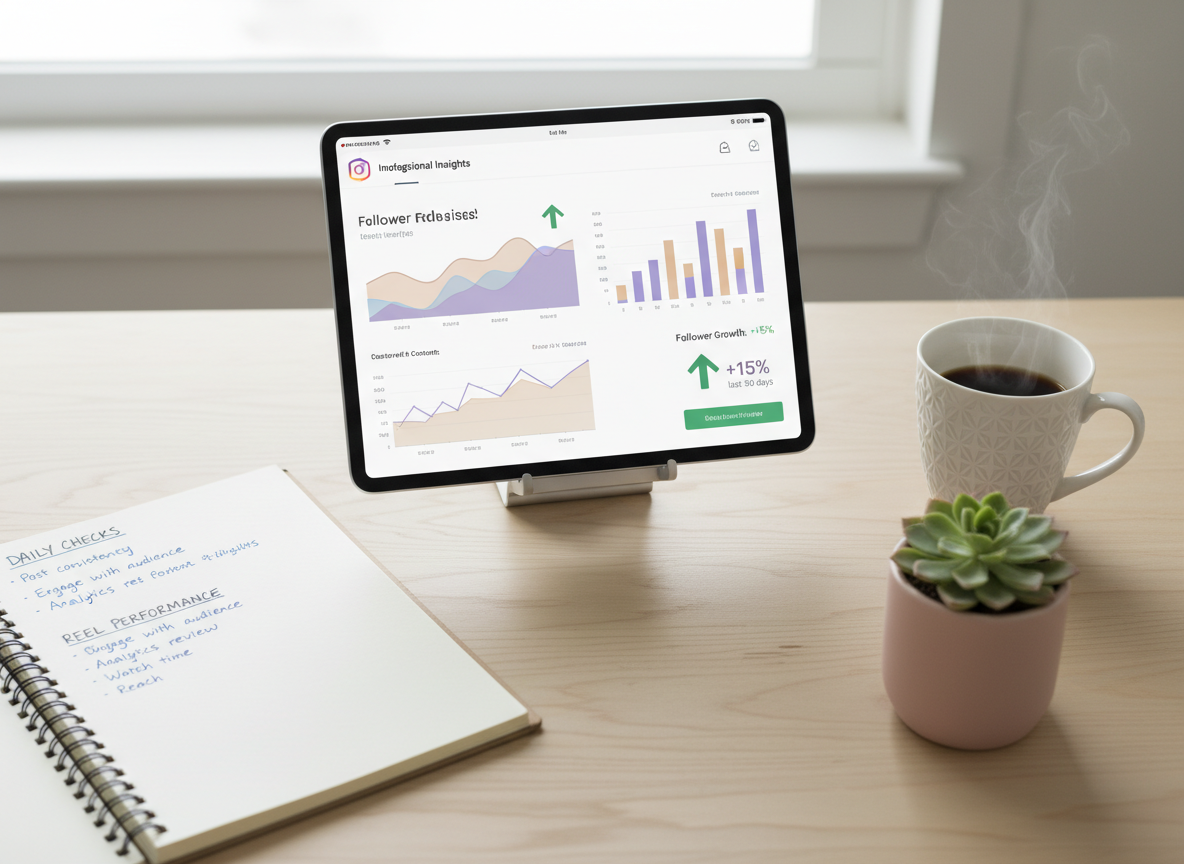
With a no-password Instagram follower tracker for daily follow and unfollow changes, you’re doing the safer version of the snapshot method: compare public follower data from one check to the next, then show you what changed (new followers, unfollowers, and non-followers). It’s simple. It works.
What it doesn’t do is magically reveal “who someone else followed most recently” with perfect timestamps, because Instagram doesn’t hand that out cleanly. If you need the broader context of follower monitoring features (and what’s realistic), this cluster page lays it out well: monitor your audience with an Instagram follower tracker app. And if you ever want to sanity-check a weird change, use this: how to verify follower data.
FAQ
Does Instagram notify when you look at someone’s following list?
No. Instagram does not notify users when you view their profile, followers list, or following list.
Does Instagram have recent follow alerts built in?
No, Instagram doesn’t offer a native “recent follow alerts” feature that reliably sends real-time follow notifications or shows a public “recent follows” feed for other accounts.
Can I see who followed me most recently on Instagram?
Sometimes you can infer it from notifications or by checking your follower list, but the list order isn’t guaranteed to be chronological, so dedicated tracking over time is more reliable.
Are apps that show “who someone recently followed” accurate?
Sometimes they’re making educated guesses from historical snapshots, but many are unreliable because Instagram doesn’t provide a stable, public “recent follows” timeline.
Will using a follower tracker get my Instagram banned?
Tools that require your password or automate aggressive actions are the risky ones; password-free tracking based on public data is typically much safer, but nothing can override Instagram’s own limits.
Conclusion
“Recent follow alerts instagram” is a real desire, but not a real Instagram feature. You can track new followers and growth trends, and you can compare lists over time, but anyone promising instant, perfect “recent follows” for any account is overselling it.
If you want a practical way to keep tabs on who’s new, who left, and who isn’t following back without handing over your login, UnfollowGram Follower Tracker is the cleanest approach I’ve used for day-to-day checks. Keep it consistent, don’t obsess over minute-by-minute swings, and you’ll get signal instead of noise.

Ethan is the founder of UnfollowGram with more than 12 years of experience in social media marketing. He focuses on understanding how Instagram really works, from follower behavior to engagement patterns, and shares those insights through UnfollowGram’s tools and articles.





