

Instagram Reports vs Manual Follower Tracking
Last Updated on February 20, 2026 by Ethan
Instagram still doesn’t give you a clean “Unfollowers” report in 2026. If you wanna know how to manually track unfollowers, the only truly safe, official way is exporting your Instagram data and comparing follower lists over time.
And yeah, you can also do spot-checks in the app (search a name in your Followers list), but that’s more for confirming a suspicion than tracking changes day to day.
This is basically “Instagram reports vs manual follower tracking” in real life: Instagram’s built-in tools are great for content performance, but they’re not designed to show you who left. Manual tracking fills that gap, with a few gotchas.
TL;DR: Instagram still lacks an official “Unfollowers” report, so manual tracking is your best bet. Honestly, the method that usually holds up is grabbing your follower export, saving it, then comparing it to a newer one to see who dropped off. And yeah, Insights is handy for reach and engagement, but it won’t tell you which specific people unfollowed.
Instagram Reports vs Manual Follower Tracking: what you actually get
When people say “Instagram reports” they usually mean Insights (reach, views, follows) or Account Status type stuff. Useful. Just not for unfollowers.
The manual follower tracker app is the boring spreadsheet-style approach: you capture a follower list at time A, capture it again at time B, then compare. That’s it. It works because you’re not asking Instagram to reveal “unfollow events,” you’re just noticing the difference between two snapshots.
What Instagram reports can tell you
- Net follower change (up or down), which is not the same as “who unfollowed.”
- Follows are driven by content (Reels, posts, stories) in a general way.
- Engagement trends that correlate with churn (sometimes).
If you want a deeper breakdown of where Instagram ends and third-party tools begin, this comparison helps: Instagram Insights vs third-party follower tracking tools explained simply.
What manual follower tracking can tell you
- Exactly which usernames disappeared between two dates (your unfollowers list, effectively).
- Who doesn’t follow you back by comparing “following” vs “followers”
- Patterns over time (for example, spikes after a giveaway, or slow drip after niche changes).
How manual unfollower tracking works (the simple mechanism)
Instagram won’t hand you an “unfollowers.csv.” So the workaround is snapshots.
You export your account data, pull the file that contains followers, repeat later, then compare the two lists. The names that were in the first list but not in the second list are your unfollowers for that period. Instagram allows the export because it’s your data, and you’re not scraping public endpoints like the old Chrome extension era.
Here’s the thing most people don’t realize: a lot of the “quick compare list” tricks died off because Instagram tightened rate limits and access rules over the last few years. I’ve watched tools that worked fine on Monday suddenly return half-empty lists on Wednesday. Annoying.
Look, the only manual approach I still trust in 2026 is exporting your data and comparing snapshots.
I’ve tried it on smaller creator accounts, like a few thousand followers, and bigger ones too, 50k plus, and this is the one that tends to stay consistent. It’s not quick, but it usually works, and that’s kind of the point.
Step 1: Export your Instagram data
- Open Instagram (app or web).
- Go to Settings and find the option for Download your information (Instagram moves the labels around, but it’s in that area).
- Request the export in JSON format (easiest to compare).
- Download it when it’s ready.
Lived detail: on larger accounts, the export can take noticeably longer. I’ve had one come through in 10 minutes on a small test account, and another take hours on a bigger account. Same day, same Wi‑Fi. That’s just how their queue behaves.
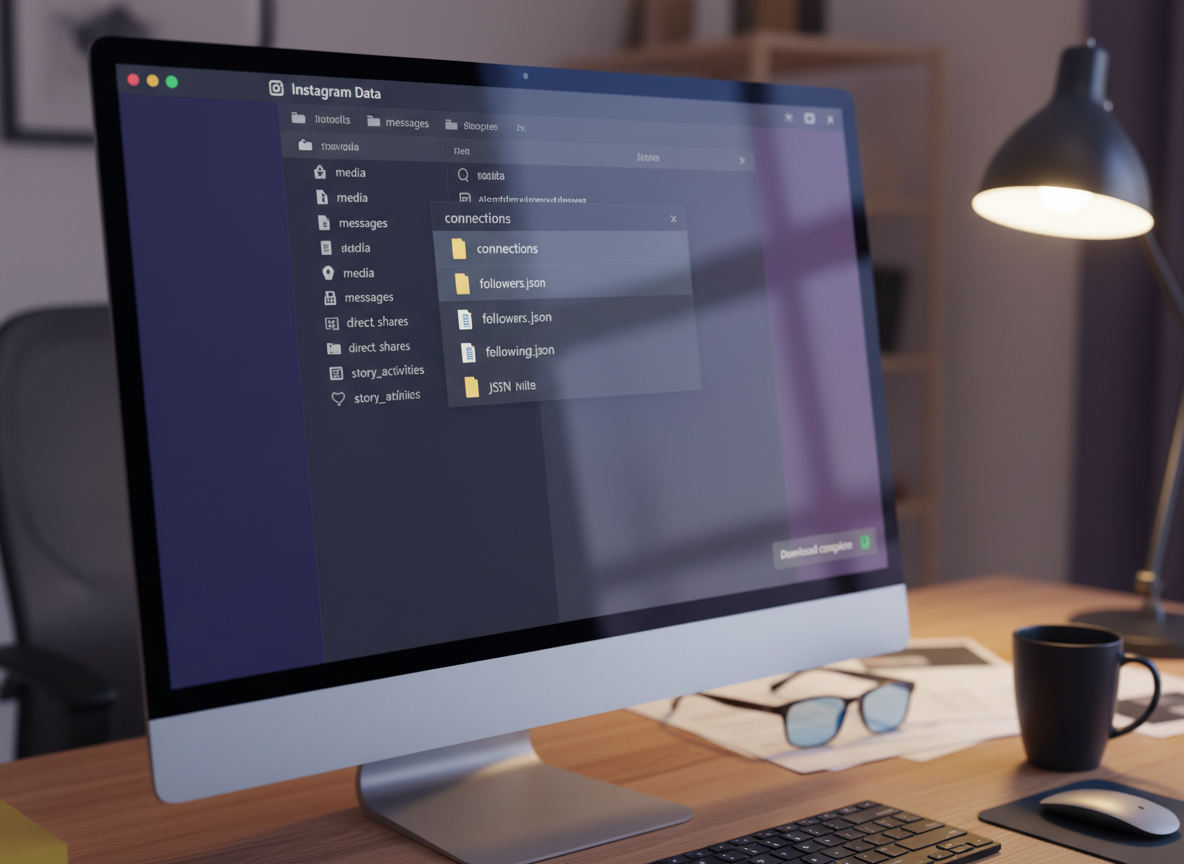
Step 2, find the followers and following files.
Inside the download, you’re basically looking for the follower and following lists, usually JSON files named something obvious like “followers” and “following.” If you don’t see the exact names, search inside the folder for “followers” and you’ll usually find the right file.
One more lived detail: sometimes people open the export and think it’s “missing followers” because the file format looks weird at first glance. It’s not a neat spreadsheet. It’s structured data. Once you paste it into a tool that can parse JSON, it’s fine.
Step 3: Compare two dates in a spreadsheet (fastest manual workflow)
This is the part that makes how to manually track unfollowers actually doable without losing your mind.
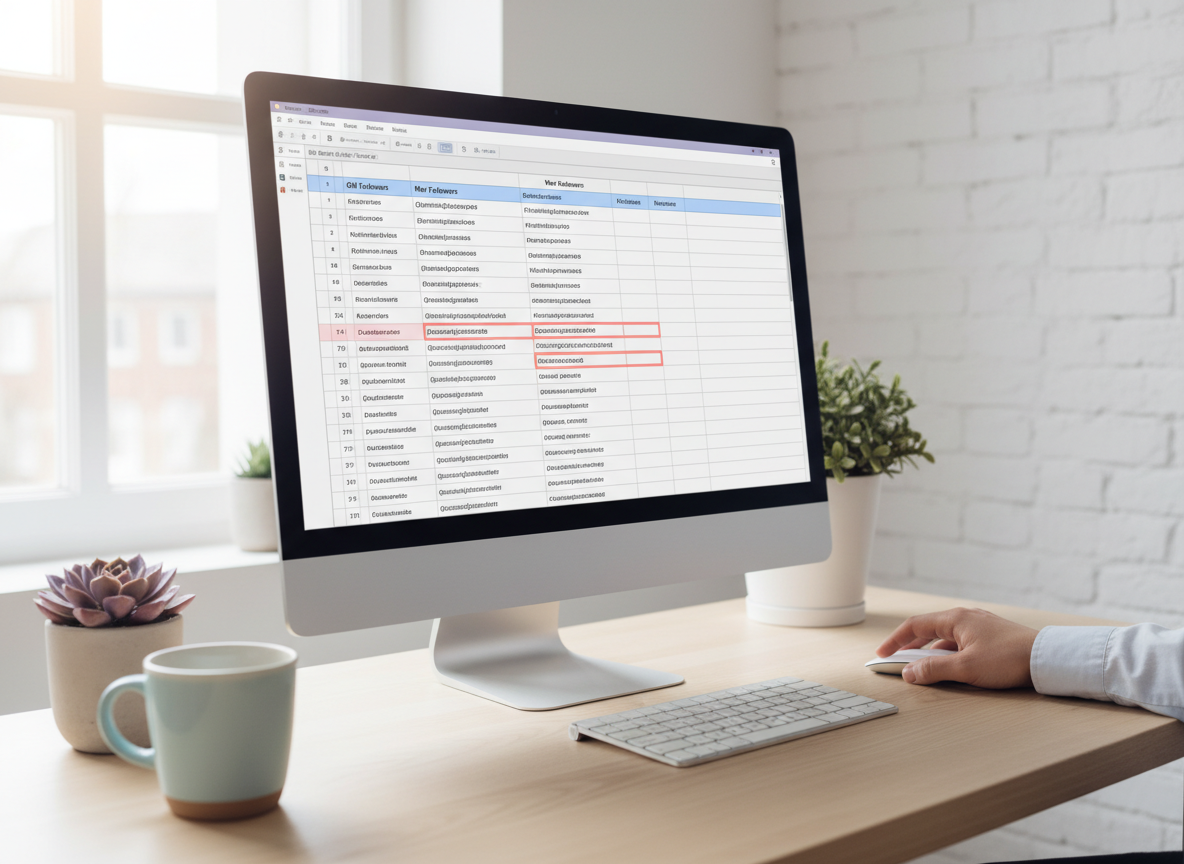
- Create a Google Sheet with two tabs: Followers – Old and Followers – New.
- Extract usernames from each export and paste them into column A on each tab.
- On a third tab, use a simple compare formula (or a filter) to show names that exist in Old but not in New.
If you’re not into formulas, you can do a low-tech version: copy “Old” into a column, copy “New” into another column, then use a lookup to mark what’s missing. The exact method doesn’t matter. The comparison does.
Counterintuitive truth: checking more often isn’t always better. Daily comparisons catch tiny changes, sure, but you’ll drive yourself nuts because Instagram has a lot of “ghost churn” (people deactivate, reactivate, remove you, come back). Weekly snapshots tend to show real trends without the noise. If you’re deciding between cadences, I’d read this: weekly vs monthly follower tracking (what you’ll actually notice).
Step 4: Identify “not following back” (one-way follows)
Once you’ve got followers and following lists, you can compare them to find accounts you follow that don’t follow you back.
That’s not the same as unfollowers, but it’s the cleanup list a lot of people are secretly after. (I get it. I’ve done the petty purge, too. No judgment.)
Manual spot-checking inside Instagram (good for confirmation, bad for tracking)
If you only need to confirm one person, you don’t need an export.
- Go to your profile.
- Tap Followers.
- Search their username.
- If they don’t show up, they’re not currently following you.
But… this falls apart if you try to do it at scale. I’ve watched social media managers try to “manually check” 40 names from a brand collab list, and they tap out halfway through. It’s tedious. And if you’re blocked, the situation gets weird because you might not be able to find them at all.
Also, Instagram doesn’t send you a heads-up when someone unfollows. That’s by design. If you’re wondering why, this explains it: why Instagram has no unfollow notifications.
Where Instagram “compare lists” used to work… and why it doesn’t now
Back in the day, people did screenshot comparisons, or they’d scroll their follower list and “remember” names. That era is over.
Between privacy updates and anti-scraping defenses, follower lists don’t behave like a stable dataset you can casually scrape and compare. A bunch of browser tools tried to keep up anyway. Some still exist (for now), like an IG unfollower checker extension you’ll see floating around the Chrome Web Store, for example, iTracker’s IG unfollower checker listing, but the reliability swings a lot because it depends on what Instagram allows that week.
I’m not saying every extension is a scam. I am saying I’ve seen enough “it worked yesterday” messages to stop betting on them for anything important.
Common mistakes I see when people try to manually track unfollowers
- They track too late. If you only export once a month, you’ll miss the story. You’ll just see the outcome.
- They assume every drop is an unfollow. Some drops are deactivations or Instagram removing bot accounts.
- They mix time windows. Comparing a list from Monday to a list from “sometime last month” gives you messy, unhelpful results.
- They make it personal. I’ve been there. Honestly, unfollows are usually about content fit, not beef.
- They hand over logins to sketchy apps. If a tool asks for your Instagram password, that’s the moment you back out. Full stop.
Failure modes: where manual tracking breaks (or gets confusing)
This is the part most “how to manually track unfollowers” posts skip, but it’s the difference between feeling confident and feeling gaslit by your own spreadsheet.
Failure mode #1: you can’t tell why they left
Your comparison will show “who is gone,” not “why they unfollowed.” If you posted three promos and lost 15 followers, you can guess the reason, but you won’t get a direct explanation from the data export.
Failure mode #2: the “missing” account was actually a block, deactivation, or removal
Where this gets weird is when someone blocks you or temporarily deactivates. They’ll disappear from your followers list, but that’s not the same behavior as a normal unfollow. Your spreadsheet can’t always separate those cases cleanly.
I’ve personally had brand partner accounts vanish for a week (deactivated) and then pop back in. My first reaction was “wow, okay,” then I felt stupid when they returned. It happens.
Limitations (be real about what this won’t do)
- Manual tracking won’t give you real-time alerts. Exports are snapshots, so you only know changes between dates you captured.
- It doesn’t work well for private accounts you don’t own. You can only export your own data, and you can’t reliably audit someone else’s private followers list.
If your goal is staying password-safe while still getting faster answers than exporting JSON every time, you’ll probably like the “no-login” approach here: how to see unfollowers without an app install.
So… should you do manual tracking or use a tracker?
Manual tracking is great if you’re the type who wants receipts and control. It’s also great if you’re cleaning up your process after using questionable apps in the past. (Been there. Learned the hard way.)
But if you’re managing multiple accounts, or you want to check changes daily without turning your life into Spreadsheet Time, a tracker can be a sanity saver. The real question is: does it require your password or not?
If you want a bigger picture view of tradeoffs, this breakdown is solid: manual vs automated Instagram tracking (what you gain, what you lose).
A quick reality check on third-party “Instagram reports”
A lot of tools market themselves as if they have special access to Instagram’s internal reports. Most don’t. They’re either:
- estimating from public data,
- asking you to log in (risky),
- or using some workaround that works until it doesn’t.
You’ll see new products pop up constantly, like the wave of “smart unfollower trackers” getting press releases and hype, for example, this 2026 announcement about an unfollowers tracker. Some are legit tools. Some are marketing pages with a login form. You’ve gotta look closely.
If you’re trying to stay on the safe side, I always tell people: you don’t need magic. You need consistent snapshots and a method that doesn’t put your account at risk.
How UnfollowGram Follower Tracker helps with manual-style unfollower tracking (without the sketchy part)
UnfollowGram Follower Tracker exists because people want the outcome of manual tracking (who left, who’s new, who doesn’t follow back) without the annoying steps. And the big point, from experience, is that it stays out of your login: no password prompts, no “connect your IG” screens that make your stomach drop.
When I’m helping creators who are paranoid about bans or getting locked out, I point them toward tools that don’t touch credentials. That’s why this no-password unfollow tracker for public Instagram accounts is useful: you get fast lists that feel like the spreadsheet result, without living in JSON exports.
One honest caveat: it’s built around public account data, so if your account is private, you’re back to the export method. That’s not a flaw; it’s just the tradeoff of staying safe and not playing the login game.
FAQ
How to check unfollowers manually?
Export your Instagram data, save your followers list, export it again later, and compare the two lists to see which usernames disappeared.
Does Instagram have an official unfollowers report?
No, Instagram only shows net follower changes and performance metrics, not a “who unfollowed” list.
How often should I export data if I’m manually tracking unfollowers?
Weekly is the sweet spot for most accounts; daily is noisy and monthly is too slow to spot patterns.
Why do follower counts drop even when nobody “unfollowed” me?
Counts can drop from deactivations, blocks, Instagram removing spam accounts, or people toggling their account status, not just unfollows.
Can I manually track unfollowers for someone else’s account?
Not reliably, especially if they’re private; manual tracking works best on your own account via your data export.
Conclusion
Instagram reports are great for content performance, but they won’t answer the question you actually care about: who left. If you’re serious about how to manually track unfollowers, exporting your data and comparing snapshots is the safest method that keeps working even as Instagram changes the rules.
If you want the “manual tracking result” without the spreadsheet routine, use a no-password approach like UnfollowGram Follower Tracker and keep your account out of that risky login-sharing zone. Simple.

Ethan is the founder of UnfollowGram with more than 12 years of experience in social media marketing. He focuses on understanding how Instagram really works, from follower behavior to engagement patterns, and shares those insights through UnfollowGram’s tools and articles.





