

Safe vs Unsafe Instagram Trackers Explained
Last Updated on January 29, 2026 by Ethan
A “safe instagram unfollower app” in 2026 is basically one that doesn’t ask for your Instagram password and doesn’t try to automate anything (auto-unfollow, bulk actions, “growth hacks”). If a tracker wants your login, promises real-time unfollowers, or pushes bots, you’re in the unsafe zone fast.
I’ve tested a silly number of Instagram trackers over the years (for my own accounts and for clients), and the pattern is always the same: the “unsafe” tools look magical for a week… then you get weird login alerts, forced password resets, rate limits, or that dreaded “suspicious activity” loop. Not fun.
Alright, here’s the thing, I’m gonna walk you through what usually separates the safe trackers from the sketchy ones, how they work in the real world, where they tend to fall apart, and what I’d personally use right now if you want to track unfollowers without torching your account.
TL;DR: Safe Instagram unfollower apps don’t ask for your password and focus on reporting changes, not automation. The unsafe ones tend to ask for way too much access, swear they’ll show you unfollowers instantly, and then, yeah, you end up with login warnings or some other account headache. Honestly, you’re usually better off using tools that pull from public info or from a list you exported yourself, it’s a lot less likely to get your account flagged.
Safe vs unsafe Instagram trackers, the quick version.
The safer trackers pretty much rely on public data, your own export, or a low-permission setup that doesn’t hand over the keys to your whole account. Unsafe trackers want full access to your account and then do stuff Instagram clearly doesn’t want third parties doing.
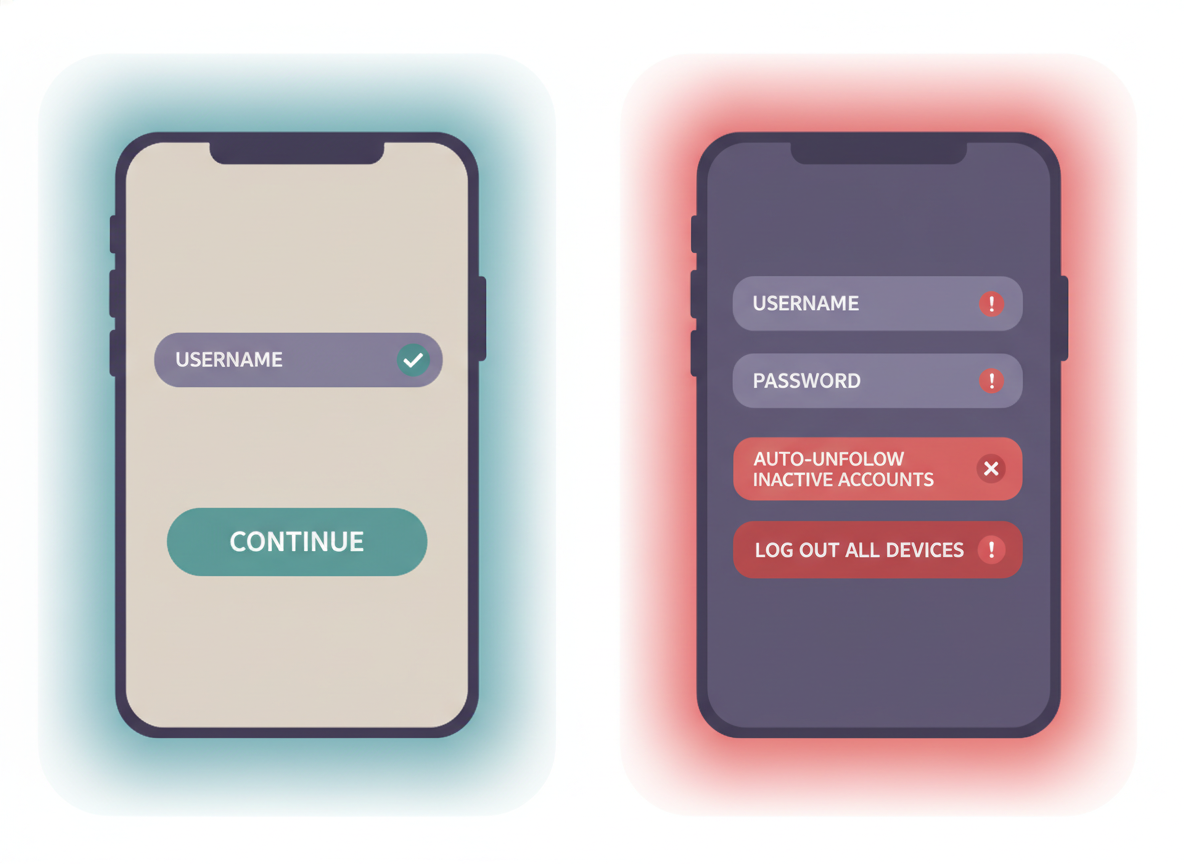
Here’s the simplest way I explain it to friends: if the app can do actions as you (unfollow, follow, DM, like), it’s usually unsafe. If it can only report changes (and it never sees your password), you’re in much better shape.
What “safe” looks like in real life
- No password, ever. You type a username or you upload/compare your own lists.
- Reporting, not automation. Unfollowers, non-followers, new followers, basic audits.
- Transparent limits. It admits what it can’t know (and doesn’t pretend to be “real-time”).
What “unsafe” looks like (the red flags)
- It asks you to sign in with Instagram inside the tracker or requests your password directly.
- It offers auto-unfollow, mass follow, “growth mode,” or anything that sounds like a bot.
- It claims real-time unfollower tracking like it’s watching every single change instantly.
- It gets vague about data storage (where your info goes, how long it’s kept, who can access it).
And yeah, I’ve fallen for this stuff before. Years ago I used one of those “auto-cleanup” apps on a creator account I cared about. It worked until it didn’t. Then came the verification prompts every day. I’m not proud of it.
How Instagram unfollower trackers actually work in 2026 (the part most people skip)
Instagram keeps tightening access to follower/following data through official channels. That’s why the tracker market split into two camps: “no-login reporting” tools and “login-required scraping/automation” tools.
The safe approaches (what’s actually working now)
1) Public-profile snapshots. Tools can read what’s publicly visible (for public accounts) and compare changes between checks. That’s why you’ll see “public accounts only” on safer tools. It’s not them being annoying. It’s them staying out of the danger zone.
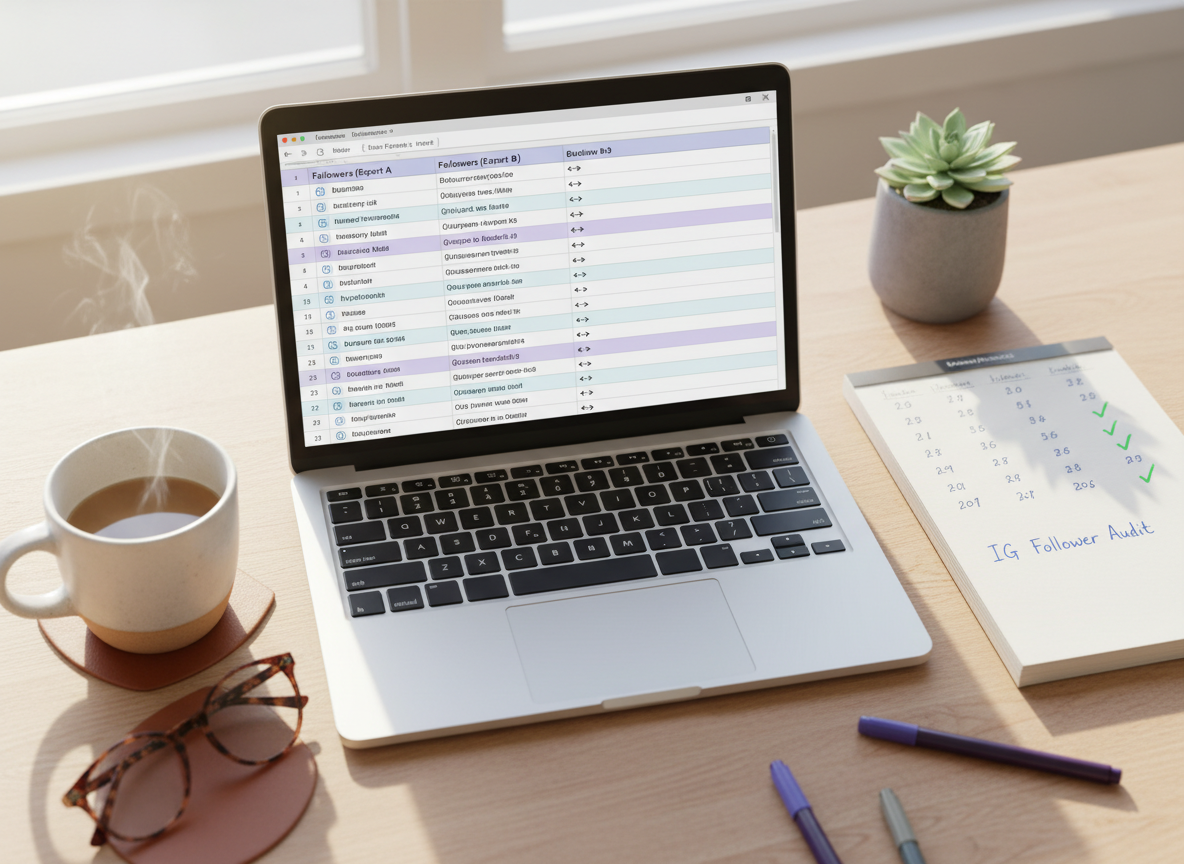
2) Data export + comparison. You download your Instagram data (followers/following lists) and compare two files over time. This is the most boring option. It’s also the most bulletproof.
3) Analytics dashboards without automation. Instead of “doing” actions, they focus on reporting: unfollower lists, non-followers, basic engagement, trend lines.
The unsafe approaches (how people get burned)
1) Credential capture. And this is the big red flag, it asks for your IG password and then signs in as you, which is where trouble usually starts. That’s where the login alerts and “new device” emails start.
2) Private API / scraping with aggressive behavior. Even if it doesn’t look like a bot, it can hammer Instagram endpoints in the background. Instagram sees that pattern. You get rate-limited or flagged.
3) Automation features. Auto-unfollow and bulk actions are basically walking into a speeding ticket, then acting surprised when you get one.
Here’s what nobody tells you: “More accurate” often means “more risky.” The trackers that claim ultra-granular data usually got it by doing something Instagram hates.
Important Reality Check: What “Safe” Really Means for Instagram Trackers
No third-party Instagram tracker is officially endorsed, approved, or reviewed by Instagram or Meta.
That includes UnfollowGram.
Instagram does not provide a public API that allows apps to reliably show who unfollowed you over time. Because of that limitation, every unfollower tool operates with constraints — and some approaches are riskier than others.
This page exists to explain those differences honestly.
Why Most Unfollower Apps Are Risky
Historically, many unfollower tracking apps have caused account problems for users. Common reasons include:
-
Asking for your Instagram username and password
-
Logging in on your behalf using automated scripts
-
Making repeated requests that mimic bot behavior
-
Storing live access tokens tied to your account
These methods can violate Instagram’s Terms of Use or trigger automated security systems. Users have reported temporary locks, forced password resets, and in some cases, permanent account restrictions after using such tools.
Even if an app claims to be “safe,” any service that logs into your account or accesses it programmatically carries long-term risk, especially if Instagram changes its policies or detection systems.
How UnfollowGram Is Fundamentally Different
UnfollowGram does not connect to your Instagram account at all.
Instead, it works only with your own Instagram data export, which you can request directly from Instagram inside the app:
-
No username or password required
-
No Instagram login
-
No automation, scraping, or background access
-
No ongoing connection to your account
You upload a ZIP file that Instagram itself generates for you. UnfollowGram simply analyzes that file locally to show:
-
Who you follow vs who follows you back
-
Changes between two data snapshots
-
Follow durations and connection history
This approach avoids the most common causes of account risk: live access, automation, and credential sharing.
Is This Allowed by Instagram?
Instagram explicitly allows users to download a copy of their own data.
What Instagram does not do is provide an official API for third-party unfollower tracking. That’s why tools like this exist in the first place.
Using your own exported data is generally considered the lowest-risk method available, but it’s important to be transparent:
-
Instagram does not endorse this use case
-
Instagram could change how data exports work in the future
-
No third-party tool can guarantee zero risk forever
If Instagram changes its policies, any tool in this space may need to adapt or stop working.
About Long-Term Safety & Expectations
UnfollowGram is designed to be privacy-first and minimal-risk, not “magic” or permanent.
You should expect that:
-
Results depend on how often you request and upload exports
-
Data is point-in-time, not live
-
Accuracy reflects Instagram’s own exported files
-
Future platform changes may affect availability
That honesty matters. Tools that promise “real-time unfollow tracking” without limits are often the ones that cause problems.
What This Page Is (and Isn’t)
This page is not here to claim that UnfollowGram is “approved by Instagram” — it isn’t.
It exists to explain:
-
why many unfollower apps are unsafe
-
what technically makes some approaches lower risk than others
-
how using your own data export avoids the most dangerous practices
The safest choice is always to avoid third-party tools entirely.
If you choose to use one, understanding how it works matters more than marketing claims.
What gets accounts flagged (I’ve watched this happen a lot)
When someone tells me “I just want to see who unfollowed me,” they usually think the risk is theoretical. It’s not. I’ve seen perfectly normal accounts get stuck in security checks just because they shared credentials with the wrong tracker.
These are the big ban-risk triggers
- Giving full login access or OAuth permissions to sketchy apps. Even when it’s “Sign in with Instagram,” the app can still be shady about what it does after.
- Auto-unfollow or bulk bot features. That’s a direct Terms violation, and it leaves patterns Instagram can spot.
- Chasing “real-time” unfollower alerts. Blunt truth: official access doesn’t support true real-time unfollower detection for typical third-party apps, so claims here are usually marketing at best and deception at worst.
- Repeated logins from new locations/devices. Trackers running your account from random server regions is a classic “suspicious login” trigger.
Lived detail: on bigger accounts (say 50k+), I’ve noticed the “unsafe” tools trigger security checks faster, probably because the volume of follower list calls is higher. On smaller accounts, people sometimes “get away with it” longer, which makes the app look legit. It’s not. It’s just slower to explode.
My safety checklist (how I decide if a tracker is safe in 60 seconds)
If you only remember one thing, make it this: never give your password to a follower tracker. Not for unfollowers. Not for analytics. Not for “just one quick check.”
When I’m vetting a new tool, I run through this quick filter. If you want the longer version, I keep an expanded checklist here: Instagram tracker safety checklist for avoiding risky apps.
My quick filter
- Password check: If it asks, I’m out.
- Automation check: If it offers auto-unfollow, I’m out.
- Public vs private check: If it claims it can fully analyze private accounts without login, I get suspicious. Public-only is often a good sign.
- Claim check: If it screams “real-time unfollowers,” I assume it’s lying.
- Data handling check: If it’s vague about storage, retention, or sharing, I pass.
One more real-world tell: unsafe apps often push you into connecting multiple accounts right away. Safe tools usually don’t need that. They’re focused on a single audit, not building a database of logins.
Safe options I’d actually use (and why)
I’m not going to pretend there’s one perfect tracker for everyone. Different workflows matter. A social media manager needs repeatable audits. A creator wants quick “who left” info. A brand might just want trend lines.
Option A: No-login unfollower tools for public accounts
No-login tools are where things are heading, for obvious reasons. A good reference point on this approach is the write-up from DontFollowBack on why “no login” is the safest direction in 2026: their explanation of safer unfollower app models.
In practice, these tools take a snapshot of visible follower/following data and compare it to your last check. Results are fast. Usually seconds.
Lived detail: if you do checks too close together (like every 10 minutes because you’re anxious), you’ll sometimes see “missing” entries that show up later. It’s not paranormal. It’s just caching and the way Instagram serves list data.
Option B: The manual method (zero-risk, slightly annoying)
If you want the safest path possible, do this:
- Download your Instagram data export (followers and following lists).
- Save a copy with the date in the filename.
- A week later (or month later), export again.
- Compare the two lists using a local diff tool (something as simple as a list comparison site or a local script).
This method won’t tell you when someone unfollowed you down to the minute, and it won’t show you “who viewed your profile” (that’s not a real thing, sorry). But for pure unfollowers and non-followers, it’s rock-solid.
If you want another perspective on safe tracking workflows, this overview from Resident lines up with what I see day-to-day: safe unfollower tracking in 2026.
Option C: iOS tracker apps (fine, but be picky)
Some App Store tools are decent for reporting, especially if they avoid automation and don’t push risky login flows. One example in the “growth monitoring” bucket is Track Followers Unfollowers on iOS.
Small confession: I still test these on “sacrificial” accounts first. Always. I’ve seen apps behave normally for a few days, then suddenly start nagging for a login or upsell into automation. That switch is where people get tricked.
Failure modes: where safe tracking gets weird (and how to diagnose it)
Even safe methods aren’t perfect. Instagram’s data presentation isn’t always consistent, and your workflow can create false alarms.
Failure mode #1: “Someone unfollowed me” but they didn’t
This happens when your tool is comparing two imperfect snapshots. It’s more common right after a big follower spike (viral Reel, giveaway, collab).
Diagnostic: check again later the same day. If the name reappears, it was a snapshot mismatch, not a true unfollow.
Failure mode #2: Big accounts take longer and sometimes look incomplete
On accounts with large follower/following lists, the “load more” behavior and pagination can throw off tools that are trying to compile a full list quickly. I’ve watched a 200k account produce partial results on the first run, then fill in missing chunks on a second run.
Diagnostic: run your audit at a consistent time (I like mornings), and don’t judge a tool based on one scan when you’re dealing with a huge list.
Counterintuitive insight: unfollowers aren’t always a content problem
You’d think unfollower spikes mean “you posted something people hated.” Sometimes, sure.
But I’ve correlated unfollower drops with posting patterns for years, and one of the most common causes is way less dramatic: you posted more than usual. Not bad posts. Just more posts. People who followed casually get reminded you exist and decide to clean up their feed.
So when you run an unfollower report, don’t just look at the names. Look at your last 7 days of content. I’ve seen this reveal exactly which topics attract the wrong audience, which is honestly more valuable than revenge-unfollowing people back.
So what’s the “safest” setup if you want daily tracking?
If you’re checking daily (lots of creators do), you want a repeatable routine that doesn’t tempt you into risky logins.
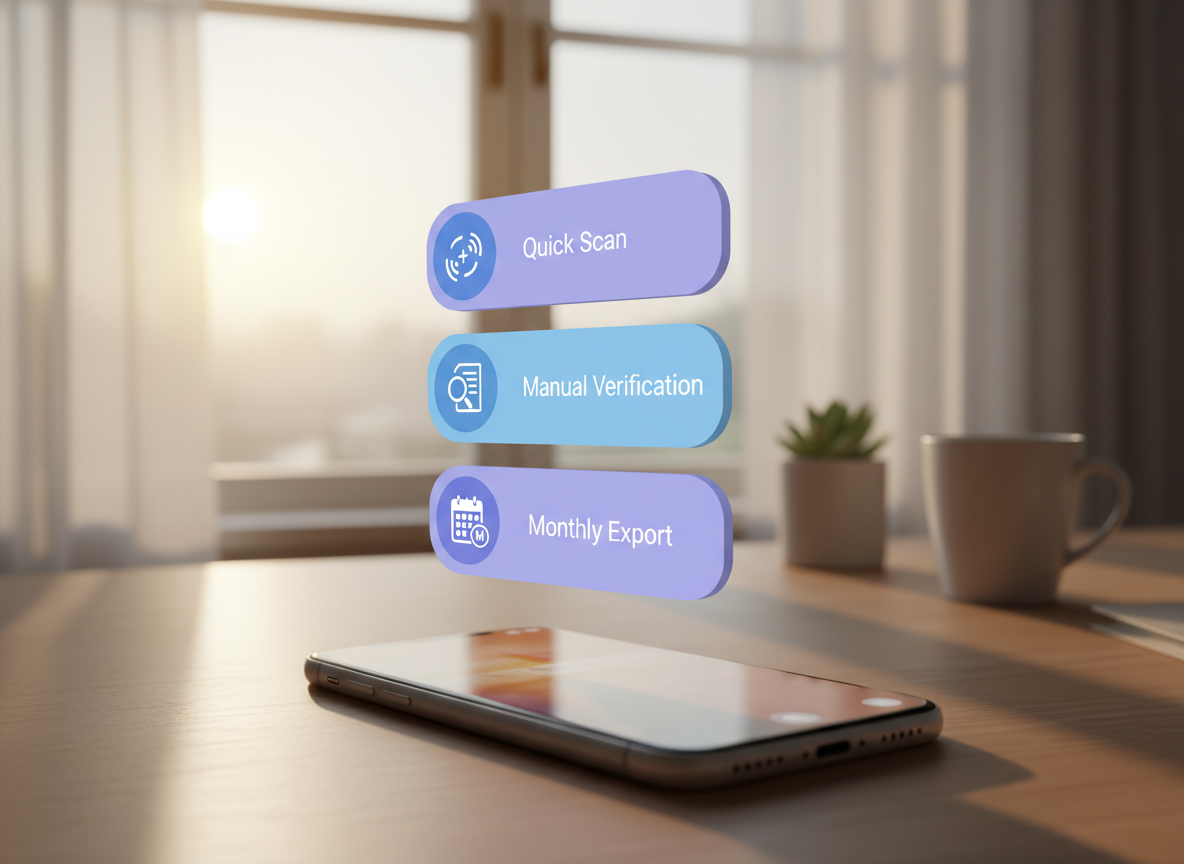
- Daily: run a no-login report for unfollowers/non-followers and screenshot or export the results if the app supports it.
- Weekly: do one “sanity check” by searching a couple key usernames directly in your Followers list (manual verification takes seconds).
- Monthly: do a full Instagram data export and compare, just to confirm your daily tool isn’t drifting.
And yes, that’s slightly extra. But it’s how you avoid that awful moment where you realize your tracker was wrong for three weeks and you made decisions based on bad data. Been there.
How UnfollowGram Follower Tracker helps with safe unfollower tracking
UnfollowGram Follower Tracker exists for the exact reason most people are reading this: they want a safe instagram unfollower app experience without handing over their password and hoping nothing goes sideways. The tool is built around a no-password model and works with public Instagram accounts, so it stays on the safer side of the line.
In day-to-day use, it’s the “quick check” option I recommend when someone wants to track who unfollowed, see non-followers, and spot new followers without messing with sketchy logins. If you want to see how this kind of reporting fits into a safer workflow, this article lays it out clearly: track who unfollowed you the safe way.
Honest limitation: UnfollowGram won’t magically bypass Instagram’s restrictions for private accounts. If your account is private, no-login trackers can’t see what isn’t public. That’s not a flaw. That’s reality. If you want more context on the overall safety question, I break it down here: are Instagram unfollower apps safe?.
Picking a tracker without getting fooled (commercial intent, real talk)
If you’re shopping around, you’ll see a lot of trackers that look identical. Same promises. Same screenshots. Same “AI analytics” buzzwords. Half of them are reskins.
What I do instead: I look for consistency, transparency, and boring product decisions. The safer tools are usually the ones that aren’t trying to do everything.
Questions I’d ask before paying for any tracker
- Does it ever require my Instagram password? If yes, I’m done.
- Can I use it without enabling automation? If the “best feature” is auto-unfollow, it’s a trap.
- Does it explain where the data comes from? Vague answers usually mean scraping or credential-based access.
- Do reviews mention bans, lockouts, or constant verification? That’s a pattern, not “user error.”
If you’re comparing tools side by side, it can help to skim a roundup of experiences and tradeoffs. I keep one here (with pros/cons, not just hype): Instagram unfollow tracker app reviews.
Where “analytics” stays safe (and where it doesn’t)
Analytics is usually safe when it’s reporting on what’s visible and what you already own (your content performance, your public follower graph, your exported data). It gets unsafe when analytics becomes a cover for automation.
If you care more about reports than “who unfollowed,” you’ll probably like the reporting-style approach described here: followers report apps that avoid security risks.
Limitations (stuff none of these trackers can do, no matter what they claim)
Some things are just not realistically available from Instagram in a clean, third-party-friendly way. If a tracker claims it can do these, I treat it as a warning sign.
- You won’t get true “real-time unfollow” timestamps in a reliable, API-approved way. You can get “since last scan,” which is different.
- You can’t see who viewed your profile from a third-party unfollower tracker. Any app selling this is selling fiction.
- No-login tools won’t work for private accounts because the data isn’t public. Your mileage will vary depending on account visibility and list size.
FAQ
What is the safest Instagram unfollower app in 2026?
The safest option is a no-password tracker that only reports changes (unfollowers, non-followers) without automation, or the manual Instagram data export comparison method for zero-risk auditing.
Can an app really show me real-time unfollowers?
Not reliably in a legitimate way; most “real-time” claims are just frequent polling or risky login-based access that can get accounts flagged.
Why do some unfollower trackers only work for public accounts?
Because they rely on public follower/following visibility; private account data isn’t accessible without logging in, which increases risk.
What’s the fastest safe way to check who unfollowed me?
Use a no-login tracker for a quick snapshot, then manually verify a few key usernames inside your Instagram Followers list if something looks off.
Will using an unfollower tracker get my Instagram banned?
It can if the tracker requires your password, uses bots, or runs bulk actions; reporting-only and no-login approaches are much lower risk.
How often should I track unfollowers without causing issues?
Once a day is plenty for most people; checking constantly can create confusing “false changes” due to snapshot timing and caching.
Conclusion (keep it safe, keep it simple)
Safe Instagram trackers in 2026 are the boring ones: no password, no automation, and honest limits. Unsafe trackers are the ones chasing “real-time” hype, collecting logins, and pushing bulk actions that Instagram punishes sooner or later.
If you want a safer way to monitor unfollowers and non-followers without handing over credentials, use a no-password Instagram unfollower tracker built for public-account reporting and pair it with occasional manual checks. Simple works. That’s it.





