

What to Do If a Tracker Flagged Your Account
Last Updated on February 12, 2026 by Ethan
If you’re searching “instagram tracker flagged my account,” you’re not alone, and it’s usually fixable. The quickest win is to disconnect the tracker, secure your login, and slow your activity for 24 to 72 hours so Instagram stops seeing “bot-like” signals.
I’ve dealt with this exact situation across creator accounts, brand accounts, and a few “I just wanted to see my unfollowers” personal accounts. It’s rarely one single thing. Honestly, it’s usually a mix of stuff, a sketchy tracker, you pinging Instagram way too fast, and Instagram’s newer detection getting kind of jumpy since late 2025.
Here’s the thing, I’ll walk you through what tends to work when a tracker sets off warnings, how to figure out what kind of “flag” this even is, and what to do next so you don’t make it worse.
TL;DR: If your Instagram account gets flagged due to a tracker, disconnect it, secure your login, and reduce activity for 24 to 72 hours to avoid bot-like signals. Instagram flags accounts based on login signals, request patterns, and automation fingerprints, so slow down and be mindful of how frequently you check trackers to prevent further issues.
First, figure out what “flagged” means (because Instagram uses that word loosely)
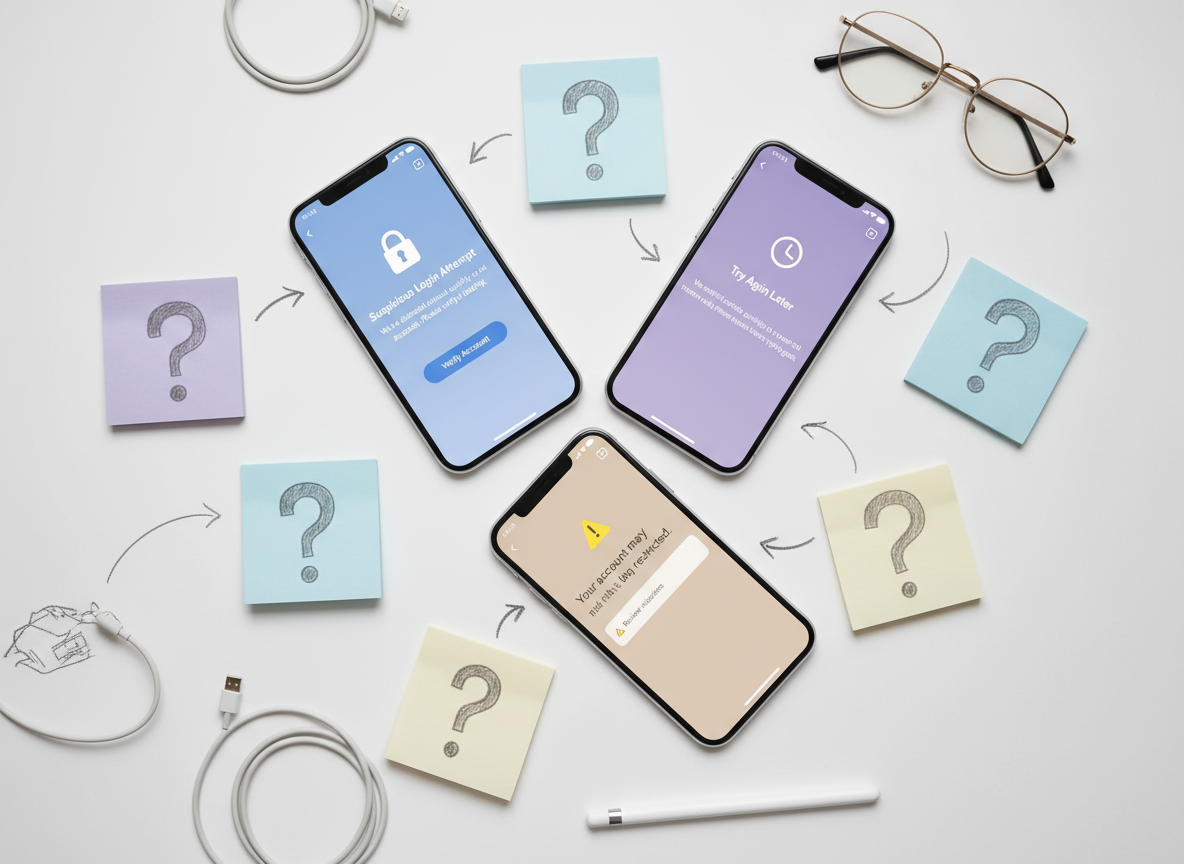
People say “flagged” when they see any of these:
- Security alerts like “Suspicious login attempt,” “We noticed unusual activity,” or “We reset your password.”
- Feature restrictions like “Try again later,” action blocks on following/unfollowing, commenting, or liking.
- Account Status warnings in Settings that say your account is “at risk” or content is limited.
- Device-based flags where Instagram treats your phone as “untrusted,” even if your account is fine.
And yeah, it feels unfair when all you did was check who unfollowed you. But Instagram doesn’t care about your intention. It cares about patterns.
One lived-detail thing I’ve noticed: when someone checks a tracker repeatedly in the same hour (or hops between two different tracker apps), the “unusual activity” warnings show up way faster than when they check once a day. Same account. Same person. And yeah, totally different result.
How Instagram catches tracker behavior, in real life terms. It usually comes down to three things, your login looks weird, your account is making a ton of requests, or the app behavior looks automated.
1) Login signals (the big one)
If a tracker asks for your Instagram password and logs in “as you,” Instagram can see a new session, new device signature, weird IP ranges, or rapid session switching. That’s the classic “third-party app got me flagged” story.
Even if the site looked legit, if you typed your password in there, Instagram kind of treats it like you just handed your house keys to some random person. Sometimes it’s fine for months. Then one day it’s not. Brutal.
2) Request patterns (rate limits)
Trackers often hammer follower/following lists, profile lookups, and relationship checks. Humans don’t do 300 relationship checks in 30 seconds. Trackers do.
This is why “fast results” tools can be a trap. Speed usually comes from aggressive querying, scraping, or both. For a while, lots of these tools got away with it. In 2026, not so much.
3) Automation fingerprints (even if you swear you didn’t automate)
Here’s the counterintuitive part nobody tells you: you can get flagged for automation even when you never used an auto-like or auto-follow tool.
If a tracker is running in the background, or if it’s tied into a growth service that does “helpful actions,” Instagram can still associate your account with those patterns. I’ve seen people insist “I only used it to see unfollowers,” and then we find the app also had auto-DM or engagement modules enabled by default. Ugh.
If you want a deeper breakdown of why these tools trip enforcement, this piece explains the common patterns pretty clearly: how Instagram penalizes aggressive automation.
What to do right now (the steps I use when a tracker triggered a flag)
Don’t panic-delete everything. Don’t start changing five things at once either. That makes it harder to tell what fixed it.
-
Stop using the tracker immediately.
Close it, log out of it if it has a session, and don’t “check again” to see if it’s still happening. I know you wanna. That extra check is how people turn a warning into a 24-hour action block. -
Change your Instagram password. And yeah, do it even if you’re pretty sure you never shared it.
That usually kicks out a lot of third-party logins and sessions. Use a unique password you’re not using anywhere else. -
Turn on 2FA.
Use an authenticator app if you can. SMS is better than nothing, but I’ve watched SIM-swap weirdness ruin people’s week. -
Review Login Activity and log out of devices you don’t recognize.
If you see locations that clearly aren’t you, log them out. If you travel a lot, use common sense here. -
Revoke access to suspicious third-party apps.
In Accounts Center and your Meta/Instagram connected experiences, remove anything you don’t trust. A lot of “follower analyzer” tools show up with generic names. -
Cool down your actions for 24 to 72 hours.
No mass following. No unfollow sprees. Don’t blast 40 comments. Post if you want, but keep engagement normal. Instagram’s systems calm down when your behavior looks boring again. -
Check Account Status.
If Instagram says content is limited or you have a specific restriction, follow the in-app steps. If there’s an appeal button, use it once. Don’t spam it.
Another lived-detail that’s oddly consistent: smaller accounts (under ~2k followers) tend to get “Try again later” blocks faster when they do a follow/unfollow cleanup right after using a tracker. Bigger accounts get flagged too, but it often shows up as reach dropping first, then the warnings later. Not always, but I’ve seen it enough that I warn clients now.
Triage: which “flag” did you get? (and what to do for each one)
If you got a “Suspicious login” or “We reset your password” alert
- Do the password change + 2FA steps above.
- Log out of all devices (if available), then log back in only on your phone and your main computer.
- Don’t connect any new tools for a few days, even “safe” ones. Give your account time to stabilize.
If you got an action block (“Try again later”)
- Stop the specific action that triggered it (usually following/unfollowing or commenting).
- Wait it out. Doing more actions usually extends it.
- If you were mid-cleanup, pause. Finish later in small chunks.
Where this gets weird is when people keep refreshing a tracker while they’re blocked. That can stack restrictions. It’s like poking a bruise.
If your reach suddenly tanked (possible shadowban-ish behavior)
First, don’t assume you’re shadowbanned because one Reel flopped. But if non-followers reach dropped hard and stays low, you might be dealing with a distribution limit.
I keep a quick checklist of symptoms handy, and it matches what I see in real accounts: signs your Instagram reach may be limited.
If Instagram is warning you about another account
This is often Instagram nudging you away from spammy profiles (fake giveaways, follow trains, scam DMs). If you were using a tracker that surfaced “suggested” accounts to follow, stop. Those recommendations can be garbage.
If Instagram flagged your device
- Update Instagram to the latest version.
- Turn off VPN (at least temporarily) and try again on your normal connection.
- Restart your phone, clear Instagram cache (Android), or reinstall the app (iOS/Android).
- Avoid logging in and out repeatedly. That’s a fast way to look suspicious.
I’ve had this happen after testing multiple tracker apps on the same phone in one afternoon. The account wasn’t even the problem. The device reputation was.
Common mistakes that make the flag worse (I’ve watched people do all of these)
- They keep using the tracker “to see if it’s fixed.” It’s not fixed because you checked again.
- They do a huge unfollow purge immediately. Unfollow spikes + tracker activity is basically a neon sign.
- They buy followers to “replace the ones they lost.” In 2026, this is playing with fire. Fake spikes stand out.
- They connect a second tracker because the first one “caused issues.” That usually doubles the signals, not reduces them.
- They ignore low engagement. If your engagement is sitting under 1 to 2% and your follower graph looks unnatural, you’ll trigger more scrutiny over time.
If you want a reality check on what Instagram tracker tools do behind the scenes and why so many are risky, this overview is worth reading: Instagram follower trackers and what to watch out for.
Failure modes: when “fixing it” doesn’t work right away
Two scenarios where people do the right steps and still feel stuck:
- You’re still logged in somewhere you don’t recognize. Some sessions persist until you explicitly log out everywhere and rotate your password again. Annoying, but real.
- You’re using a “growth” tool that’s still running. Even if you deleted the tracker app, a connected service (auto-DM, comment bot, follow scheduler) can keep triggering restrictions. This is the one people miss most.
And yeah, sometimes Instagram just takes time. I hate that answer, but it’s true.
Choosing safer tracking going forward (so you don’t repeat this next week)
Look, people want to track unfollowers. I get it. I track follower changes too, because it helps you spot patterns (like posts that trigger drops, or collabs that bring in real followers).
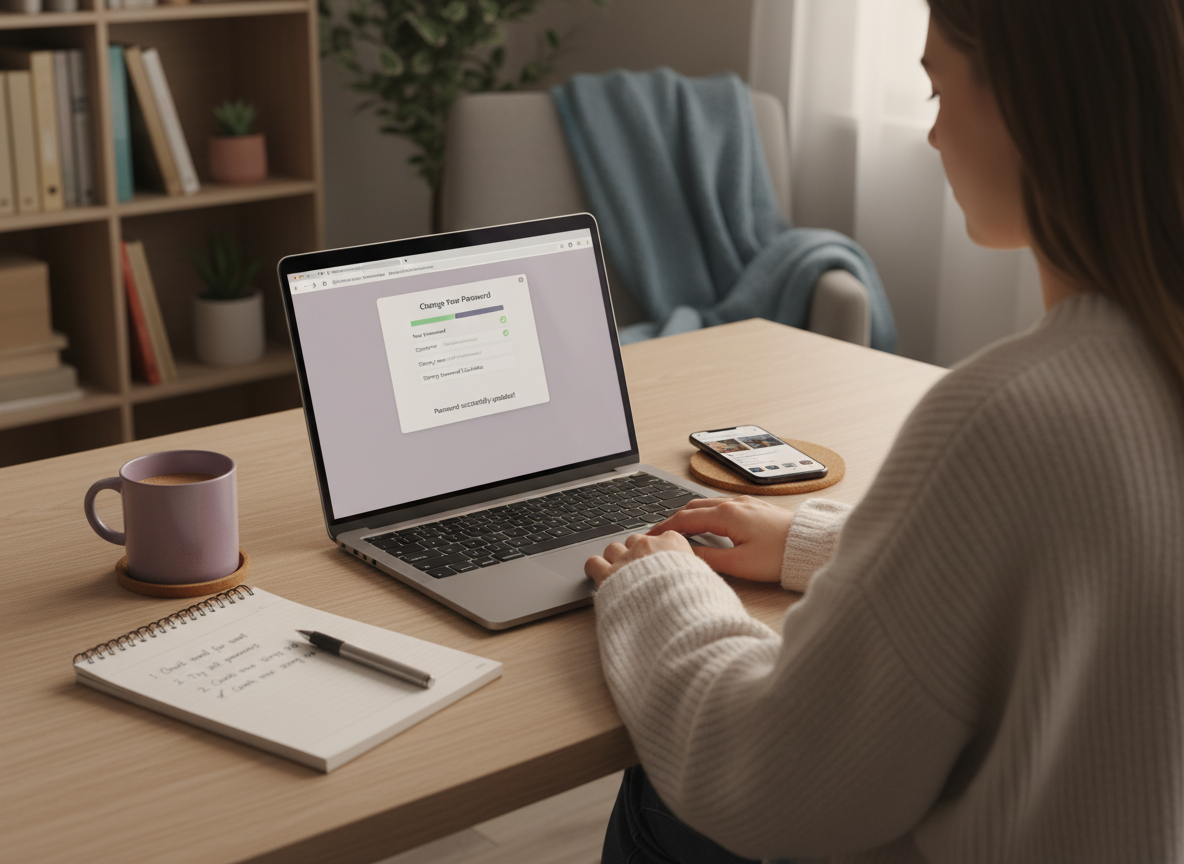
The safer direction is tools that don’t ask for your password and don’t pretend they can do private-data magic. Public-data checks are boring, but boring is good when your account is on the line.
If you’re not sure how to tell “safe-ish” from “absolutely not,” these two internal reads map it out well:
- how to tell safe vs unsafe Instagram trackers
- a tracker safety checklist before you connect anything
One more lived-detail: on accounts above ~50k followers, lots of trackers get slow or glitchy and users start hammering refresh. That “refresh rage” is exactly when flags happen. If a tool needs time, give it time, or pick a tool that isn’t doing heavy scraping.
Limitations (what this advice won’t solve)
- This won’t tell you the exact trigger every time. Instagram rarely gives a clean “it was App X at 3:42 PM” explanation, so you’re working from signals.
- If you already gave your password to a shady service, damage can linger. Even after you secure your account, your content distribution can take days or weeks to fully normalize.
Also, if your account got restricted for policy violations (copyright, harassment reports, repeated guideline strikes), that’s a different lane than tracker-based flags. The steps still help, but they won’t erase strikes.
How UnfollowGram Follower Tracker helps when you’re worried about flags
This is honestly why I like tools that keep it simple. UnfollowGram’s password-free unfollower tracking for public Instagram accounts avoids the biggest risk factor that gets people in trouble: handing over login credentials to random apps.
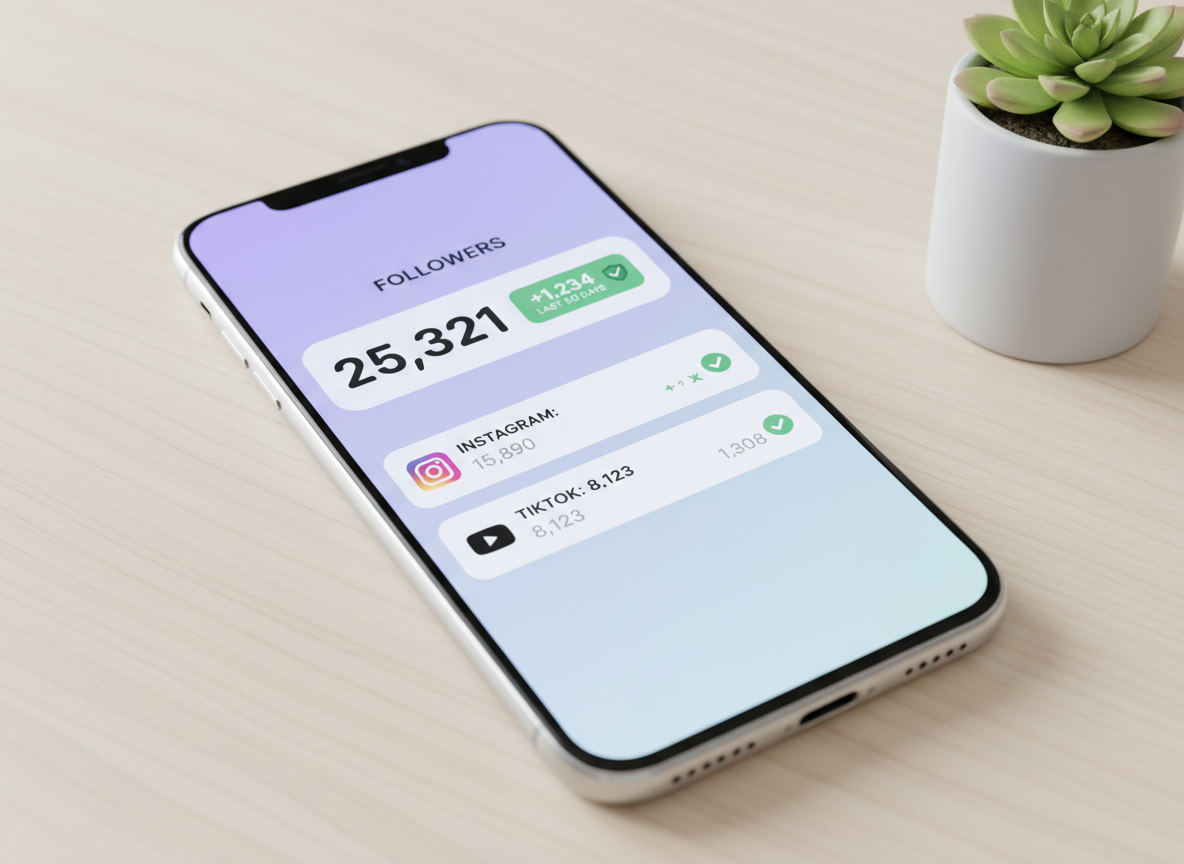
In my testing, the “no login required” approach changes the whole vibe. You’re not creating weird login sessions, you’re not bouncing through suspicious IP ranges, and you’re not accidentally enabling auto-actions you never asked for. It’s just checking public account data and showing you follower changes in a clean way.
Real talk though, it’s not a magic wand. If your account is private, or if you want deep private insights that require authenticated access, UnfollowGram isn’t trying to pretend it can do that. That’s kind of the point. Less access, less risk. If you’re still deciding whether any unfollower app is worth it, this breakdown is a good sanity check: are Instagram unfollower apps safe?
FAQ
Why is my account flagged on Instagram?
Most flags come from unusual login activity, aggressive follow/unfollow or comment patterns, or third-party apps that scrape data or automate actions.
Why is Instagram telling me my account is at risk?
Instagram shows “at risk” when its systems detect behavior tied to spam, automation, policy violations, or repeated security anomalies from logins and devices.
Why is Instagram warning me about an account?
Instagram warns you about accounts that look spammy, scam-linked, or involved in suspicious behavior, often to prevent you from engaging with or following them.
Why did Instagram flag my device?
A device can be flagged after repeated login attempts, frequent account switching, VPN/proxy use, or using multiple third-party tools that generate suspicious session patterns.
Will changing my password remove the tracker flag instantly?
It helps fast, but not always instantly; some restrictions clear in hours while others take 24 to 72 hours depending on what was triggered.
Can I keep tracking unfollowers without getting flagged again?
Yes, but stick to tools that don’t ask for your Instagram password, avoid automation features, and don’t check obsessively throughout the day.
Conclusion
If an instagram tracker flagged my account, the play is simple: stop the tracker, secure your login (password + 2FA), revoke suspicious access, then chill on actions for a couple days. Most of the time, that’s enough to get you back to normal without escalating the restriction.
Going forward, pick tracking that doesn’t require your credentials, and be allergic to anything promising auto-engagement or “full data” that Instagram clearly doesn’t want third parties pulling. If you want a safer, low-drama way to monitor follower changes, UnfollowGram Follower Tracker is built around that exact idea.
And if you’re curious how bans and enforcement actually happen with these tools, this internal breakdown is worth a skim: why Instagram trackers can trigger bans and restrictions.

Ethan is the founder of UnfollowGram with more than 12 years of experience in social media marketing. He focuses on understanding how Instagram really works, from follower behavior to engagement patterns, and shares those insights through UnfollowGram’s tools and articles.





