

Why Most Unfollower Apps Feel Unreliable
Last Updated on January 26, 2026 by Ethan
Most unfollower apps feel unreliable because Instagram doesn’t really “offer” follower-change data in a clean, complete way, and the workarounds tools use introduce gaps, delays, and straight-up wrong results. That’s the honest answer to why unfollower apps are inaccurate even when they look polished and have great reviews.
I’ve tested a lot of these tools on everything from tiny creator accounts to chunky 100k+ pages for clients, and they all run into the same wall: Instagram restricts access, accounts change state (private, deactivated, reactivated), and follower lists are a moving target. Some apps handle that reality better than others, but none of them are magical.
So if you’ve ever seen “3 people unfollowed you” and thought, “No they didn’t”… you’re not crazy. Below is what’s actually happening behind the curtain, the failure modes I keep seeing in real life, and what you can do to make the data less messy.
Why unfollower apps are inaccurate (even when they’re trying their best)
Most people assume there’s a simple database somewhere that says: “On Tuesday at 2:04 PM, @alex unfollowed you.” Instagram doesn’t give third-party apps that kind of clean event log.
What most tools do instead is snapshot-based tracking: they grab a follower list now, then grab it later, and compare the two. That comparison sounds simple. It isn’t.
Instagram doesn’t give full access, so apps guess with partial data
Instagram has tightened API access over the last few years, and in 2026 it’s basically the defining factor in this space. If a tool can’t legally and reliably pull full follower lists when it needs them, it has to use other methods (scraping, session tricks, cached endpoints, “approximate” list pulls).
And once you’re in workaround-land, you get:
- lists that load partially (especially on larger accounts)
- rate limits that cut scans short
- stale cached data that’s “close” but not current
This is also why two different tools can show different “unfollowers” on the same day. They didn’t see the same dataset.
Most apps can only track changes after you start using them
This trips people up constantly. A lot of “who unfollowed me” apps can’t pull historical unfollow events, because those events weren’t recorded anywhere the app can access.
So if someone unfollowed you last week and you start tracking today, that info is basically gone unless you already had a saved follower list from last week. I’ve watched users rage-refresh an app expecting it to “find” old unfollows. It won’t. It can’t.
Deactivations and privacy flips look like unfollows
Here’s a lived-detail thing I see all the time: a follower disappears, the app flags them as an unfollower, and then two days later they’re magically “following” again. That’s usually not a re-follow. It’s an account state change.
Common causes:
- They temporarily deactivated their account
- They got suspended or locked out
- They switched to private, and the tracker’s access method failed
If you want the deeper breakdown of this specific mess (because it’s a big one), this piece on how deactivated or deleted users affect follower tracking explains why the same person can look like an “unfollower” when they’re not.
Counterintuitive truth: your follower count can be “right” while the list is wrong
You’d think the follower count and follower list always match. Actually, no. I’ve seen accounts where the number at the top updates fast, but the accessible list that apps can pull lags behind or loads inconsistently.
That’s why you’ll sometimes see: “Your count dropped by 2” but the app can only identify 1 username. It’s not always incompetence. It’s mismatched timing between what Instagram displays and what a tool can retrieve.
If you want the nerdy version of this, this explainer on follower counts vs follower lists nails why the two can drift.
How unfollower tracking actually works (what apps do behind the scenes)
Most unfollower apps don’t “detect an unfollow.” They detect a difference.
The snapshot method (the most common approach)
- App collects a follower list (Snapshot A).
- Later, it collects another follower list (Snapshot B).
- It compares A vs B.
- Anything in A but not B gets labeled “unfollowed.”
The reason this breaks is pretty simple: if Snapshot A is incomplete, or Snapshot B is delayed, the comparison lies. Not maliciously. Just mechanically.
Where this gets weird: partial scans on bigger accounts
On accounts with tens of thousands of followers, scans tend to take longer, and the odds of a partial pull go up. I’ve tested this side-by-side: a 1,200-follower account gets consistent snapshots; a 65k-follower account might “finish” but quietly miss chunks, depending on the method.
And if your tracking tool doesn’t clearly tell you “this scan was incomplete,” it’ll still show results. That’s how you get phantom unfollowers.
Why some tools are delayed by hours (or a day)
Instagram rate limits and throttles repetitive access. Tools compensate by spacing requests, caching results, or waiting before re-checking. So your “latest data” might actually be “latest allowed data.”
For a broad overview of the current tracker landscape and how tools operate in 2026, I’d skim this breakdown of Instagram follower tracker methods and compare it to what you’re seeing in your own app.
The failure modes I keep seeing (aka why people stop trusting these apps)
When people tell me “unfollower apps are trash,” they’re usually reacting to one of these patterns.
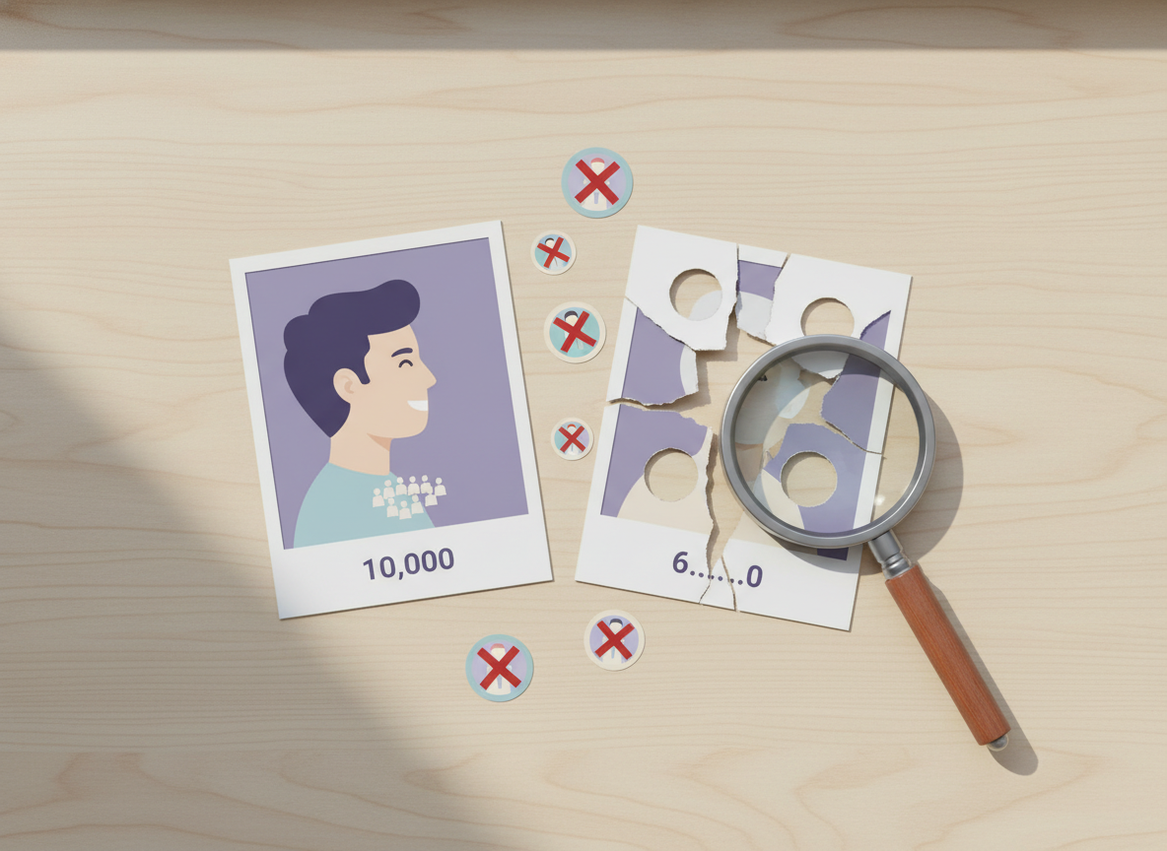
Failure mode #1: “It says my best friend unfollowed me” (false positives)
This happens when the app loses visibility of that account in one snapshot. The user didn’t unfollow. The tracker just couldn’t “see” them for a moment.
And yeah, it stings. I’ve been there. I once confronted someone about an “unfollow” years ago and… awkward. They were still following me the whole time. Not my finest moment.
Failure mode #2: “It misses half the unfollowers” (false negatives)
If the app only pulls part of the list, it can’t detect changes in the part it didn’t pull. So it under-reports.
This is also why tools that do quick, flashy “instant results” sometimes feel worse on bigger accounts. Fast isn’t always your friend.
Failure mode #3: “It worked for a week, then it fell apart”
Instagram changes behavior, blocks endpoints, or tightens throttles. The thing most people don’t realize is that small platform adjustments can wreck a tracker overnight, even if the app didn’t “change” anything.
If you want a grounded explanation of the exact reasons tools miss people, this article on why follower trackers miss unfollows lines up with what I see in day-to-day testing.
What actually makes an unfollower app feel more reliable
Not all tools are equal. Some are chaotic. Some are surprisingly stable.
1) Snapshot comparisons you can repeat consistently
If a tool can produce consistent snapshots at consistent intervals, the “diff” gets more trustworthy. If it produces random snapshots, you’re basically reading tea leaves.
2) Clear handling of edge cases (private flips, deactivations)
Good tools don’t just scream “UNFOLLOWED.” They at least try to account for “user not found,” “temporarily unavailable,” and similar states.
3) Not asking for your password (seriously)
I’m blunt about this: if an unfollower tool asks for your Instagram password, I don’t care how accurate it claims to be. That’s the road to compromised accounts and random login alerts. I’ve helped clients recover accounts after doing this. It’s a headache you don’t want.
For more on tools and what’s legit vs sketchy, this overview of Instagram follower trackers covers common categories and tradeoffs pretty well.
Okay, but what should you do if you just want accurate answers?
You’ve got a few practical options, depending on how obsessive you wanna get.
Option A: Use Instagram’s data export for clean, terms-safe snapshots
Instagram’s official data export is boring. But it’s clean and it won’t get you flagged. Export on two different dates and compare the follower lists yourself (or with a spreadsheet).
Limitations, though: it won’t automatically tell you “who unfollowed yesterday,” and it’s not as convenient as a tracker app.
Option B: Use a tracker, but treat it like a “change detector,” not a court verdict
My rule: if a tracker shows someone unfollowed you, verify by checking again after the next snapshot. If they “unfollowed” and then “refollowed” within 24 hours, that’s usually a state-change glitch.
And don’t check 20 times a day. I know it’s tempting. I’ve done it too. It just increases the odds you catch the data mid-sync and misread it.
Option C: Focus on non-followers and mutuals instead of daily whodunnits
For social media managers, the “who doesn’t follow you back” list is often more useful than daily unfollow drama. It’s less sensitive to timing issues and gives you actionable cleanup work.
If you’re curious how trackers technically “detect” non-followers vs unfollowers, this explainer on how unfollower trackers detect changes is a solid reference.
Common mistakes that make the data (and your account) worse
Some of the unreliability people blame on apps is actually self-inflicted behavior that triggers Instagram limits.
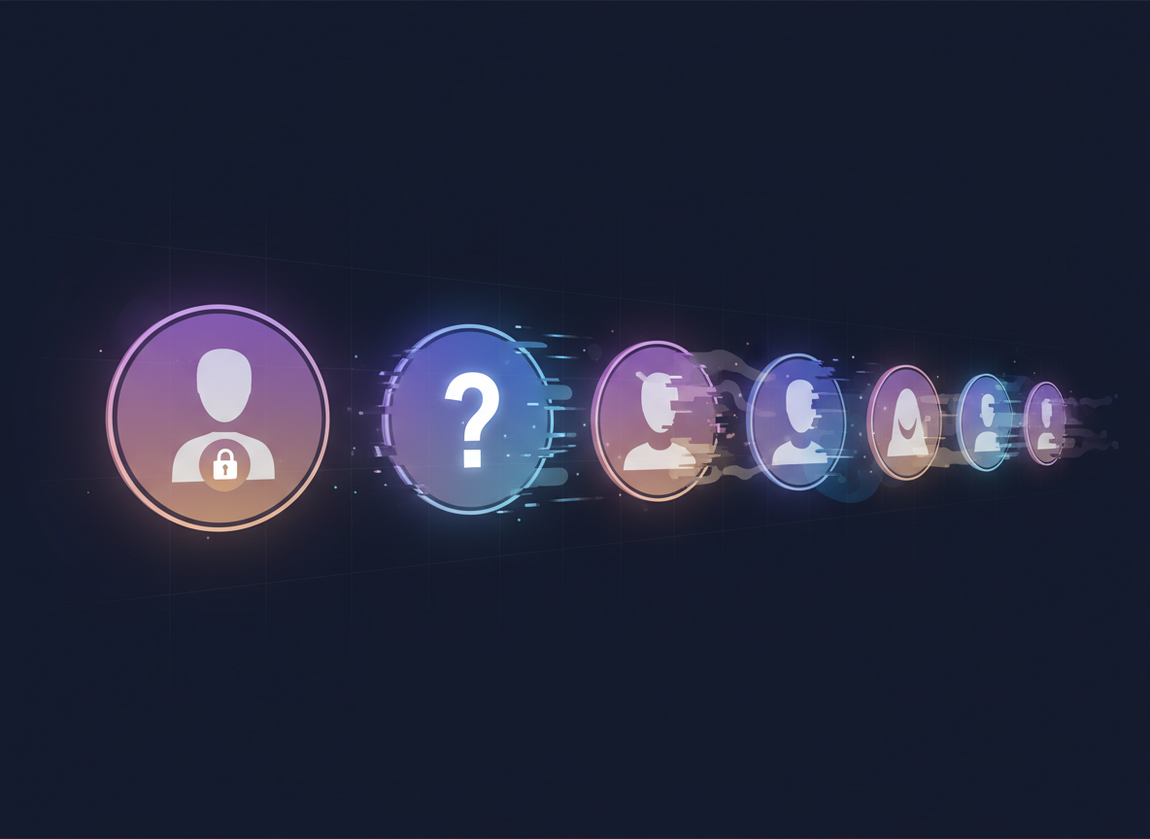
- Unfollowing too fast: I’ve seen action blocks kick in after bursts of 50 to 100 unfollows, especially on newer accounts. Then everything looks broken because Instagram starts throttling actions and visibility.
- Using automation: Bots create noisy activity patterns. Trackers and bots together are basically chaos. Don’t stack them.
- Mixing multiple tracker apps: This is sneaky, but real. People run 3 different tools, each pulling data differently, then trust whichever one says what they want to hear. Been there. It doesn’t end well.
How UnfollowGram Follower Tracker helps with unreliable unfollower data
I’m picky about tools in this category because the “easy” way usually involves logins, dodgy sessions, and a bunch of risk that creators don’t realize they’re taking. That’s why I like that UnfollowGram is built around a simpler premise: it doesn’t ask for your password, and it focuses on what can be read safely from public account data.
If you’re using a public profile and you just want a fast read on follower changes and non-followers without handing over credentials, this no-password Instagram unfollower checker is the kind of approach that avoids the sketchiest failure mode (account security). It’s not trying to pretend it has magical access that Instagram doesn’t provide. That honesty matters.
One caveat, because I don’t like pretending otherwise: public-data tools won’t solve every edge case. If accounts go private, deactivate, or Instagram delays list visibility, you can still see weirdness. That’s the ecosystem. If you want to compare how different apps behave, this roundup of Instagram unfollow tracker app reviews is a helpful sanity check.
Limitations (what none of these apps will tell you)
No unfollower app can reliably tell you “exactly when” someone unfollowed you unless it was actively tracking and the snapshots were complete at the right times. Most tools are inferring a time window, not reading a true timestamp.
Also, private accounts and sudden account state changes will always create edge cases. If someone deactivates for a weekend, you might see them labeled as an unfollower even if they never touched the follow button.
FAQ
Are Instagram stalking apps accurate?
No, they’re usually not fully accurate because Instagram doesn’t provide reliable “who viewed your profile” data, so most apps guess, scrape, or invent signals.
Why does his following count keep changing?
Following counts change when he follows/unfollows, when accounts deactivate/reactivate, or when Instagram’s displayed count updates faster than the list you can actually load.
How to fix an Instagram unfollow problem?
Stop rapid unfollowing for 24 to 72 hours, avoid automation, and resume slowly (think small batches per day) because action blocks are often rate-limit related.
Why do unfollower apps show someone unfollowed me, then they “came back”?
That’s usually a false positive caused by temporary deactivation, privacy changes, or an incomplete follower snapshot that made the person disappear briefly.
What’s the safest way to track unfollowers without getting flagged?
Use Instagram’s data export for manual comparisons, or use tools that don’t ask for your password and avoid automation so you’re not creating suspicious login or action patterns.
Conclusion
Unfollower apps feel unreliable because they’re often comparing incomplete follower snapshots in a system that’s constantly changing, restricted, and occasionally inconsistent. The most “accurate” setup is usually the least exciting: consistent snapshots, realistic expectations, and zero risky logins.
If you want a practical, low-drama way to check changes on public accounts without handing over credentials, UnfollowGram is worth trying. Just keep the right mindset: it’s a tracker, not an absolute record of truth.

Ethan is the founder of UnfollowGram with more than 12 years of experience in social media marketing. He focuses on understanding how Instagram really works, from follower behavior to engagement patterns, and shares those insights through UnfollowGram’s tools and articles.





