

How to see who unfollowed you with ChatGPT
Last Updated on February 11, 2026 by Ethan
If you’re trying to see who unfollowed you with ChatGPT, here’s the blunt answer: ChatGPT can’t magically pull your Instagram follower changes in real time. Look, it can’t see Instagram’s live follower data, and it also can’t just hop in and “scan your account” by itself.
But here’s the thing, you can still get real value out of it if you hand it two follower lists, like exports or lists you saved, and ask it to compare them and tell you who dropped off, who showed up, and who isn’t following you back. It’s not fancy. It just works, most of the time.
In my experience, I’ve tried this on small creator accounts and bigger pages too, and it usually comes down to the same thing, you only get reliable answers when you’re comparing two lists you already have. Anything claiming instant AI unfollower detection without data is usually… yeah. Not great.
TL;DR: ChatGPT can’t directly identify who unfollowed you on Instagram since it lacks access to real-time follower data. But you can use it to compare two snapshots of your followers and figure out who’s probably unfollowed since the last time. Just export your followers, paste in both lists, and ask ChatGPT to point out what changed.
Why ChatGPT can’t directly tell you who unfollowed (and why people think it can)
ChatGPT is great at analyzing text you paste in. That’s its superpower. What it can’t do is log into Instagram, fetch your follower list today, compare it to yesterday, and show you the differences automatically.
The reason people think it can is simple: a lot of “AI follower tools” market themselves like ChatGPT has eyes inside Instagram. It doesn’t. Instagram data is gated, rate-limited, and constantly changing, and most “instant unfollower” promises collapse as soon as you ask, “Okay, where did you get the follower list from?”
And just to say the quiet part out loud: if a tool says “AI will check your unfollowers” and the first thing it asks for is your IG password, that’s not AI. That’s a login grab.
How the “ChatGPT unfollowers” method actually works (the version that’s real)
You’re basically doing a before-and-after comparison.
Step A: get a follower list snapshot (yesterday, last week, whenever). Step B: get a new snapshot (today). Step C: give both lists to ChatGPT and ask it to compare.
The reason this works is boring but reliable: unfollowers are just names that were in List 1 but aren’t in List 2. That’s it. No mystery.
What counts as a “snapshot”?
- A manual copy/paste of your followers (not fun, but possible for small accounts)
- A data export file (best if you want accuracy)
- A no-password tracker that records follower lists over time and compares them for you
If you want the long version of the tradeoffs, this breakdown on manual vs automated Instagram tracking explains the practical differences really well.
Option 1: Use ChatGPT with Instagram data exports (most accurate)
This is the “do it once, do it right” option. And yeah, it’s the step a lot of people skip because exporting the data feels like a pain. I get it. I avoided it for years and then wondered why my unfollower lists were always messy. (Yep, I was that person.)
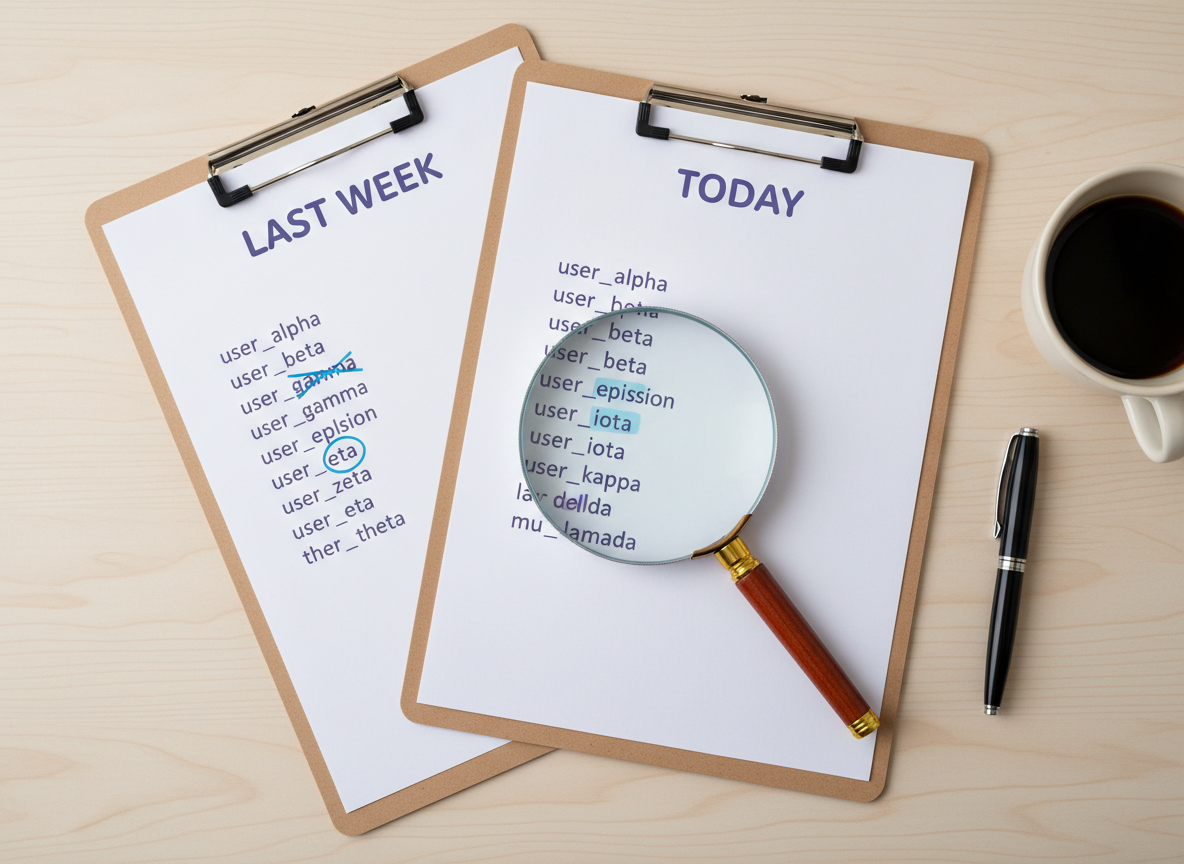
Step-by-step: export, snapshot, compare
- Export your follower data (first snapshot). If you’ve never done it before, follow a walkthrough like how to use Instagram’s data export.
- Save the follower list somewhere (a CSV, Google Sheet, even a text file). If you need a simple way to structure it, this guide on exporting follower data for tracking makes it less annoying.
- Wait until your next check-in (24 hours is usually enough if you’re actively posting, but weekly is fine too).
- Export again (second snapshot) and save it as a separate file.
- Give both lists to ChatGPT and ask it to compare them.
The exact prompt I use with ChatGPT
Copy/paste this and replace the placeholders:
Prompt:
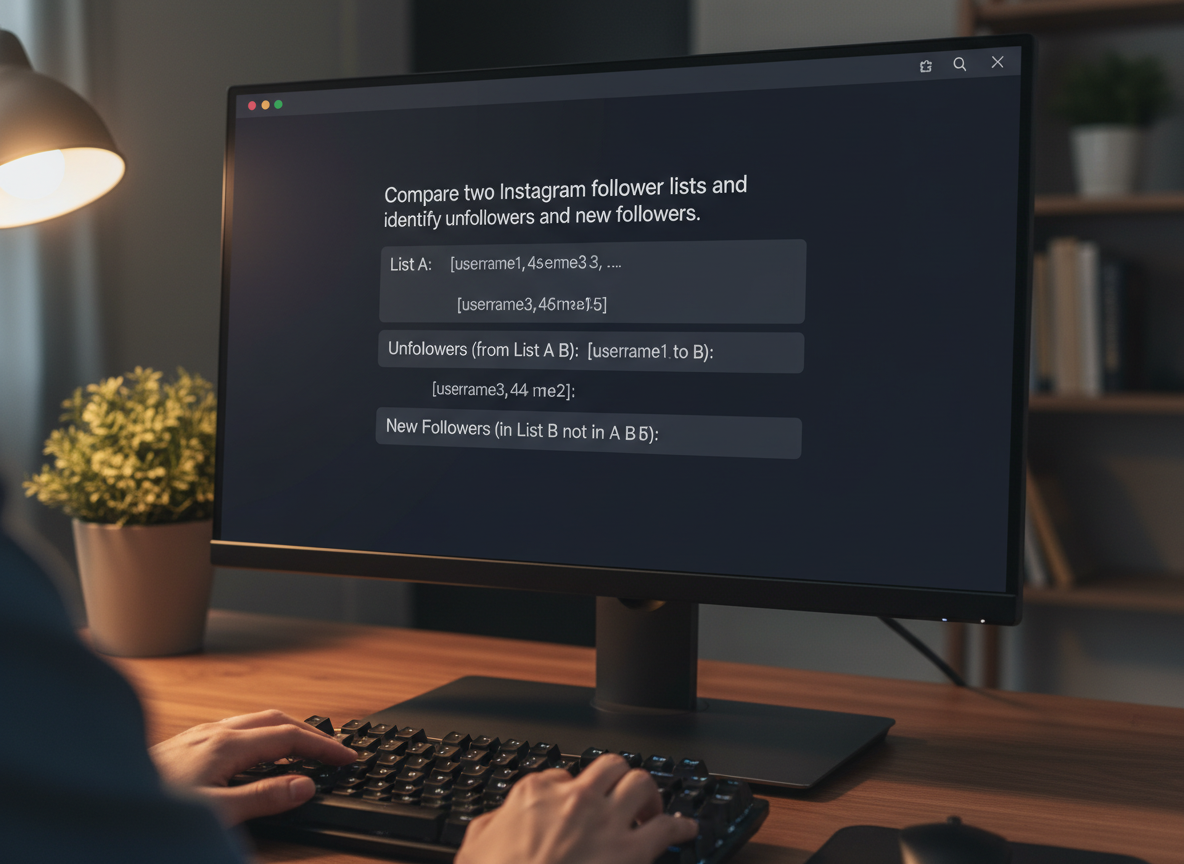
“I’m tracking Instagram unfollowers. Below are two follower lists (usernames only).
List A is older. List B is newer.
1) Show usernames in A but not in B (unfollowers).
2) Show usernames in B but not in A (new followers).
3) Output results as plain lists and as a CSV table with columns: username, change_type.
Also: ignore case and trim spaces.”
Then paste List A, paste List B. Keep it clean: one username per line.
Lived detail (because this part gets weird in real life)
On accounts with 10k+ followers, exports and comparisons can feel “off” if you pull snapshots too close together, like within the same hour. I’ve seen a list look incomplete, then look fine the next day. It’s not you. It’s timing and data refresh.
And if your follower base changes fast (giveaways, Reels that pop off, shoutouts), daily snapshots are way more readable than weekly ones. Weekly comparisons turn into a wall of names and you’ll stop caring. Honestly.
Option 2: Use a no-password tracker for snapshots, then use ChatGPT for analysis
If exporting data makes you want to throw your phone, use a tracker that does snapshots without asking for your IG password, then bring the results into ChatGPT if you want extra analysis (patterns, churn rates, “who keeps disappearing after I post X,” stuff like that).
Tools like Dolphin Radar are basically built around this snapshot-and-compare approach, where you track audience changes over time without handing over credentials. If you’re curious, here’s a write-up about that style of tracking: Dolphin Radar’s unfollowers tracker announcement.
Counterintuitive truth nobody tells you
You’d think “real-time unfollower alerts” are the best thing. But for most creators, they just make you anxious and reactive. The accounts I’ve helped grow usually do better when they check on a schedule (like every morning or every Monday), because you see trends instead of spiraling over one person leaving.
Option 3: Skip ChatGPT and use a dedicated unfollower tracker (fastest)
If your goal is simply “tell me who unfollowed,” a dedicated tool is usually faster than playing spreadsheet detective with ChatGPT.
That said, be picky. A lot of unfollower apps are unreliable, buggy, or pushy about logins. This is exactly why we wrote why some unfollower apps are unreliable, because I’ve seen the same failure patterns over and over.
Also, if you want a broader overview of common app options people use, this roundup is a decent starting point: best apps to see who unfollowed on Instagram. Just don’t treat “best” lists like gospel. Half of them haven’t been tested on real accounts recently.
| Method | Requires Password | Real-Time | Accuracy | Risk |
|---|---|---|---|---|
| ChatGPT + exports | No | No | High (if data is clean) | Low |
| No-password tracker | No | Near real-time | Medium-High | Low |
| Automation apps | Usually yes | Yes | Varies | Medium-High |
Common ways this goes wrong (and how to fix it)
1) You paste display names instead of usernames
ChatGPT can’t reliably match “John Smith” across two lists if there are ten John Smiths. Use @usernames only.
2) The two lists aren’t the same type
People compare “followers” on one day to “following” on another day and then think everyone unfollowed them. Been there. Double-check you’re comparing followers-to-followers.
3) You’re trying to track a private account with public-only methods
If the method depends on public data, it won’t work on private profiles. Period.
4) You’re checking too often and confusing yourself
I know the temptation. I’ve done the “check, refresh, check again” thing after a post flops. It’s a bad habit. Use a consistent interval so the comparison means something.
Limitations (stuff ChatGPT and trackers won’t tell you)
This method won’t tell you why someone unfollowed. You’ll see the name, but you won’t get intent, emotion, or context. Sometimes people purge followings, sometimes they get banned, sometimes they just change interests.
And here’s another caveat: you can’t always detect “soft unfollows” like someone muting your posts/stories. They’ll still be a follower, but your reach drops. That’s a different problem.
Failure mode I see a lot
Where this falls apart is when people rely on “one perfect snapshot” and assume it’s complete forever. If the original list is missing accounts (timing, export quirks, whatever), ChatGPT will confidently report false unfollows. The fix is simple: keep snapshots consistent and don’t treat one pull as sacred.
What ChatGPT Can Actually Analyze (Step-by-Step)
ChatGPT cannot access Instagram servers. It cannot log in to your account. It cannot see your followers unless you provide the data.
What it can do is analyze structured information you give it.
Here’s the practical workflow:
-
Export your Instagram follower list at Time A.
-
Export it again at Time B.
-
Paste or upload both lists into ChatGPT.
-
Ask it to compare the two and identify usernames missing from the second list.
That’s it.
ChatGPT works like a comparison engine in this case. It doesn’t fetch. It doesn’t track. It simply processes text or CSV data.
Example prompt:
“Compare these two follower lists and show which usernames appear in the first list but not in the second. Those are the unfollowers.”
If your data is clean and formatted, the output will be accurate. If the data is incomplete, the result will reflect that.
AI doesn’t guess. It compares.
Why Instagram Doesn’t Offer an Official Unfollowers Feature
Instagram does not provide a native “unfollowers” list or an official API endpoint that returns who stopped following you. That’s intentional. The platform focuses on engagement tools, not departure tracking.
From a technical standpoint, there is no public API that says, “Here are the accounts that unfollowed you yesterday.” Tools that detect unfollowers always rely on comparing follower lists over time.
That’s why snapshots matter. Without two points in time, there is nothing to compare.
How UnfollowGram Follower Tracker helps with seeing who unfollowed (without the sketchy parts)
I’m picky about these tools because I’ve watched too many people get burned by apps that demand logins, trigger security challenges, or just straight-up stop working when Instagram changes something. That’s why UnfollowGram exists in the first place.

UnfollowGram Follower Tracker focuses on the part people actually care about: seeing who unfollowed, who isn’t following back, and who’s new, without asking for your password. If you’re using ChatGPT because you don’t want to hand credentials to random apps, you’ll probably like the same safety-first approach in a no-password Instagram unfollowers checker you can run by username.
One honest note: UnfollowGram is designed for public accounts. If you’re private, you’ll need a different approach (usually exports), or you’ll have to switch your profileto public while you snapshot.
If you want more app-focused options and comparisons, this page on an app to see who unfollowed you on Instagram lays out what to expect and what to avoid.
Privacy, Security, and the Real Risks of Automation
There’s a big difference between passive data analysis and active automation.
Passive:
-
Exporting your own data
-
Comparing follower lists
-
Uploading CSV files for analysis
Active automation:
-
Tools logging into your account
-
Mass follow/unfollow scripts
-
Repetitive bot-like actions
The first approach is generally safe. You’re working with your own exported data.
The second can trigger:
-
Action blocks
-
Temporary restrictions
-
Reduced trust signals
-
In extreme cases, account loss
Under GDPR and similar privacy frameworks, tools that store or process personal data must be transparent about how they handle it. That’s why exporting your own data and analyzing it manually or with AI is often the safest route.
If a tool asks for your password, that’s already a red flag.
FAQ
Is it possible to check who unfollowed you?
Yes, but you usually have to compare follower lists over time using exports or a tracker; Instagram doesn’t provide a native “unfollowers” list.
What is the AI that tells you who doesn’t follow you back?
There isn’t a magical AI that knows this without data; tools either compare lists (public snapshots or exports) or ask for account access, and the safe ones don’t require your password.
Can ChatGPT access my Instagram followers directly?
No, ChatGPT can’t pull your follower list in real time; it can only analyze follower data you paste in or upload.
What’s the safest way to see who unfollowed you with ChatGPT?
Export two follower lists at different times, then ask ChatGPT to compare them and output the missing usernames as unfollowers.
Why do different apps show different unfollower results?
They capture data at different times, some miss accounts due to refresh limits, and some tools simply guess or error out when Instagram changes how data is accessed.
Conclusion
If you want to see who unfollowed you with ChatGPT, think of ChatGPT as the calculator, not the data source: you bring two follower snapshots, and it does the comparison cleanly.
If you don’t wanna deal with exports and copy/paste lists, use a no-password tracker and check on a sane schedule (daily or weekly). And if your priority is staying safe while still getting fast “who left” answers, UnfollowGram Follower Tracker is built for exactly that workflow.

Ethan is the founder of UnfollowGram with more than 12 years of experience in social media marketing. He focuses on understanding how Instagram really works, from follower behavior to engagement patterns, and shares those insights through UnfollowGram’s tools and articles.





