
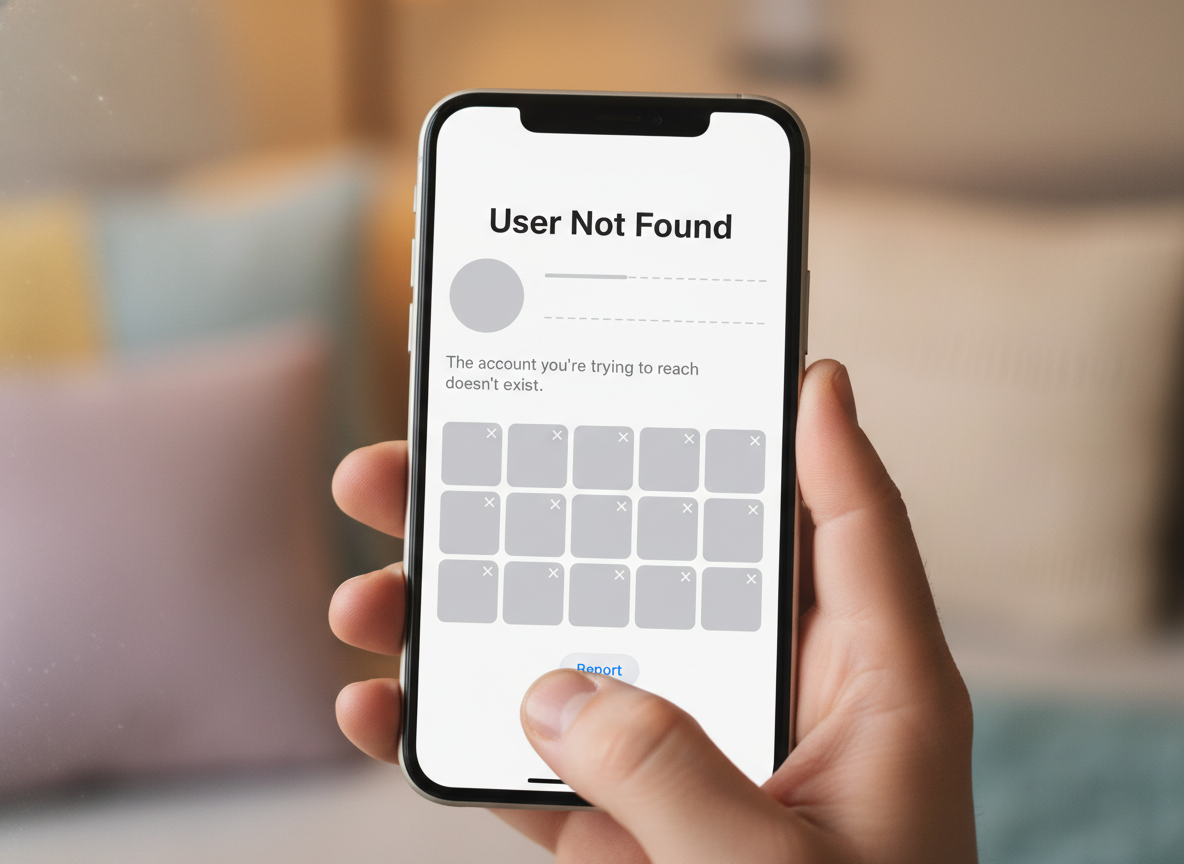
Why Instagram Says User Not Found
Last Updated on January 28, 2026 by Ethan
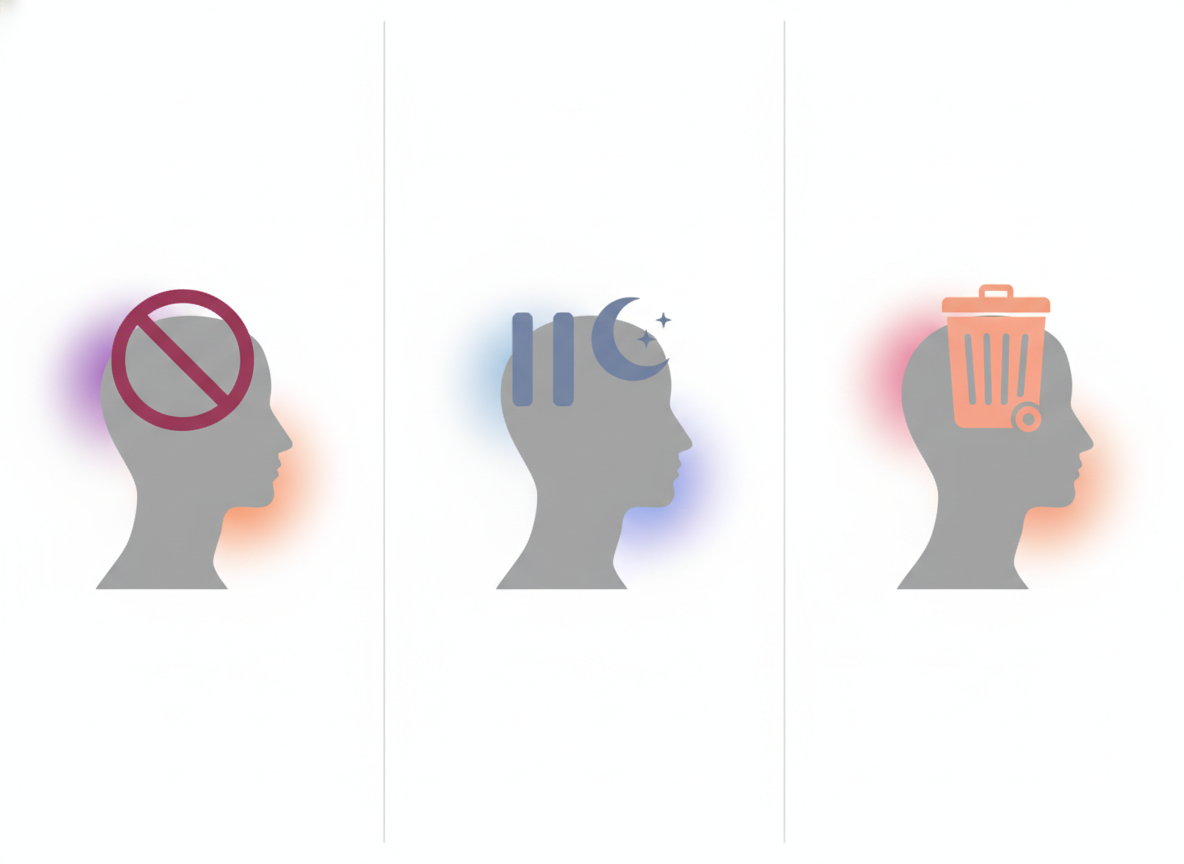
“User not found” usually just means you can’t see that profile right now, it’s probably deleted or banned, temporarily deactivated, or you’ve been blocked.
And yeah, it’s annoying because Instagram slaps that same message on a lot of different situations, so you’re left guessing what actually happened.
Below is the plain-English instagram user not found meaning, how Instagram decides to show it, and a quick way to figure out what’s actually going on in your specific case.
TL;DR: “User not found” on Instagram indicates that the profile is either deleted, deactivated, or blocked from your account. It’s a super vague error and it can mean a few things, so if you think you’re blocked, try looking the account up from a mutual friend’s phone or account. Honestly, Instagram does this mostly for privacy, and to cut down on people getting targeted or harassed.
What “Instagram User Not Found” actually means:
When Instagram says “user not found,” it’s basically saying, “We can’t show you that profile,” or “we’re not going to.”
The confusing part is that Instagram treats different “missing profile” situations the same way on purpose. It reduces harassment and stalking, and it keeps the system consistent across app/web. Business Insider describes this as a generic error tied to multiple scenarios, not one specific cause (overview of the ‘user not found’ error).
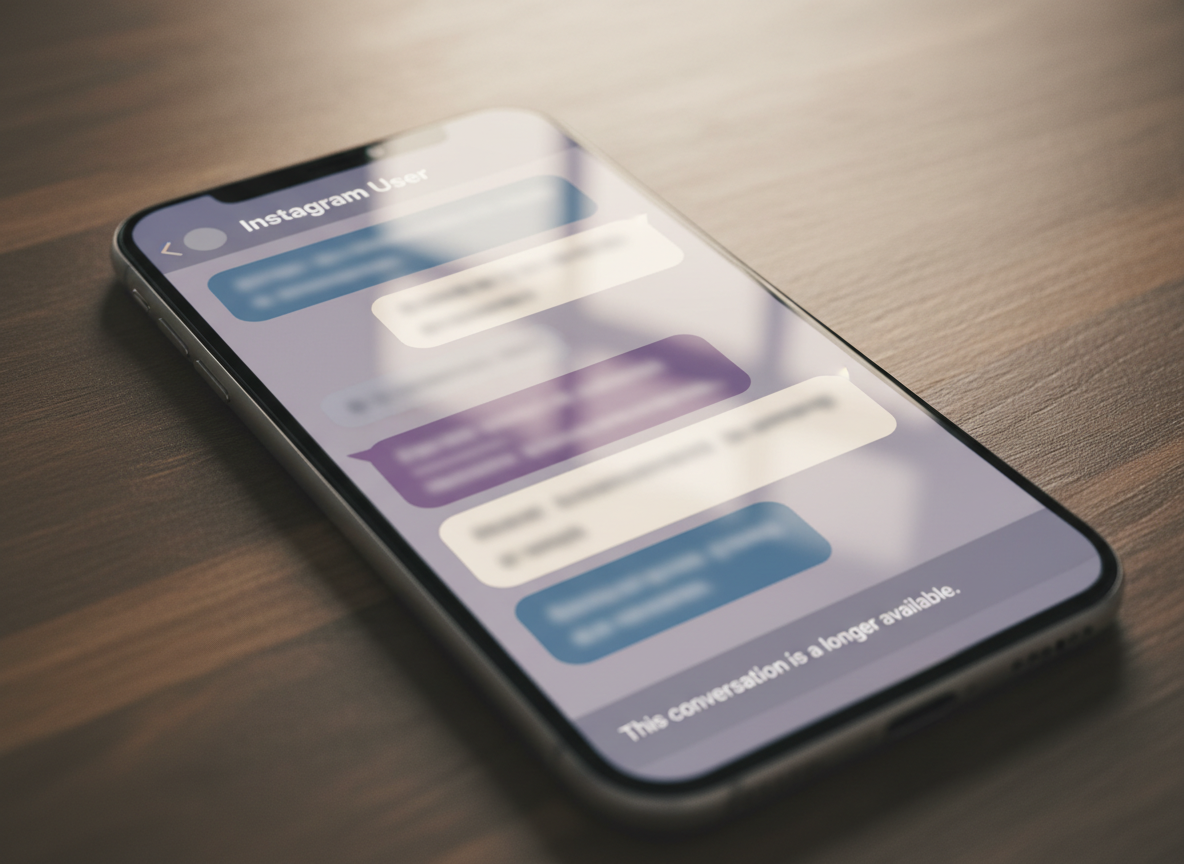
One tiny detail I’ve noticed after checking this on dozens of accounts: the message can look slightly different depending on where you see it. On the profile page it’s often “User not found,” but inside DMs you’ll sometimes see “Instagram User” with a blank avatar. Same underlying idea. Different wrapper.
How It Works (Why Instagram Shows This Message)
Here’s the mechanism, minus the fluff: Instagram resolves a profile request by checking whether the username maps to an active account and whether your viewer account is allowed to see it. If either check fails, you get a “not found” style response.
So it’s not always “the account is gone.” Sometimes the account is fine and you’re the one who’s restricted.
Counterintuitive thing nobody tells you: you can get “user not found” even when the person still exists and is actively posting… because Instagram is answering based on your relationship to that account (blocked) rather than global reality. That’s why asking a mutual friend to search is still the fastest “truth test.”
The Most Common Reasons You’re Seeing “User Not Found”
1) They blocked you (the classic)
If they blocked you, Instagram behaves as if the account doesn’t exist for you. Search won’t find them. Visiting their old profile link fails. Their posts disappear. And DMs can get weird.
Real-world tell: open your DM thread with them (if you have one). If their name changes to “Instagram User” and the profile photo disappears, that’s often a block or deactivation. I say “often” because Instagram loves ambiguity. Annoying, right?
If you’re trying to understand related “half measures” (like restricting vs soft-blocking), I’ve got a whole breakdown here: differences between soft block vs restrict on Instagram.
2) They deactivated (temporary “I’m done with IG” mode)
Deactivation hides the account until they log back in. From your side, it can look identical to being blocked.
I’ve seen this happen a lot with creators during burnout cycles. Someone posts daily for months, then poof, “user not found” for a week, then they’re back like nothing happened. If you check too quickly and assume you’re blocked… you can start drama for no reason (been there, not proud of it).
If you want the deeper difference between a deactivation, a deletion, and an Instagram removal, this page lays it out cleanly: how deactivated vs deleted Instagram users behave.
3) They deleted their account (or Instagram banned it)
Deletion is permanent. A ban/removal can be temporary or permanent, depending on what triggered it. In both cases, Instagram may show “user not found” because there’s no longer a viewable profile at that username.
One detail I keep seeing: when an account gets taken down, sometimes the username looks “dead” instantly, but cached links can still float around for a bit (especially in Google results). So you click a search result, and Instagram basically shrugs and says “user not found.”
4) They changed their username (and you’re using the old handle)
This is way more common than people think. Someone changes @name, your old link breaks, and Instagram doesn’t reliably redirect you to the new one.
If you’re trying to visit instagram.com/oldusername, it can throw “user not found” even though the person is still there under a new handle.
Quick trick: check any old tags, mentions, or story highlights where they were tagged. Those sometimes update to the new handle faster than your brain does.
5) You typed it wrong (seriously)
Yeah, obvious. But I can’t count how many times this was the culprit, especially with extra underscores, periods, and that one letter that’s actually an “l” not an “I.”
If you’re copying a username from somewhere, make sure it didn’t grab a trailing space or hidden character. I’ve watched social managers lose 20 minutes to that exact nonsense.
6) The account is private (usually not the reason, but it can confuse things)
Private accounts don’t normally show “user not found” just because they’re private. You can still find them; you just can’t see posts without approval.
But privacy does create confusion when combined with blocks, username changes, or when you’re searching from different accounts (your main vs a burner vs a business profile). If you want the clean rules on visibility, here’s a good reference: public vs private Instagram account visibility explained.
7) App glitch, cache weirdness, or an Instagram outage
Not common, but it happens. I tested this on multiple accounts last month during a short outage window and saw profiles fail on the app while loading fine on desktop. Five minutes later, everything was normal again.
Where this gets weird is when you’ve been searching a lot. Instagram sometimes rate-limits actions quietly, and search results can get flaky. It’s not always a formal “action block” pop-up. Sometimes it’s just… broken-looking behavior.
How to Diagnose the Real Reason (Fast)
If you only do one thing, do this: try to confirm whether it’s a global problem (account gone) or a you-only problem (blocked).
- Check via web, not just the app. Type instagram.com/username in a browser.If it fails on web too, it’s less likely to be a random app glitch. This is the same first step I’ve used for years because the app cache lies sometimes.
- Search from a different account. Ideally a friend’s account, not your own backup (because backups often share device signals).If your friend can see the profile and you can’t, you’re almost certainly blocked. If nobody can see it, it’s likely deactivated/deleted/banned or the username changed.
- Open your DMs with them (if you have one). Look for “Instagram User,” missing avatar, and inability to tap into the profile.This is suggestive, not definitive. I’ve seen deactivations and blocks look identical here.
- Look for old mentions/tags. Check past posts where they were tagged, comment threads, or story highlight mentions.If the tag now points to a different handle, they changed usernames. If it’s dead, it leans toward deletion/ban/deactivation.
- Wait a bit, then re-check. Especially if this is a new “user not found” that appeared out of nowhere.I know waiting sounds lame. But temporary deactivations and short enforcement removals do happen, and you can save yourself a lot of overthinking.
If you want another perspective on the typical causes, Accio’s breakdown is decent for cross-checking the usual suspects (common reasons for “user not found”).
Mistakes People Make (That Create Extra Drama)
- Assuming “blocked” immediately. Honestly, deactivation and username changes are more common than people think, especially with creators who rebrand a lot.
- Confusing “restrict” with “user not found.” Restricting doesn’t make someone disappear. It changes comment/DM behavior. If you’re fuzzy on it, read what Instagram soft block actually does.
- Checking from only one device. I’ve watched people swear an account is gone because their phone app wouldn’t load it, then it shows fine on desktop. Same account. Same minute. Wild.
- Thinking follower tools can always confirm it. Trackers can help, but there are blind spots depending on privacy, timing, and what Instagram exposes that day.
Failure Modes (Where Diagnosis Breaks)
This falls apart when the person deactivates and reactivates quickly. If they disappear for two hours and come back, your “blocked vs deactivated” tests might give different answers depending on when you checked.

Another messy edge case: brand-new username changes. Sometimes their old handle looks “not found,” but the new handle won’t show up in search for you immediately (especially if you’re searching aggressively). That’s when people spiral. I’ve done it too.
Limitations: What “User Not Found” Won’t Tell You
“User not found” won’t tell you which reason is correct. Instagram doesn’t provide a “blocked” label, a “deactivated” label, or a “banned” label to regular users, so you’re stuck inferring from behavior.
It also won’t reliably tell you when it happened. Unless you were tracking the account or took screenshots, you’re guessing on timing.
How UnfollowGram Follower Tracker Helps With This Kind of Confusion
A lot of people come to follower trackers because they’re trying to answer one basic question: “Did this person leave, or is Instagram just being Instagram?” That’s exactly why I still keep a simple tool in my kit.
With a no-password Instagram unfollower tracker for public accounts like UnfollowGram, you can at least separate “I lost followers” from “I can’t find a specific profile.” It’s not a magic wand, but it’s useful context when you’re trying to understand whether you were unfollowed around the same time you started seeing “user not found.”
On larger public accounts (think tens of thousands of followers), lists can take longer to refresh across the whole Instagram ecosystem, and you’ll sometimes see follower count changes before you can confidently confirm the exact account that changed. That lag is normal. It’s also why I don’t freak out over one weird check at 2 a.m.
And to be totally straight with you, trackers have limits. If you’re wondering why some apps miss certain changes or don’t show a perfect picture every time, read this: why follower trackers sometimes miss changes.
FAQ
Why would an Instagram account show a user not found?
It usually means the profile isn’t accessible: they blocked you, deactivated, deleted the account, got banned, changed their username, or you’re using the wrong handle.
Does “user not found” always mean I’m blocked?
No. Blocking is common, but deactivation and username changes are just as likely, and Instagram uses the same message for all of them.
How can I tell if they deactivated or blocked me?
Have a friend search the profile: if they can see it and you can’t, you’re likely blocked; if nobody can see it, it’s more likely deactivated/deleted/banned or the username changed.
Can a private account cause “user not found”?
Usually no; private accounts are still searchable. “User not found” typically points to blocking, deactivation, deletion, a ban, or a wrong/old username.
Will reinstalling Instagram fix “user not found”?
Only if it’s a rare app/cache glitch; if the account is blocked/deactivated/deleted/renamed, reinstalling won’t change anything.
Conclusion
The simplest instagram user not found meaning is “Instagram can’t show you that profile,” and the reason is usually one of five: you’re blocked, they deactivated, they deleted/got banned, they renamed themselves, or the username is wrong.
If you need to sanity-check what’s happening around follower changes (especially on public accounts), UnfollowGram can give you extra context without handing over your Instagram password. If you’re curious, you can find it at unfollowgram.com.





