

What Happens When You Unfollow Someone on Instagram?
Last Updated on January 14, 2026 by Ethan
I remember the first time I worried about this. Back in 2013, unfollowing someone felt like a big deal. Would they know? Would it be awkward? I sat there hovering over the button as it might explode.
Turns out, the mechanics are way simpler than the anxiety suggests.
After managing dozens of accounts over 12 years and unfollowing thousands of profiles literally, I can tell you exactly what happens. No guessing. Just the facts based on what I’ve seen play out hundreds of times.
Do They Get Notified When You Unfollow?
No. Instagram sends zero notifications when you unfollow someone.
Not a push notification. Not an in-app alert. Not an email. Nothing.
This is by design. Instagram wants people to focus on creating content, not obsessing over who left. A notification system for unfollows would create drama and push people off the platform. Bad for business.
I’ve tested this across personal accounts, business profiles, and creator accounts. Same result every time. The person you unfollow receives absolutely no alert from Instagram.
Key fact: Instagram has never notified users about unfollows. This policy has stayed consistent since the app launched in 2010.
Now, can they figure it out another way? Yes. But Instagram won’t tell them directly.
What Changes for Them After You Unfollow
From their perspective, almost nothing visible changes immediately.
Their follower count drops by one. That’s it. If they have 847 followers and you unfollow, now they have 846. Unless they memorized that exact number and constantly, they probably won’t notice.
Your profile still exists. They can still visit it, see your posts (if public), and view your stories. Nothing blocks them from accessing your content.
Your previous interactions stay put, too. Comments you left on their posts? Still there. Likes you gave? Remain. Tags in photos? Unchanged. The history doesn’t get erased.
What does change: your posts stop appearing in their feed. But they’d have to notice the absence, which requires paying attention to your specific content. Most people follow hundreds of accounts. They’re not tracking who shows up each day.
What Changes for You After Unfollowing
This side has more obvious effects.
Their posts vanish from your feed immediately. Scroll through your homepage, and the content is gone. No algorithm delay. Instant removal.
Their stories disappear from your story bar. That row of circles at the top? They’re not in it anymore. Their updates become invisible unless you manually visit their profile.
Your following count drops by one. Again, subtle unless you’re tracking numbers closely.
Here’s something people miss: the Follow button on their profile changes back to blue. Instead of showing “Following” it just says “Follow” again. If you visit their profile later, this is how you’ll know the unfollow went through.
Can They Figure Out You Unfollowed?
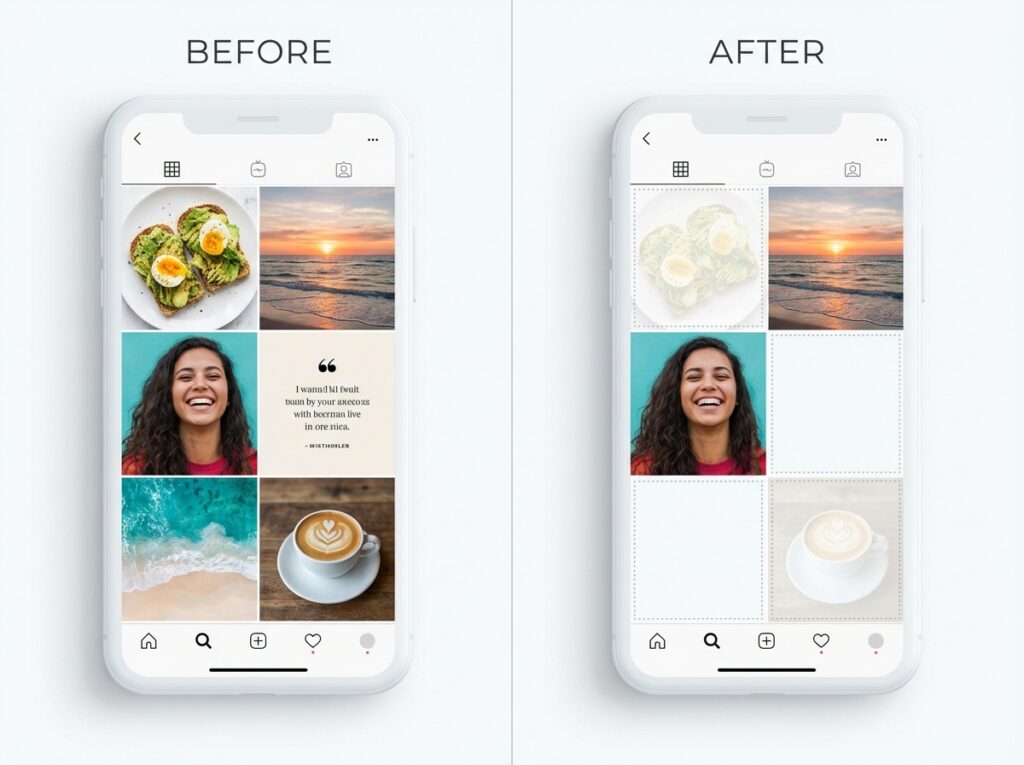
Yes, but it takes effort.
The most common method: they check their followers list and search for your name. If you’re not there, you unfollowed. Simple but requires them to actually look.
Follower tracking apps reveal this faster. Tools like Unfollow Gram Follower Tracker compare snapshots over time and highlight who left. If they use something like that, they’ll see your name in the “unfollowed” section.
Some people notice the follower count drop. If someone goes from 500 to 499 and checks who’s missing, they might figure it out. But this requires obsessive attention that most people don’t have.
Mutual friends sometimes mention it. Weird but true. Social circles talk. “Hey, did you and Sarah have a falling out? She unfollowed you.” Happens more than you’d expect.
The vibe changes. If you used to like their posts regularly and suddenly stop, some people pick up on that. Combine silence with the unfollow, and it becomes noticeable.
What Happens to Your DMs?
Nothing destructive.
Your existing message history stays intact. Every conversation, photo, and voice note remains exactly where it was. Unfollowing doesn’t delete anything from either inbox.
You can still message each other. Unfollowing isn’t blocking. The chat stays open and functional. Send a message, and it goes through normally.
One small change: if their account is private, new messages might land in their Message Requests instead of their main inbox. Depends on their settings. Some private accounts filter messages from non-followers.
Video calls still work, too. Nothing about unfollowing restricts communication features. Only blocking does that.
Stories and Highlights After Unfollowing
This depends on their account privacy settings.
Public accounts: You can still watch their stories anonymously by visiting their profile directly. Won’t show in your story bar, but nothing stops you from checking manually. They’ll see you in their viewers list if you watch.
Private accounts: You lose access completely. Stories become invisible. Highlights too. The only way back is following again and waiting for them to accept.
Here’s something I learned the hard way. If you unfollow a private account during a temporary moment when they were public, you lose access the moment they switch back to private. Caught me off guard once with a brand account I was monitoring.
Their old stories in your Archive? If you replied to their story in the past, that reply thread still exists. The context just becomes confusing since you can’t see what you were replying to anymore.
Posts, Tags, and Comments
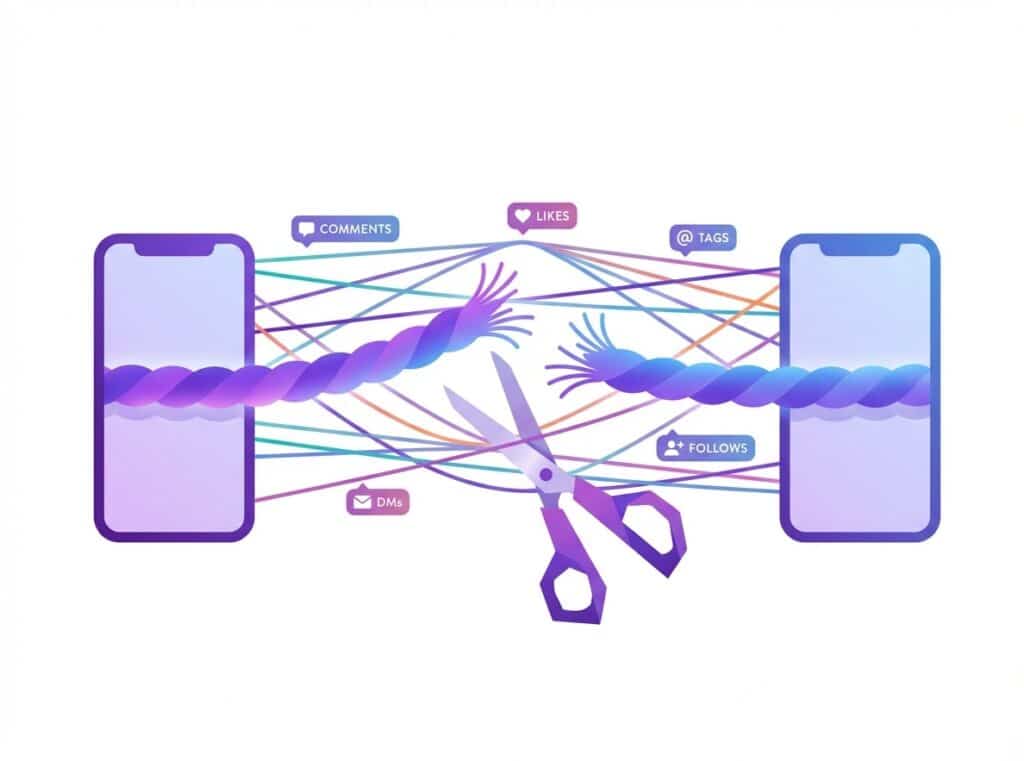
Your past engagement survives the unfollow.
Comments you wrote stay visible. Go to their post from 2019 where you said “Great shot!” and it’s still there. Attributed to your username. Clickable to your profile.
Likes remain counted. That heart you tapped two years ago? Still adds to their like count. Your name still appears if someone scrolls through who liked it.
Tags in photos persist. They tagged you in a group picture? You’re still tagged. Shows in your Tagged section unless you remove yourself.
Saved posts stay saved. If you saved their post to a collection, unfollowing doesn’t remove it. Your collection keeps the content.
This permanence surprises people. Unfollowing feels like severing a connection, but Instagram keeps all the historical links intact.
The Mutual Followers Situation
If you followed each other, unfollowing makes it one-sided.
They still follow you. Their content stops appearing for you. Your content keeps appearing for them. Asymmetric relationship.
This creates interesting dynamics. They might keep liking your posts, commenting, and engaging. Meanwhile, you never see their stuff. Eventually, they might notice the one-way street.
Instagram shows mutual followers when you visit someone’s profile. “Followed by [names]” appears under their bio. After you unfollow, you might disappear from that “mutual” display for other people checking your connection.
Public vs Private Account Differences
Account privacy changes everything about what you can access post-unfollow.
| Access Type | Public Account | Private Account |
|---|---|---|
| View their posts | Yes, anytime | No access |
| View their stories | Yes, manually | No access |
| View their highlights | Yes | No access |
| See their followers list | Yes | No access |
| Send DMs | Yes, primary inbox | Goes to requests |
| Re-follow | Instant | Requires approval |
Private accounts gain real protection from unfollows. Public accounts? The unfollow just removes convenience. Everything stays accessible if you put in the effort to visit directly.
Unfollow vs Mute vs Restrict vs Block
People constantly confuse these. They’re completely different actions.
Unfollow: You stop following them. Their content leaves your feed. They still follow you (if they did before). No restrictions on either side. Pure removal from your feed.
Mute: You stay following them but hide their content. Posts and stories vanish from your feed. They have no idea. Your relationship looks identical from their perspective. Good for avoiding awkwardness.
Restrict: Limits their interaction with you. Their comments only show to them unless you approve. DMs go to requests. They don’t know they’re restricted. Designed for handling harassment softly.
Block: Nuclear option. Complete severance. They can’t see your profile, posts, stories, or anything. You vanish from their Instagram. They can’t message you. Mutual followers disappear. They’ll eventually figure it out when your profile shows “User not found.”
Unfollowing is the gentlest option. Zero impact on them except follower count. Zero restrictions. Just personal feed curation on your end.
How Long Until Changes Take Effect?
Instantly. Mostly.
The unfollow registers immediately. Tap the button, relationship changes. No processing time.
Your feed updates right away. Refresh and their posts are gone.
Their follower count updates within seconds. Sometimes there’s a brief cache delay where the old number shows, but it syncs fast.
One exception I’ve noticed: sometimes the “Following” button takes a moment to revert to “Follow” if you’re checking quickly. Instagram’s servers occasionally lag behind the action. Give it a minute, and it catches up.
Can You Undo an Unfollow?
Yes. Just follow them again.
Public accounts: tap Follow, and you’re back. Instant. No approval needed.
Private accounts: tap Follow, and you send a request. They have to accept. This can get awkward if they notice you unfollowed and now you’re requesting again.
Pro tip from experience: if you accidentally unfollow someone, follow back immediately. The faster you do it, the less likely they’ll notice the follower count dip. I’ve fumbled this before while scrolling too fast. Quick recovery saved the embarrassment.
There’s no “undo” button for unfollows, though. Instagram doesn’t track recent unfollows for reversal. You manually re-follow like it’s a fresh action.
Frequently Asked Questions
Does Instagram notify when you unfollow someone?
No. Instagram never sends notifications about unfollows. The person won’t receive any alert, push notification, or email when you unfollow them.
Can someone tell if you unfollowed them?
Only by checking manually. They’d need to search their followers list for your name, notice their count dropped, or use a follower tracking app. Instagram doesn’t tell them directly.
What happens to DMs when you unfollow someone?
Nothing changes. Your message history stays intact. You can still send and receive messages. Unfollowing doesn’t affect DM functionality.
Can I still see their posts after unfollowing?
Depends on their privacy. Public accounts remain fully visible if you visit their profile. Private accounts become completely inaccessible.
Do my comments disappear when I unfollow?
No. All your previous comments, likes, and tags remain exactly where they were. Unfollowing doesn’t erase any historical engagement.
Will they still see my posts after I unfollow them?
Yes, if they still follow you. Unfollowing is one-directional. It only affects what you see, not what they see.
How is unfollowing different from blocking?
Unfollowing just removes them from your feed. Blocking completely cuts them off – they can’t see your profile, posts, stories, or message you. Much more severe.
Can I see their stories after unfollowing?
Only if their account is public. You’d need to visit their profile directly since they won’t appear in your story bar anymore. Private account stories become inaccessible.
Does unfollowing remove tags in photos?
No. If they tagged you in a photo, that tag remains. You’d need to manually remove yourself from the tagged photo if you want it gone.
Is muting better than unfollowing?
For avoiding awkwardness, yes. Muting hides their content without changing the relationship. They can’t tell. Useful for family members or coworkers you can’t unfollow without drama.
How fast does unfollowing take effect?
Instantly. Their content disappears from your feed immediately. Their follower count updates within seconds.
Can I follow someone again after unfollowing?
Yes. Public accounts let you re-follow immediately. Private accounts require them to accept your new follow request.
The Bottom Line
Unfollowing someone on Instagram is quieter than most people expect. No notification goes out. No content gets deleted. No communication gets blocked. It’s simply a personal choice about what appears in your feed.
The person you unfollow might eventually figure it out through their own investigation, but Instagram won’t help them. Your historical engagement stays intact. Your ability to visit their public content remains.
If you want to track who unfollowed you on Instagram, that requires separate tools since the platform intentionally keeps this information hidden.

Ethan is the founder of UnfollowGram with more than 12 years of experience in social media marketing. He focuses on understanding how Instagram really works, from follower behavior to engagement patterns, and shares those insights through UnfollowGram’s tools and articles.





